
Enhancing In-Car Navigation with Animated Weather Radar
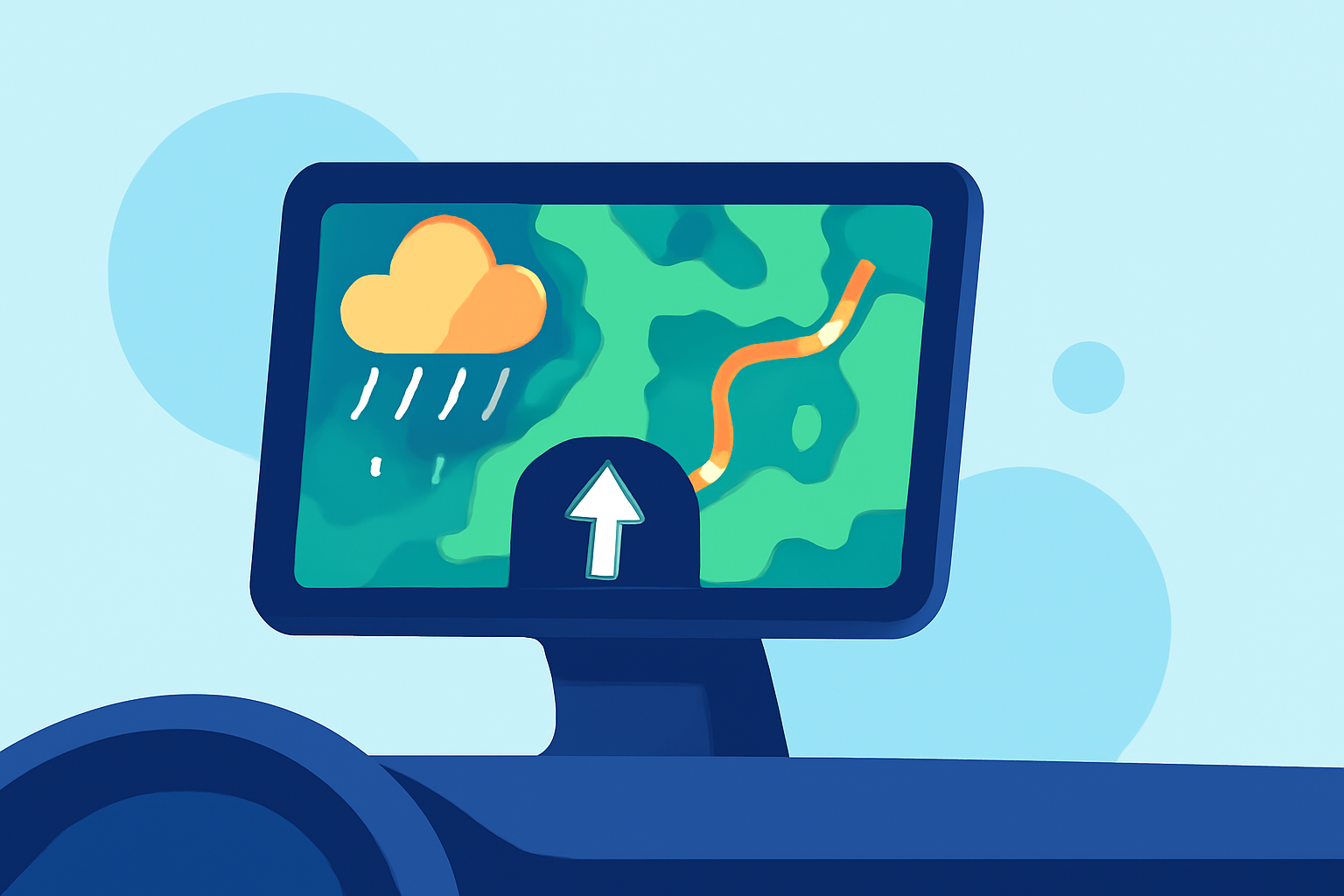
Integrating animated weather radar into your vehicle's navigation system can significantly enhance your driving experience by providing real-time weather updates and alerts. This feature allows you to visualize precipitation patterns, track storms, and make informed decisions to ensure a safer journey.
What Is Animated Weather Radar?
Animated weather radar displays real-time precipitation data, such as rain, snow, or hail, overlaid on a map. The animation shows the movement and intensity of weather systems, helping drivers anticipate and navigate through adverse conditions.
How Does It Work in Vehicles?
Incorporating animated weather radar into your car's navigation system involves integrating weather data sources with the vehicle's GPS and mapping software. This integration enables the display of current weather conditions along your route, including precipitation intensity and movement.
Benefits of Animated Weather Radar in Your Car
-
Real-Time Weather Updates: Stay informed about current weather conditions along your route, allowing you to adjust your driving plans accordingly.
-
Enhanced Safety: Visualizing weather patterns helps in identifying and avoiding severe weather events, reducing the risk of accidents.
-
Improved Route Planning: By understanding weather conditions, you can choose the safest and most efficient routes, potentially avoiding areas with heavy precipitation or storms.
Examples of Animated Weather Radar Integration
Several navigation systems and apps offer animated weather radar features:
-
Garmin Drive Series: Garmin's DriveLuxe 50 and 51 models provide animated, color-coded radar maps of current weather conditions, including icons for rain, snow, and thunderstorms. (www8.garmin.com)
-
Weather Navigation App: This app integrates live weather radar with navigation, offering real-time weather updates and road conditions on CarPlay and Android Auto. (weathernavigation.app)
Considerations When Using Animated Weather Radar
-
Data Accuracy: Ensure that the weather data is sourced from reliable and up-to-date providers to maintain accuracy.
-
System Compatibility: Verify that your vehicle's navigation system supports the integration of animated weather radar features.
-
User Interface: The display should be intuitive and not distract from driving, with clear visuals and easy-to-understand information.
Conclusion
Integrating animated weather radar into your vehicle's navigation system offers a proactive approach to managing weather-related driving challenges. By providing real-time, visual weather information, it empowers drivers to make informed decisions, enhancing both safety and convenience on the road.