
Enhancing In-Car Weather Widgets with Custom Color Themes
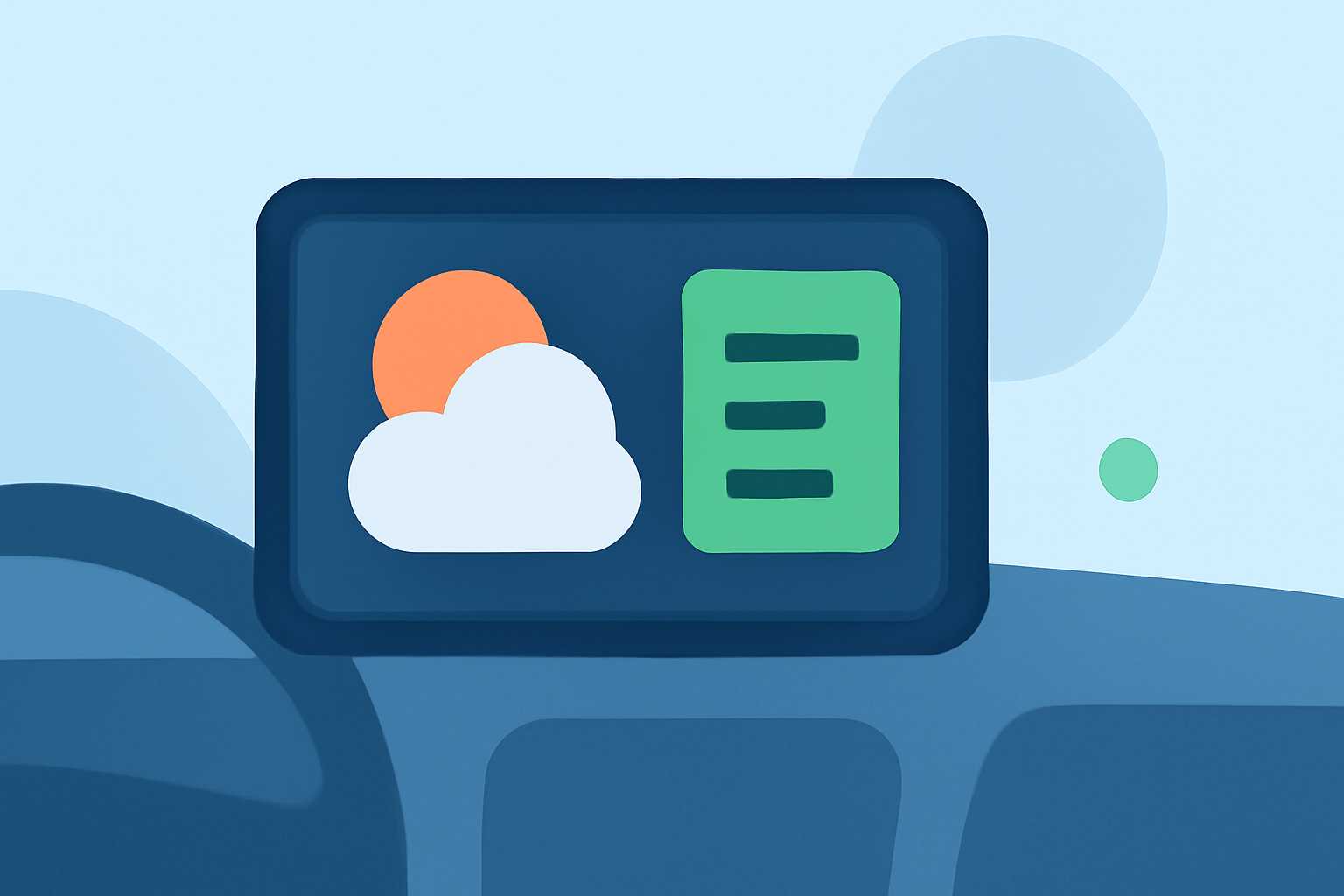
Personalizing your in-car weather widget with dynamic color themes can enhance both its functionality and visual appeal. By aligning the widget's colors with current weather conditions, you create a more intuitive and engaging user experience.
Why Customize Weather Widget Colors?
Customizing the color themes of your weather widget allows it to reflect real-time weather changes, providing immediate visual cues about the environment outside your vehicle. For instance, a sunny day might trigger warm amber tones, while a stormy evening could shift the widget to deep blue-gray hues. This dynamic adaptation not only makes the widget more engaging but also aids in quick information processing, which is particularly beneficial when driving.
How to Implement Dynamic Color Themes
To achieve this level of customization, consider the following approaches:
-
Choose a Compatible Weather Widget: Select a weather widget that supports dynamic color theming based on weather conditions.
-
Configure Color Settings: Within the widget's settings, enable the feature that allows color changes in response to different weather states.
-
Customize Additional Elements: Beyond colors, adjust other visual elements such as icons, fonts, and backgrounds to further align with your aesthetic preferences.
Benefits of Dynamic Color Themes
-
Enhanced Visual Appeal: A color scheme that adapts to the weather creates a more immersive and visually pleasing interface.
-
Improved Readability: Color changes can make the widget's information more legible and easier to interpret at a glance.
-
Personalized User Experience: Tailoring the widget's appearance to your preferences and the current weather conditions adds a personal touch to your in-car environment.
Considerations for In-Car Use
While customizing your weather widget, it's important to ensure that the changes do not distract from driving. Opt for color schemes that are easy on the eyes and avoid overly bright or flashing elements. Additionally, ensure that the widget's size and placement on your dashboard do not obstruct your view or interfere with vehicle controls.
By thoughtfully customizing your in-car weather widget with dynamic color themes, you can create a more personalized and functional interface that enhances your driving experience.