
Enhancing Your iPad To-Do Lists with Weather Awareness
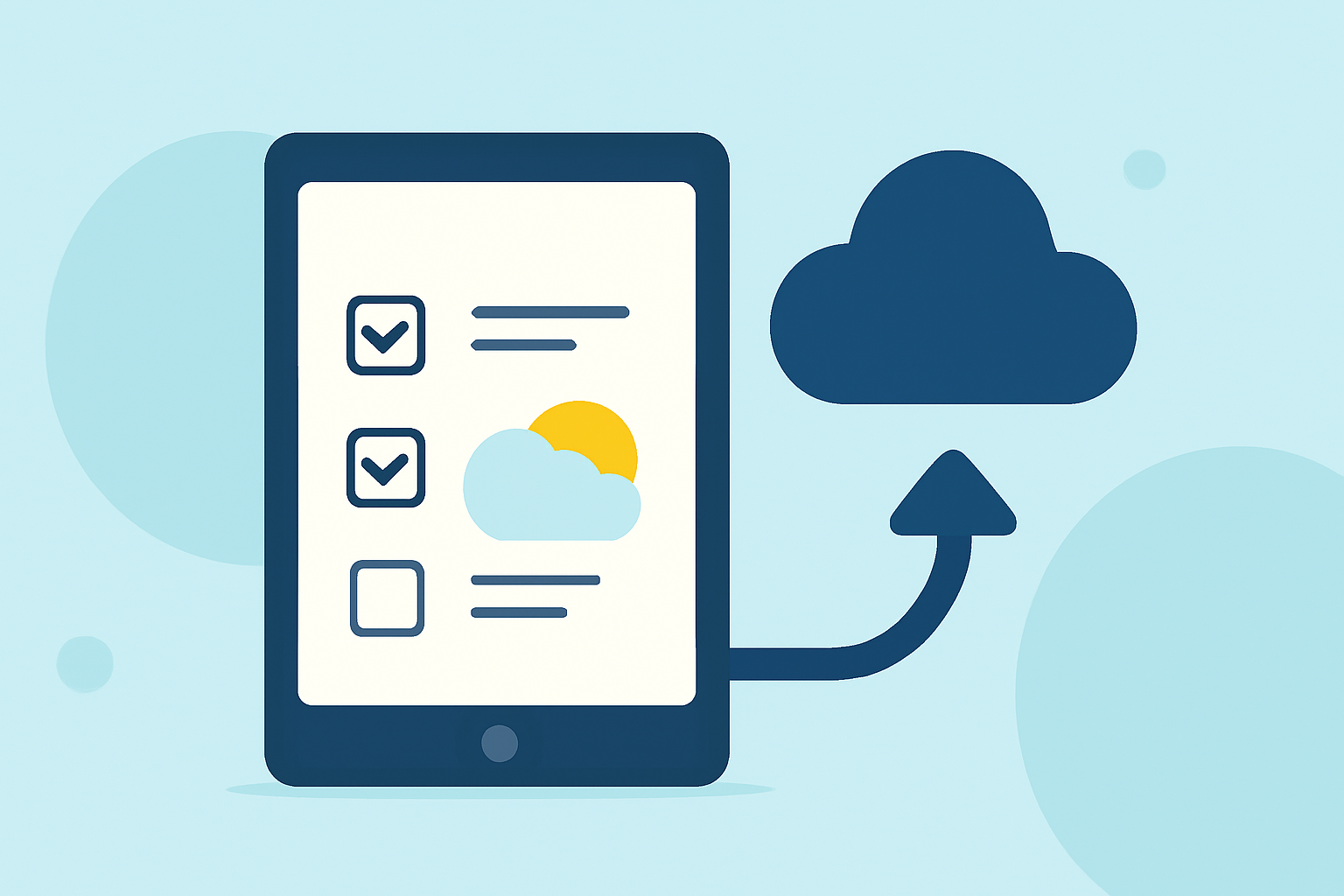
Managing daily tasks on your iPad becomes more efficient when you incorporate weather forecasts into your to-do lists. By aligning your activities with anticipated weather conditions, you can optimize productivity and comfort. Here's how to achieve this integration:
1. Utilize Built-in iPad Features
iPadOS 16 introduced the Weather app, providing detailed forecasts directly on your device. (en.wikipedia.org) You can access current conditions, hourly forecasts, and severe weather alerts, which can inform your daily planning.
2. Choose a To-Do List App with Weather Integration
While many to-do list apps offer robust task management features, some integrate weather information to help plan tasks accordingly. For instance, certain apps provide weather forecasts within the task interface, allowing you to schedule outdoor activities when conditions are favorable.
3. Leverage Widgets for Quick Access
With iPadOS 15 and later, you can add widgets to your home screen for immediate access to weather updates and your to-do list. This setup enables you to view both your tasks and the current weather at a glance, facilitating better decision-making throughout the day.
4. Implement Location-Based Reminders
Some to-do list apps support location-based reminders, which can be combined with weather data. For example, you can set a reminder to bring an umbrella when you arrive at a location, based on the forecasted rain.
5. Explore Third-Party Applications
There are specialized apps designed to merge weather forecasts with task management. These applications analyze weather patterns and suggest optimal times for specific tasks, enhancing your daily planning.
6. Stay Informed with Notifications
Enable notifications for both your to-do list app and the Weather app to receive timely updates. This ensures you're alerted to any changes in weather conditions that might affect your planned activities.
7. Regularly Review and Adjust Your Plans
Incorporate a habit of reviewing your to-do list alongside the weather forecast each morning. This practice allows you to adjust your plans proactively, ensuring tasks are completed under the most suitable conditions.
By integrating weather information into your iPad to-do lists, you can enhance your daily planning, leading to more efficient and comfortable task management.