
Enhancing Your iPad To-Do Lists with Weather Integration
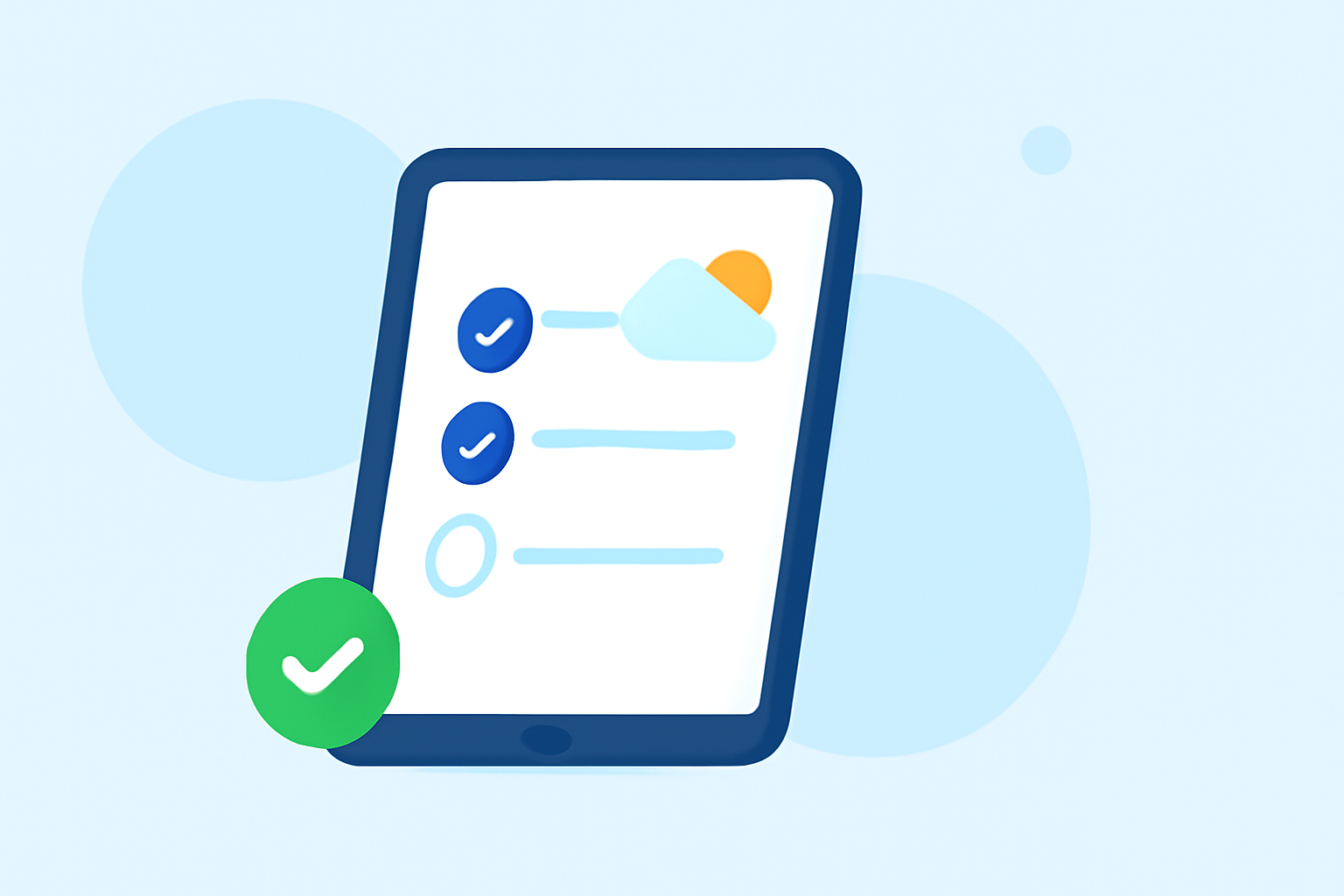
Managing daily tasks effectively requires more than just a to-do list; incorporating real-time weather information can significantly enhance your planning and productivity. By integrating weather updates into your iPad to-do lists, you can make informed decisions about your daily activities, ensuring they align with current and forecasted conditions.
Why Integrate Weather with Your To-Do List?
Incorporating weather data into your to-do list allows you to:
- Plan Outdoor Activities: Schedule tasks like exercise, errands, or meetings based on favorable weather conditions.
- Prepare for Weather-Related Challenges: Anticipate and plan for adverse weather, such as rain or snow, to minimize disruptions.
- Optimize Time Management: Allocate indoor tasks during inclement weather and outdoor tasks when conditions are favorable.
How to Integrate Weather Updates into Your iPad To-Do List
While some to-do list apps offer built-in weather features, others may require manual input or third-party integrations. Here's how you can enhance your iPad to-do list with weather information:
-
Choose a To-Do List App with Weather Integration: Select an app that provides built-in weather updates or supports integration with weather services.
-
Enable Location Services: Ensure your iPad's location services are activated to receive accurate local weather information.
-
Set Up Weather Notifications: Configure the app to send weather alerts or display current conditions alongside your tasks.
-
Plan Tasks Based on Weather Forecasts: Review the weather forecast for the day and adjust your to-do list accordingly.
Recommended To-Do List Apps with Weather Integration
Several to-do list apps offer weather integration to help you plan your day effectively:
- Tiimo: An AI-powered planner that schedules tasks based on your daily routine and weather conditions.
- Structured: A daily planner that visualizes your tasks and includes weather updates to help you plan your day.
- TickTick: A versatile to-do list app that integrates with weather services to provide real-time updates.
Tips for Effective Weather-Aware Planning
- Check the Weather Regularly: Stay updated with the latest weather forecasts to make timely adjustments to your plans.
- Prioritize Tasks: Identify tasks that are weather-dependent and prioritize them accordingly.
- Use Widgets: Utilize iPad widgets to display weather information alongside your to-do list for quick reference.
By integrating weather updates into your iPad to-do list, you can make informed decisions, enhance productivity, and ensure your daily activities align with the day's conditions.