
Enhancing Your iPad Experience with Weather Lock Screen Widgets
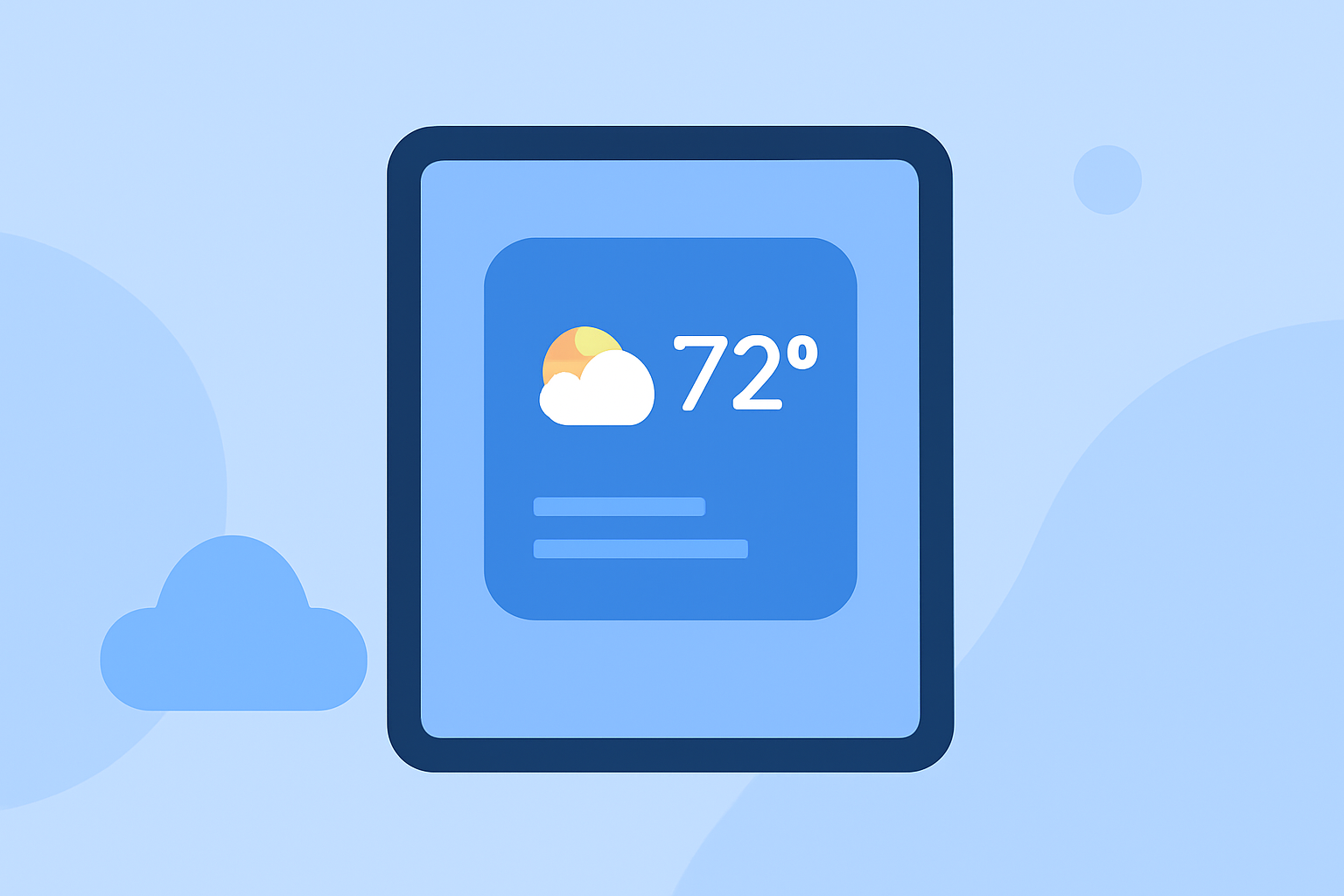
Adding a weather widget to your iPad's lock screen provides immediate access to current conditions and forecasts without unlocking your device. Here's how you can set it up:
How to Add a Weather Widget to Your iPad's Lock Screen
-
Access the Lock Screen Customization: Wake your iPad and press and hold the lock screen until the customization options appear.
-
Enter Edit Mode: Tap on "Customize" at the bottom of the screen.
-
Select the Widget Area: Choose the area below the clock where you want to add the widget.
-
Add the Weather Widget: Scroll through the available widgets and tap on the weather widget to add it.
-
Customize the Widget: Some widgets allow you to select specific locations or adjust the information displayed.
-
Save Your Changes: Once satisfied, tap "Done" to apply the widget to your lock screen.
This process is detailed in guides on adding widgets to the iPad lock screen. (idownloadblog.com)
Choosing the Right Weather Widget
While the native Weather app offers basic widgets, third-party applications provide enhanced features and customization options. For instance, some apps offer a variety of widget styles, including circular, rectangular, and inline designs, allowing you to choose the one that best fits your lock screen layout. (apps.apple.com)
Benefits of Using a Weather Widget on Your Lock Screen
-
Instant Access: View current weather conditions and forecasts at a glance without unlocking your device.
-
Customization: Tailor the widget's appearance and information to suit your preferences.
-
Efficiency: Stay informed about weather changes, helping you plan your day effectively.
Additional Tips
-
Interactive Widgets: With iOS 17, widgets have become more interactive, allowing you to perform actions directly from the lock screen. (macrumors.com)
-
Smart Wallpapers: Consider using smart weather wallpapers that change based on current conditions, providing a dynamic and informative lock screen experience. (idownloadblog.com)
By customizing your iPad's lock screen with a weather widget, you can enjoy quick and convenient access to essential weather information, enhancing your daily routine.