
Enhancing Your iPhone's Lock Screen with Severe Weather Widgets
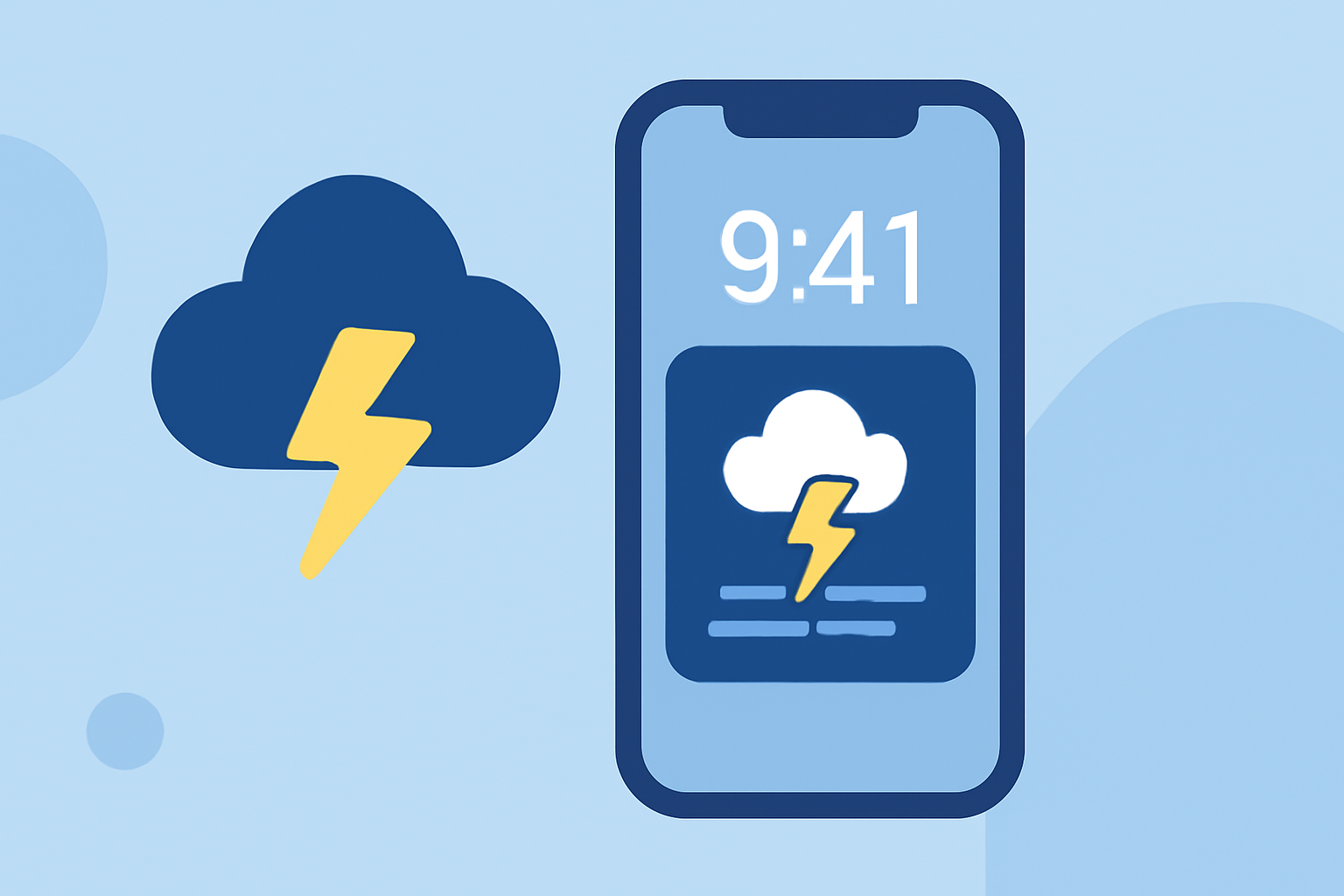
Staying informed about severe weather is crucial, especially when conditions can change rapidly. One effective way to receive timely updates is by adding weather widgets to your iPhone's Lock Screen. These widgets provide at-a-glance information, ensuring you're always prepared for changing conditions.
What Are Lock Screen Weather Widgets?
Lock Screen weather widgets are small, interactive elements that display current weather information directly on your iPhone's Lock Screen. They offer quick access to essential weather data without the need to unlock your device. With the introduction of iOS 16, Apple has enhanced the customization of Lock Screen widgets, allowing users to tailor their screens to display real-time weather updates. (macrumors.com)
How to Add Weather Widgets to Your iPhone's Lock Screen
-
Access Lock Screen Customization: Wake your iPhone and press and hold the Lock Screen until the customization options appear.
-
Enter Edit Mode: Tap the "Customize" button to begin editing your Lock Screen.
-
Add Widgets: Tap the area above or below the time to bring up the widget selection menu. Scroll through the available widgets and select the weather widget that suits your needs. Apple's Weather app offers several options, including current conditions, temperature, and precipitation chances. (macrumors.com)
-
Position and Save: Drag the selected widget to your preferred location on the Lock Screen. Once satisfied, tap "Done" to save your changes.
Utilizing Third-Party Apps for Enhanced Weather Widgets
For more detailed weather information, including severe weather alerts, consider using third-party apps that offer advanced Lock Screen widgets. These apps provide features such as live radar, storm tracking, and customizable alerts. By integrating these widgets into your Lock Screen, you can receive timely updates on severe weather conditions, helping you stay prepared.
Benefits of Lock Screen Weather Widgets
-
Immediate Access: View current weather conditions without unlocking your device.
-
Customization: Tailor your Lock Screen to display the most relevant weather information for your location.
-
Severe Weather Alerts: Stay informed about severe weather events with timely notifications.
Conclusion
Adding weather widgets to your iPhone's Lock Screen is an effective way to stay informed about severe weather conditions. By customizing your Lock Screen with these widgets, you can receive timely updates, ensuring you're always prepared for changing weather patterns.
Highlights:
- iOS 16: How to Show the Weather Forecast on Your iPhone Lock Screen, Published on Wednesday, July 06
- iOS 16 Lock Screen Guide: Widgets, Customization Options and More, Published on Wednesday, October 12