
Enhancing Your iPhone's Lock Screen with Weather Widgets
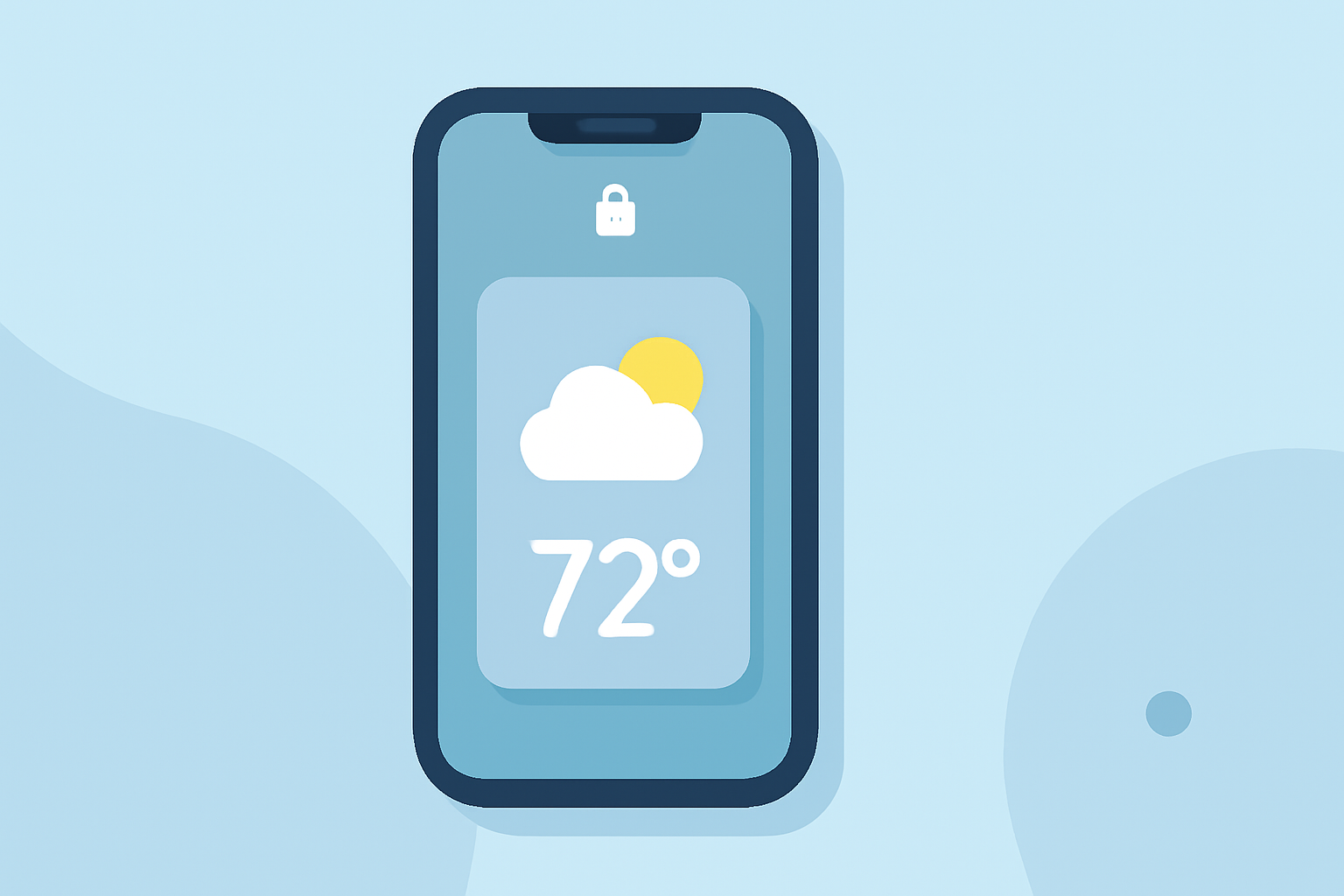
With the release of iOS 16, Apple introduced the ability to customize your iPhone's Lock Screen, allowing you to add widgets that provide at-a-glance information without unlocking your device. Among the various widgets available, weather widgets are particularly useful for staying updated on current conditions and forecasts.
What Are Weather Widgets?
Weather widgets display real-time weather information directly on your Lock Screen, including current temperature, conditions, and forecasts. This feature enables you to quickly check the weather without opening the Weather app.
How to Add Weather Widgets to Your Lock Screen
-
Update Your iPhone: Ensure your device is running iOS 16 or later.
-
Access Lock Screen Customization: Unlock your iPhone and press and hold the Lock Screen until the customization menu appears.
-
Customize Your Lock Screen: Tap the "Customize" button to enter the editing mode.
-
Add Widgets: Tap the "Add Widgets" area below the time display.
-
Select Weather Widget: Scroll through the available widgets and tap on the Weather widget to add it to your Lock Screen.
-
Position the Widget: Drag the widget to your desired location on the Lock Screen.
-
Save Changes: Tap "Done" to apply the changes.
Customizing Weather Widgets
After adding the Weather widget, you can customize it to display specific information:
-
Location: Set the widget to show weather information for a particular city or your current location.
-
Details: Choose to display current conditions, hourly forecasts, or daily forecasts.
Benefits of Using Weather Widgets
-
Quick Access: View weather updates without unlocking your device.
-
Personalization: Tailor your Lock Screen to display the information most relevant to you.
-
Efficiency: Stay informed about weather conditions at a glance, aiding in daily planning.
Conclusion
Adding weather widgets to your iPhone's Lock Screen enhances your device's functionality by providing immediate access to essential weather information. This customization feature, introduced in iOS 16, allows you to personalize your Lock Screen to suit your needs.
For a visual guide on adding widgets to your iPhone's Lock Screen, you can watch the following video: