
Enhancing Your iPhone Lock Screen with Weather Widgets
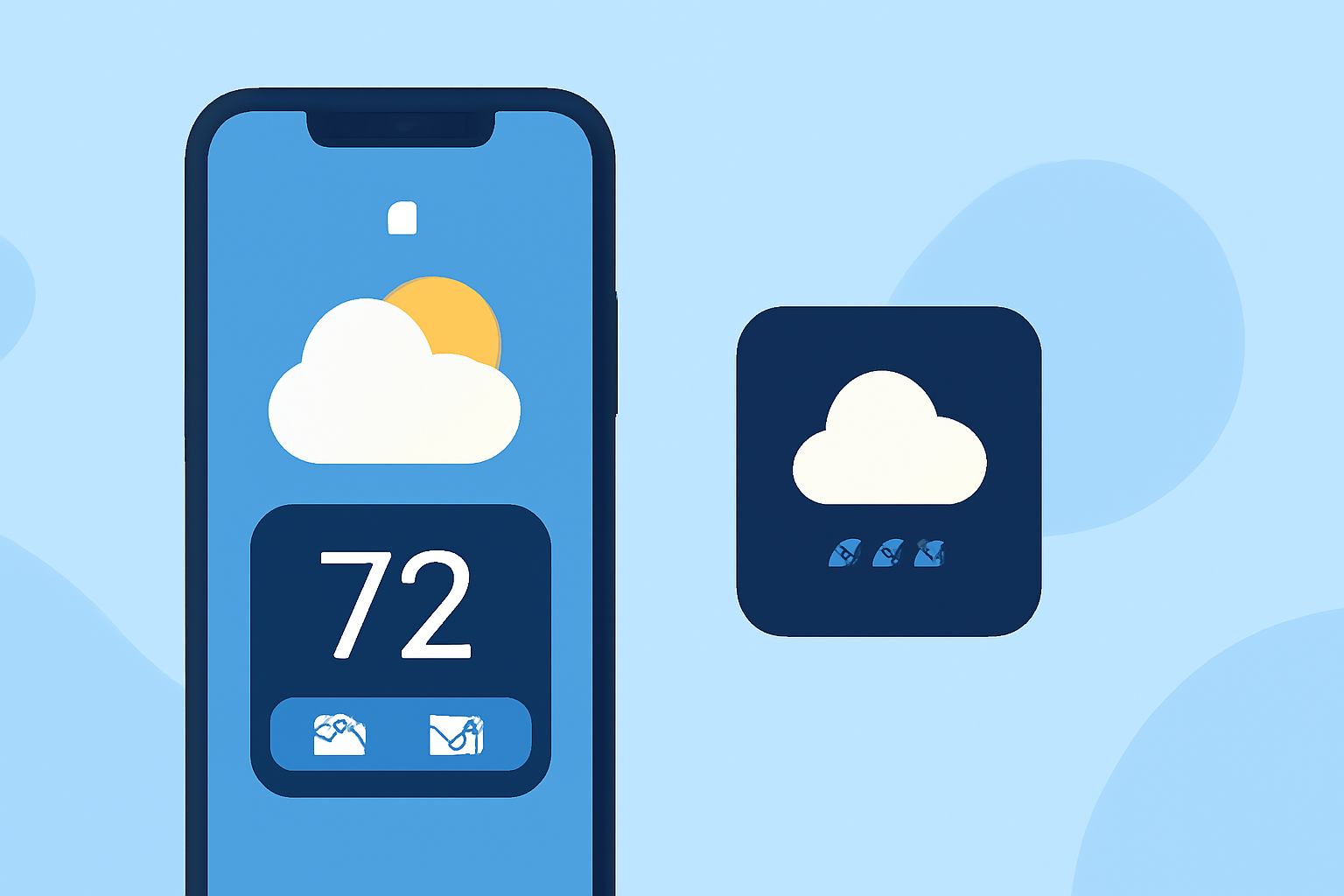
With the release of iOS 16, Apple introduced customizable Lock Screen widgets, allowing users to display real-time information, such as weather updates, directly on their iPhone's Lock Screen. (macrumors.com)
What Are Weather Lock Screen Widgets?
Weather Lock Screen widgets provide at-a-glance information about current weather conditions, including temperature, precipitation, wind speed, and more. These widgets update dynamically, reflecting the latest weather data for your location. (macrumors.com)
How to Add Weather Widgets to Your Lock Screen
-
Access Lock Screen Customization: Unlock your iPhone and press and hold the Lock Screen until the customization options appear. (support.apple.com)
-
Enter Widget Selection: Tap the "Customize" button, then select "Add Widgets."
-
Choose Weather Widgets: Scroll through the available widgets and select the weather-related widgets you wish to add. Options include current conditions, temperature, wind speed, and more. (phonearena.com)
-
Position Widgets: Drag and drop the selected widgets into your preferred positions on the Lock Screen.
-
Save Customization: Once satisfied with the arrangement, tap "Done" to apply the changes.
Benefits of Using Weather Widgets
-
Instant Access: Quickly view current weather conditions without unlocking your device.
-
Personalization: Customize your Lock Screen to display the most relevant weather information for your needs.
-
Enhanced Functionality: Combine weather widgets with other Lock Screen features, such as calendar events or battery status, for a comprehensive overview.
Tips for Effective Use
-
Select Relevant Information: Choose widgets that provide the most pertinent weather details for your daily activities.
-
Maintain Readability: Avoid overcrowding the Lock Screen with too many widgets to ensure clarity and ease of use.
-
Regular Updates: Keep your iPhone updated to the latest iOS version to access new widget features and improvements.
By integrating weather widgets into your iPhone's Lock Screen, you can enjoy personalized, real-time weather updates at a glance, enhancing your daily planning and preparedness.