
Enhancing Your iPhone Lock Screen with Weather Widgets
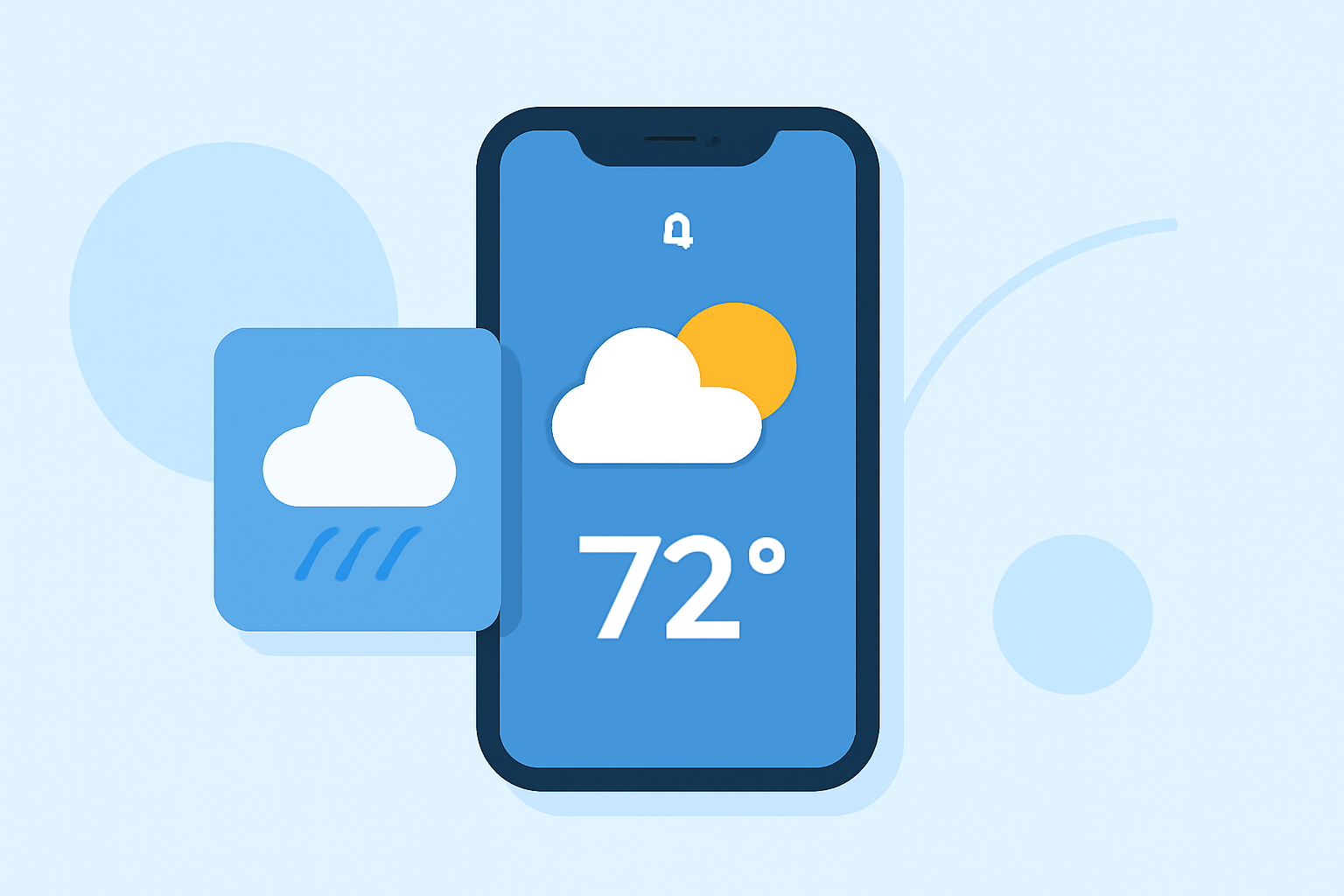
With the release of iOS 16, Apple introduced a significant overhaul to the iPhone's Lock Screen, allowing users to personalize it with widgets, including dynamic weather updates. This feature enables you to access current weather conditions, forecasts, and other meteorological information directly from your Lock Screen, enhancing both functionality and convenience.
What Are Weather Widgets on the iPhone Lock Screen?
Weather widgets are interactive elements that display real-time weather information on your iPhone's Lock Screen. They provide quick access to details such as temperature, conditions, wind speed, and more, without the need to unlock your device. This feature is particularly useful for users who want to stay informed about weather changes throughout the day.
How to Add Weather Widgets to Your iPhone Lock Screen
Customizing your Lock Screen with weather widgets is a straightforward process:
-
Access Lock Screen Customization: Unlock your iPhone and press and hold the Lock Screen until the customization menu appears.
-
Add Widgets: Tap the "Add Widgets" section located below the clock.
-
Select Weather Widgets: Scroll through the available widgets and choose the weather-related ones you wish to add. Options include current conditions, temperature, wind speed, and more.
-
Position Widgets: Drag and drop the selected widgets into your preferred positions on the Lock Screen.
-
Save Changes: Once satisfied with the arrangement, tap "Done" to apply the changes.
This customization allows you to tailor your Lock Screen to display the most relevant weather information for your needs.
Types of Weather Widgets Available
iOS 16 offers a variety of weather widgets, each providing different information:
-
Current Conditions: Displays the current weather status, such as sunny, cloudy, or rainy.
-
Temperature: Shows the current temperature in your location.
-
Wind Speed: Indicates the current wind speed and direction.
-
Air Quality: Provides information on the air quality index in your area.
-
UV Index: Displays the current ultraviolet radiation level.
-
Sunrise and Sunset Times: Shows the times for sunrise and sunset in your location.
These widgets can be added individually or combined to create a comprehensive weather overview on your Lock Screen.
Benefits of Using Weather Widgets on the Lock Screen
-
Quick Access: View essential weather information without unlocking your device.
-
Personalization: Customize your Lock Screen to display the weather details most relevant to you.
-
Stay Informed: Receive timely updates on weather conditions, helping you plan your day effectively.
Tips for Effective Use
-
Limit Widget Count: Avoid overcrowding your Lock Screen with too many widgets to maintain a clean and organized appearance.
-
Choose Relevant Information: Select widgets that provide the weather details you check most frequently.
-
Regular Updates: Ensure your iPhone is updated to the latest iOS version to access the newest widget features and improvements.
By integrating weather widgets into your iPhone's Lock Screen, you can enhance your daily routine with immediate access to essential weather information, all without the need to unlock your device.