
Enhancing Your iPhone Lock Screen with Weather Widgets
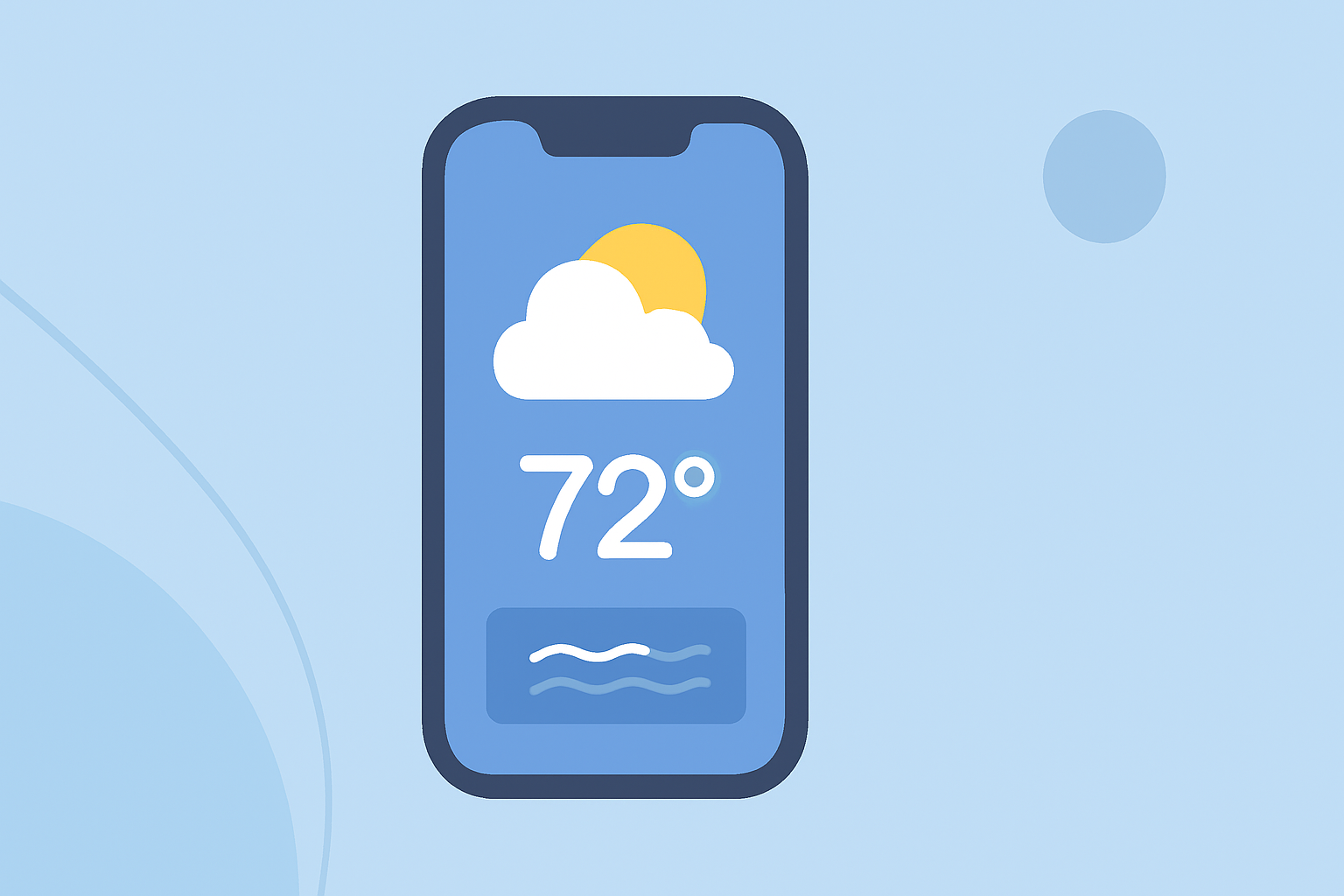
Customizing your iPhone's Lock Screen with weather widgets allows you to access real-time weather information without unlocking your device. This feature, introduced in iOS 16, offers a convenient way to stay updated on weather conditions.
Understanding Weather Widgets on the Lock Screen
Weather widgets on the Lock Screen display current conditions, forecasts, and other relevant weather data directly on your iPhone's Lock Screen. These widgets come in various sizes and formats, allowing you to choose the one that best fits your needs.
Types of Weather Widgets Available
- Temperature Widget: Displays the current temperature in your location.
- Precipitation Widget: Shows the chance of rain, snow, or hail.
- Forecast Widget: Provides a brief overview of upcoming weather conditions.
- Air Quality Widget: Indicates the current air quality index.
- UV Index Widget: Shows the current UV index to help you plan outdoor activities safely.
Adding Weather Widgets to Your Lock Screen
To add weather widgets to your iPhone's Lock Screen:
- Unlock Your iPhone: Use Face ID or Touch ID to unlock your device.
- Access Lock Screen Customization: Long-press on the Lock Screen to enter customization mode.
- Add Widgets: Tap the '+' button to open the widget gallery.
- Select Weather Widgets: Scroll to find the Weather app and choose the desired widget.
- Place the Widget: Drag the widget to your preferred position on the Lock Screen.
- Save Changes: Tap 'Done' to apply the changes.
For a visual guide on adding weather widgets to your iPhone Lock Screen, you can watch the following tutorial:
How to Add Weather Widget to iPhone Lock Screen (Full Guide)
Customizing Widget Appearance
Some weather widgets offer customization options, such as changing the background color or adjusting the displayed information. To customize a widget:
- Enter Customization Mode: Long-press on the Lock Screen and tap 'Customize'.
- Edit Widget: Tap the widget you wish to customize.
- Adjust Settings: Modify the widget's appearance or data as desired.
- Save Changes: Tap 'Done' to apply the customizations.
Benefits of Using Weather Widgets on the Lock Screen
- Quick Access: View weather information instantly without unlocking your device.
- Stay Informed: Receive real-time updates on weather conditions, helping you plan your day effectively.
- Customization: Tailor the Lock Screen to display the weather data most relevant to you.
Conclusion
Adding weather widgets to your iPhone's Lock Screen enhances your device's functionality by providing immediate access to essential weather information. This feature, introduced in iOS 16, offers a seamless way to stay updated on weather conditions throughout the day.
By customizing your Lock Screen with weather widgets, you can ensure that you're always prepared for changing weather conditions, making your daily routines more efficient and informed.