
Enhancing Your iPhone Lock Screen with Real-Time Weather Updates
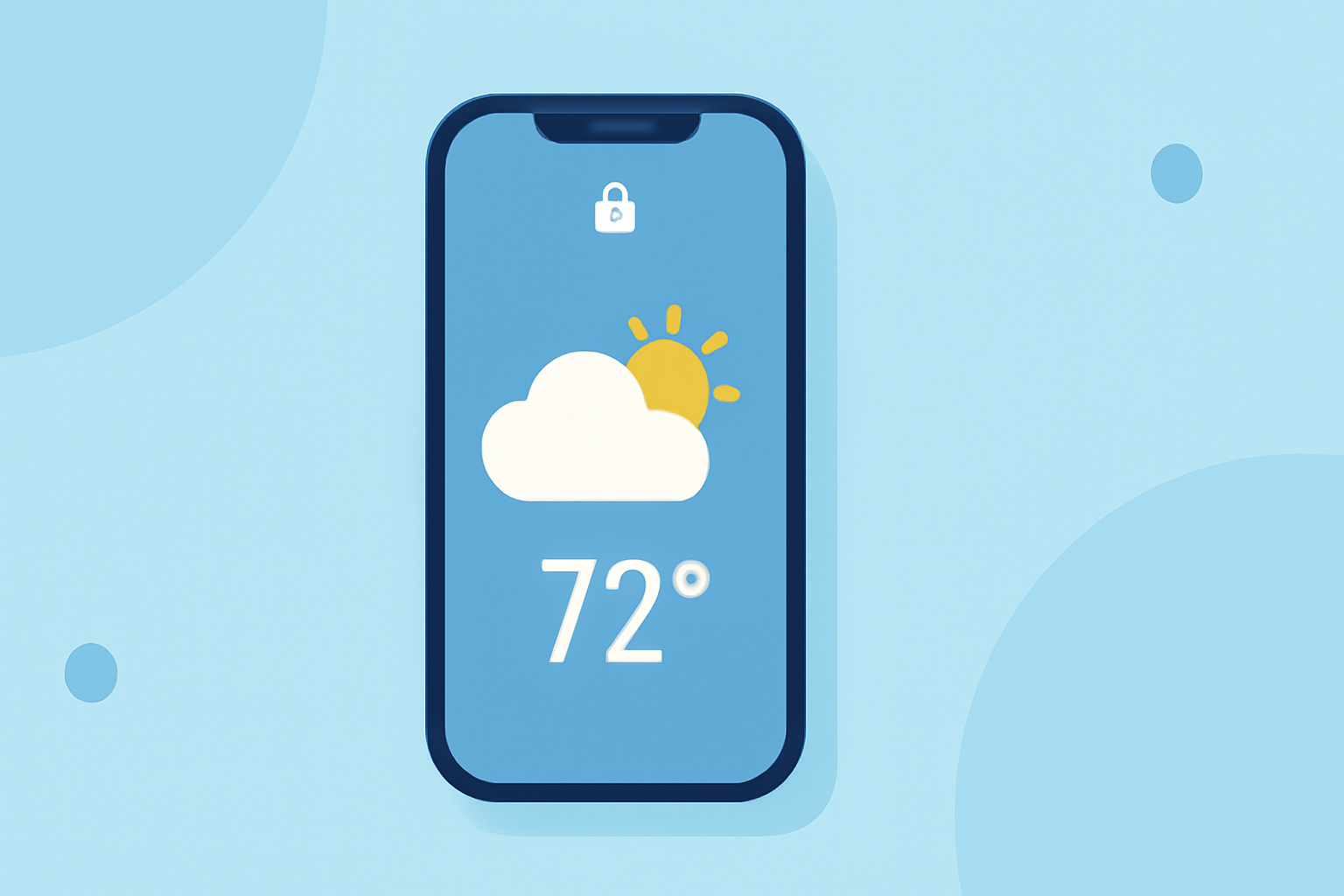
Keeping your iPhone's lock screen updated with real-time weather information can be both convenient and visually appealing. While several apps offer this functionality, Clime stands out as a market-leading solution.
Why Display Weather on Your iPhone Lock Screen?
Having immediate access to weather updates on your lock screen allows for quick planning and preparedness, especially when heading outdoors.
How to Add a Weather Widget to Your iPhone Lock Screen
To integrate a weather widget into your lock screen:
- Unlock Your iPhone: Use Face ID or Touch ID to access your device.
- Access Lock Screen Customization: Press and hold the lock screen until the customization menu appears.
- Add Widget: Tap the '+' icon, select the weather widget, and choose your preferred size.
- Set Widget: Position the widget on your lock screen and tap 'Done' to confirm.
This process allows you to view current weather conditions directly from your lock screen.
Top Weather Apps for iPhone Lock Screen Integration
Several weather apps offer lock screen widgets, but Clime provides a comprehensive and user-friendly experience.
Clime: The Ultimate Weather App for iPhone Lock Screen
Clime offers real-time weather updates, including temperature, precipitation, and severe weather alerts. Its lock screen widget is customizable, allowing you to choose the information displayed and adjust the widget's size to fit your preferences. Clime's intuitive interface ensures that users can quickly access essential weather data without unlocking their devices.
CARROT Weather: A Unique Approach
CARROT Weather combines accurate forecasts with a distinctive, humorous twist. Users can select from various personalities, from professional to over-the-top, adding a fun element to weather updates. The app provides detailed weather information and offers lock screen widgets for quick access. (ioshacker.com)
AccuWeather: Comprehensive Forecasts
AccuWeather is known for its detailed and accurate weather forecasts. The app offers lock screen widgets that display current conditions, hourly forecasts, and severe weather alerts, ensuring users are well-informed at a glance. (macrumors.com)
Weather Strip: Compact and Informative
Weather Strip provides a compact view of the weather, making it easy to find the best times to go outside. Its lock screen widget displays detailed forecasts in a small space, including extreme weather warnings directly on the forecast timeline. (appletoolbox.com)
How Clime Outperforms Competitors
While other apps offer lock screen widgets, Clime's integration is seamless and highly customizable. The app's user-friendly interface and accurate, real-time data make it a top choice for iPhone users seeking reliable weather information at a glance.
Conclusion
Enhancing your iPhone's lock screen with a weather widget provides immediate access to essential weather information. Clime offers a comprehensive and customizable solution, ensuring you stay informed and prepared for any weather conditions.