
Enhancing Your iPhone with Weather Smart Stack Widgets
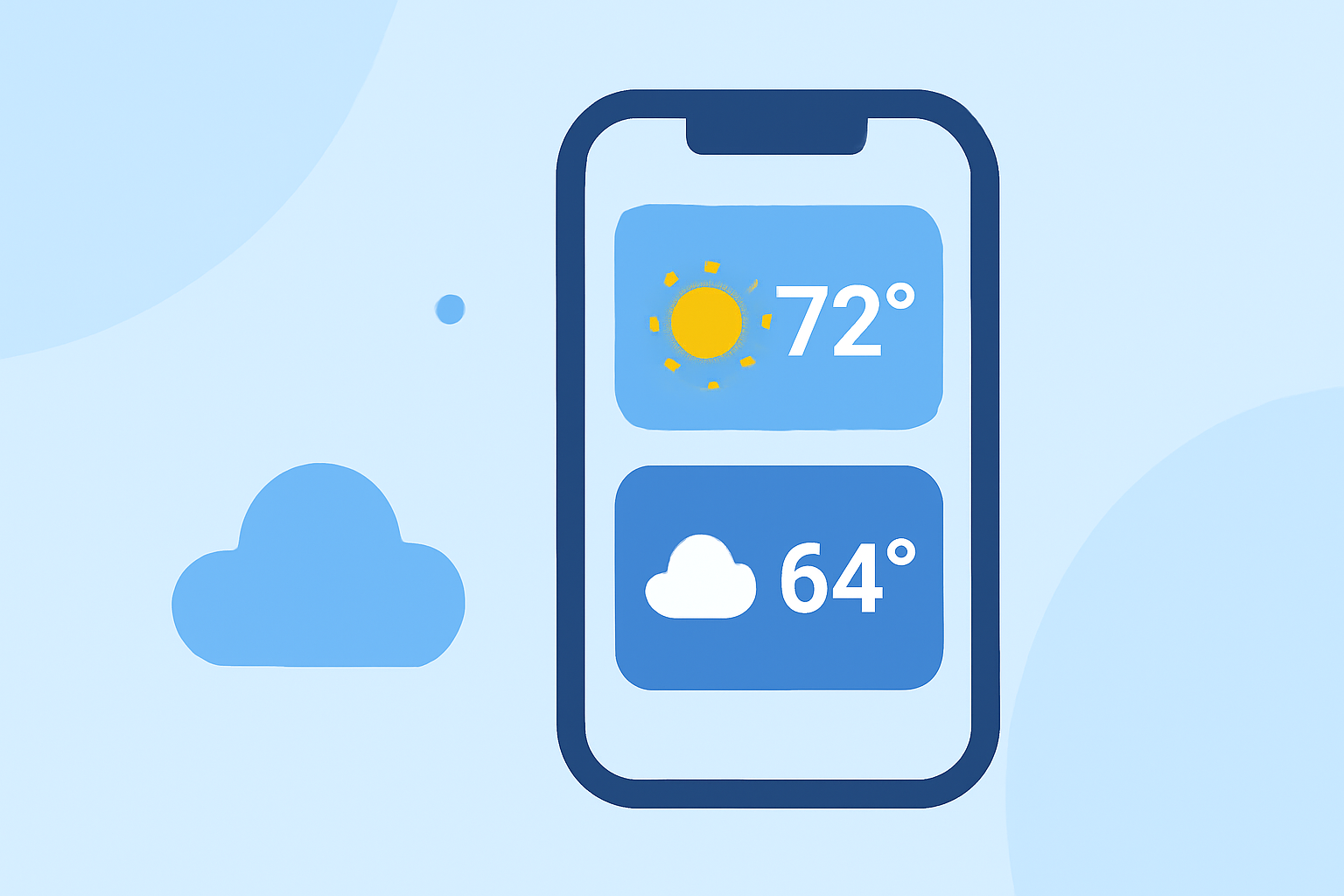
Integrating weather information into your iPhone's Smart Stack widgets can provide quick, personalized access to current conditions and forecasts. This guide will walk you through the process of adding and customizing weather widgets within your Smart Stack.
What Are Smart Stack Widgets?
Smart Stack widgets are a feature introduced by Apple that allow you to stack multiple widgets on top of each other on your iPhone's Home Screen. Using on-device intelligence, the system rotates through these widgets based on factors like time of day, location, and your activity, ensuring that the most relevant information is displayed when you need it. (idownloadblog.com)
Adding a Weather Widget to Your Smart Stack
To include a weather widget in your Smart Stack:
-
Enter Jiggle Mode: Touch and hold an empty area on your Home Screen until the app icons begin to jiggle.
-
Access the Widget Gallery: Tap the '+' icon in the top-left corner to open the widget selection menu.
-
Select the Weather Widget: Scroll through the list or use the search bar to find the Weather widget.
-
Choose a Widget Size: Widgets come in different sizes; select the one that best fits your Home Screen layout.
-
Add the Widget: Tap 'Add Widget' to place it on your Home Screen.
-
Create a Smart Stack: If you haven't already, you can create a Smart Stack by dragging the newly added weather widget on top of another widget. This will stack them together, and the system will rotate through them based on your usage patterns. (tomsguide.com)
Customizing Your Weather Widget
To tailor the weather widget to your preferences:
-
Edit Widget Settings: Touch and hold the weather widget, then select 'Edit Widget' from the menu. Here, you can adjust settings such as the location, temperature unit (Celsius or Fahrenheit), and the type of weather information displayed.
-
Adjust Widget Order: In jiggle mode, you can drag the weather widget to a different position within your Smart Stack to prioritize its appearance.
Utilizing Smart Stack Features
The Smart Stack feature offers several advantages:
-
Automatic Rotation: The system intelligently rotates through widgets based on your habits, ensuring timely information is readily available.
-
Manual Control: You can swipe through the widgets in the stack manually if you prefer to see specific information at a particular time.
-
Widget Suggestions: With iOS 15 and later, the system can automatically add and remove widgets from your Smart Stack based on context, such as adding a Calendar widget when you have an upcoming meeting. (macrumors.com)
Conclusion
By integrating a weather widget into your iPhone's Smart Stack, you can have quick access to current conditions and forecasts tailored to your location and preferences. This customization enhances your Home Screen's functionality, providing timely and relevant information throughout your day.