
Enhancing Your Lock Screen with Weather Notifications
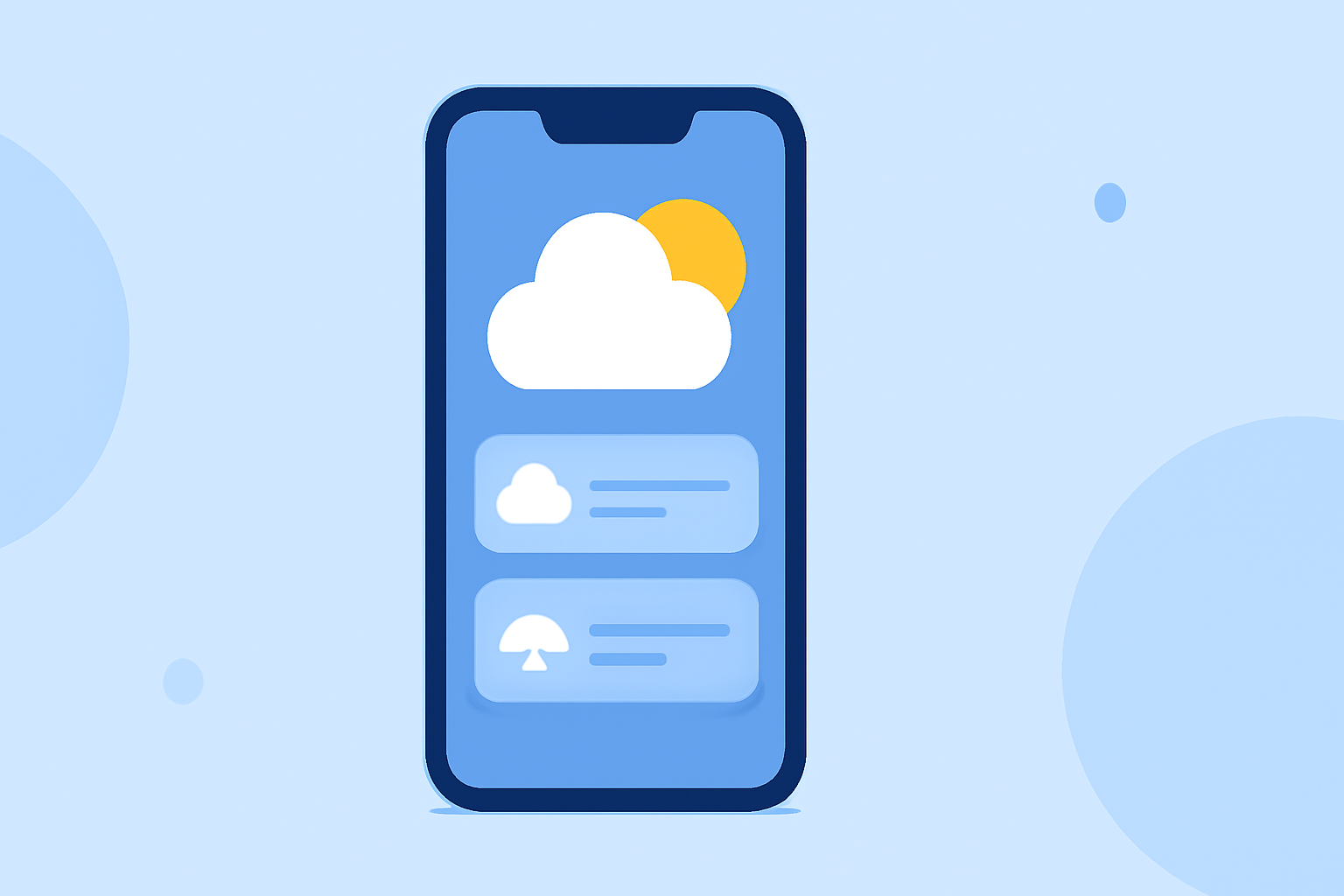
Staying updated on weather conditions is essential, especially when you're on the move. Displaying weather information directly on your device's lock screen ensures you have immediate access to current conditions and forecasts without unlocking your device.
Why Display Weather on Your Lock Screen?
Having weather updates on your lock screen offers several advantages:
- Immediate Access: Quickly view current conditions and forecasts without unlocking your device.
- Timely Alerts: Receive severe weather notifications promptly, allowing for timely decisions.
- Enhanced Convenience: Access weather information at a glance, especially when traveling or during outdoor activities.
How to Add Weather Information to Your Lock Screen
For iOS Devices (iOS 16 and Later):
- Access Lock Screen Customization:
- Unlock your iPhone.
- Press and hold the lock screen until the customization menu appears.
- Add a Weather Widget:
- Tap the area above or below the time to bring up the widget selection.
- Scroll to find the Weather widget.
- Tap to add it to your lock screen.
- Customize and Save:
- Adjust the widget's position if desired.
- Tap 'Done' to save your changes.
This setup will display real-time weather conditions, including temperature and weather icons, directly on your lock screen. (macrumors.com)
For Android Devices:
- Access Lock Screen Settings:
- Unlock your Android device.
- Go to 'Settings' > 'Lock Screen' or 'Display.'
- Enable Weather Information:
- Look for options like 'Lock Screen Widgets' or 'Ambient Display.'
- Enable the weather widget to display current conditions on your lock screen.
Note: The exact steps may vary depending on your device model and Android version.
Leveraging Clime for Enhanced Weather Notifications
For users seeking comprehensive weather updates, Clime offers a robust solution. Clime provides real-time weather information, including radar images and severe weather alerts, ensuring you stay informed about changing conditions. (climeradar.com)
Conclusion
Integrating weather information into your lock screen enhances convenience and ensures you're always prepared for changing conditions. Whether using built-in device features or specialized apps like Clime, staying informed has never been easier.