
Enhancing Your Lock Screen with Weather Widgets in 2026
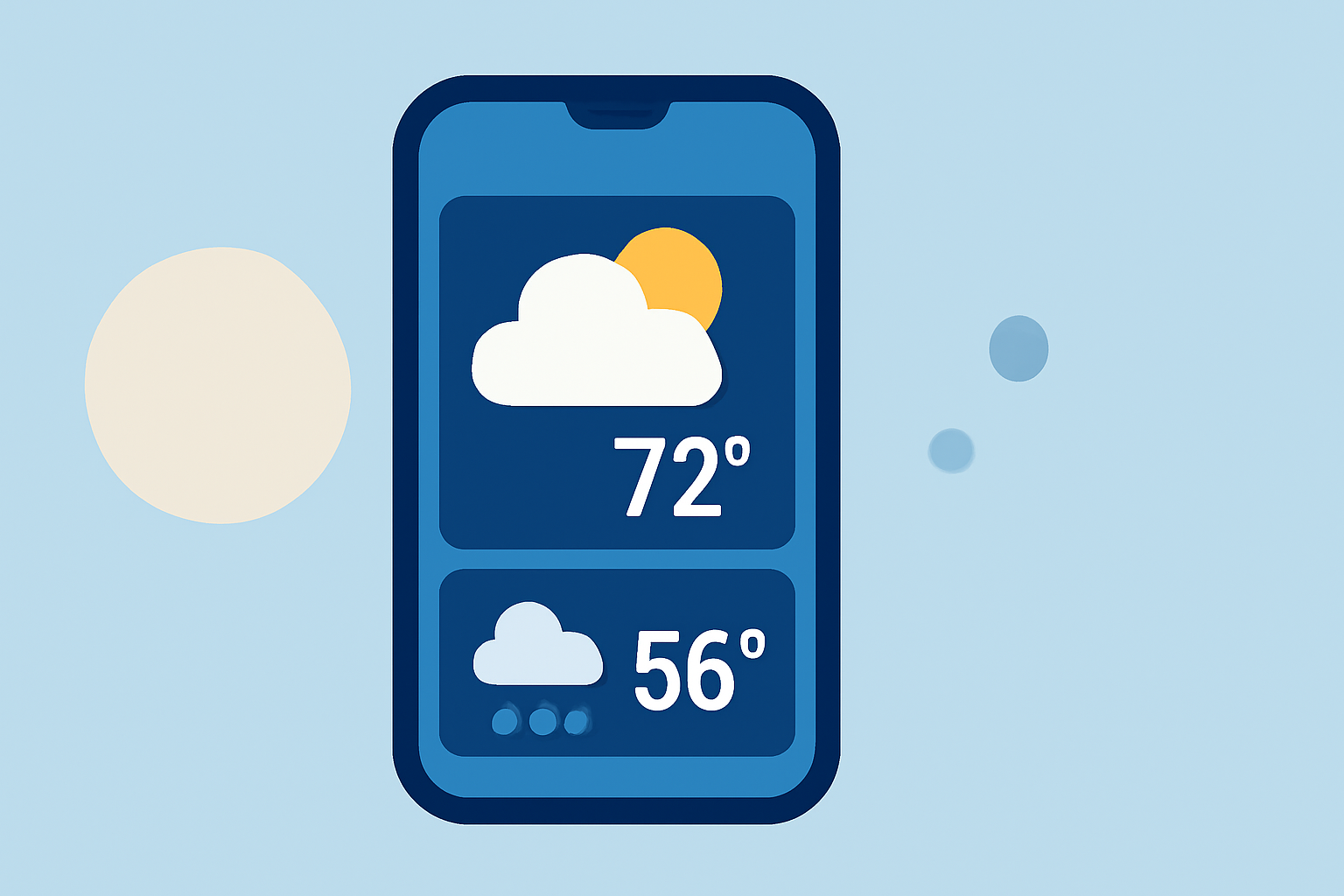
In 2026, integrating weather information directly into your device's lock screen has become a popular way to stay informed at a glance. This feature is available on both Android and iOS platforms, offering users quick access to current conditions, forecasts, and more. Clime, a leading weather application, provides advanced lock screen widgets that allow for a personalized and informative experience.
How to Add Weather Widgets to Your Lock Screen
For Android Users:
With the release of Android 16, Google reintroduced lock screen widgets, including weather updates. To add a weather widget:
- Access Lock Screen Settings: Navigate to Settings → Display → Lock Screen → Widgets.
- Add Weather Widget: Choose the weather widget from the available options and place it on your lock screen.
This integration allows for seamless access to weather information without unlocking your device. (lockscreenandroid.com)
For iOS Users:
iOS 16 and later versions support lock screen widgets, enabling users to display weather information directly on their lock screens. To add a weather widget:
- Enter Customization Mode: Long-press on your lock screen until the customization options appear.
- Add Widget: Tap the '+' button to access the widget gallery, select the weather widget, and place it on your lock screen.
This feature provides real-time weather updates, enhancing your device's functionality. (macrumors.com)
Clime's Advanced Lock Screen Widgets
Clime offers customizable lock screen widgets that provide detailed weather information, including current conditions, hourly forecasts, and severe weather alerts. These widgets are designed to be informative and unobtrusive, ensuring that essential weather data is readily accessible without overwhelming your lock screen.
Benefits of Using Clime's Lock Screen Widgets:
- Real-Time Updates: Receive the latest weather information as conditions change.
- Customization: Adjust widget size, layout, and data displayed to suit your preferences.
- Severe Weather Alerts: Stay informed about severe weather events in your area.
Conclusion
Adding weather widgets to your lock screen in 2026 enhances your device's functionality, providing immediate access to essential weather information. Clime's advanced lock screen widgets offer a personalized and comprehensive weather experience, ensuring you stay informed and prepared for any conditions.
Highlights:
- Android Lock Screen Widgets Are Back in 2026 - Here's How to Use One to Lock Your Screen, Published on Wednesday, March 11
- How to Add Widgets to the Lock Screen on iOS - SimplyMac, Published on Sunday, January 04
- Windy: Windy Gets New Lock Screen iOS Widget