
Enhancing Your Lock Screen with Weather Widgets: A Guide for Pet Owners
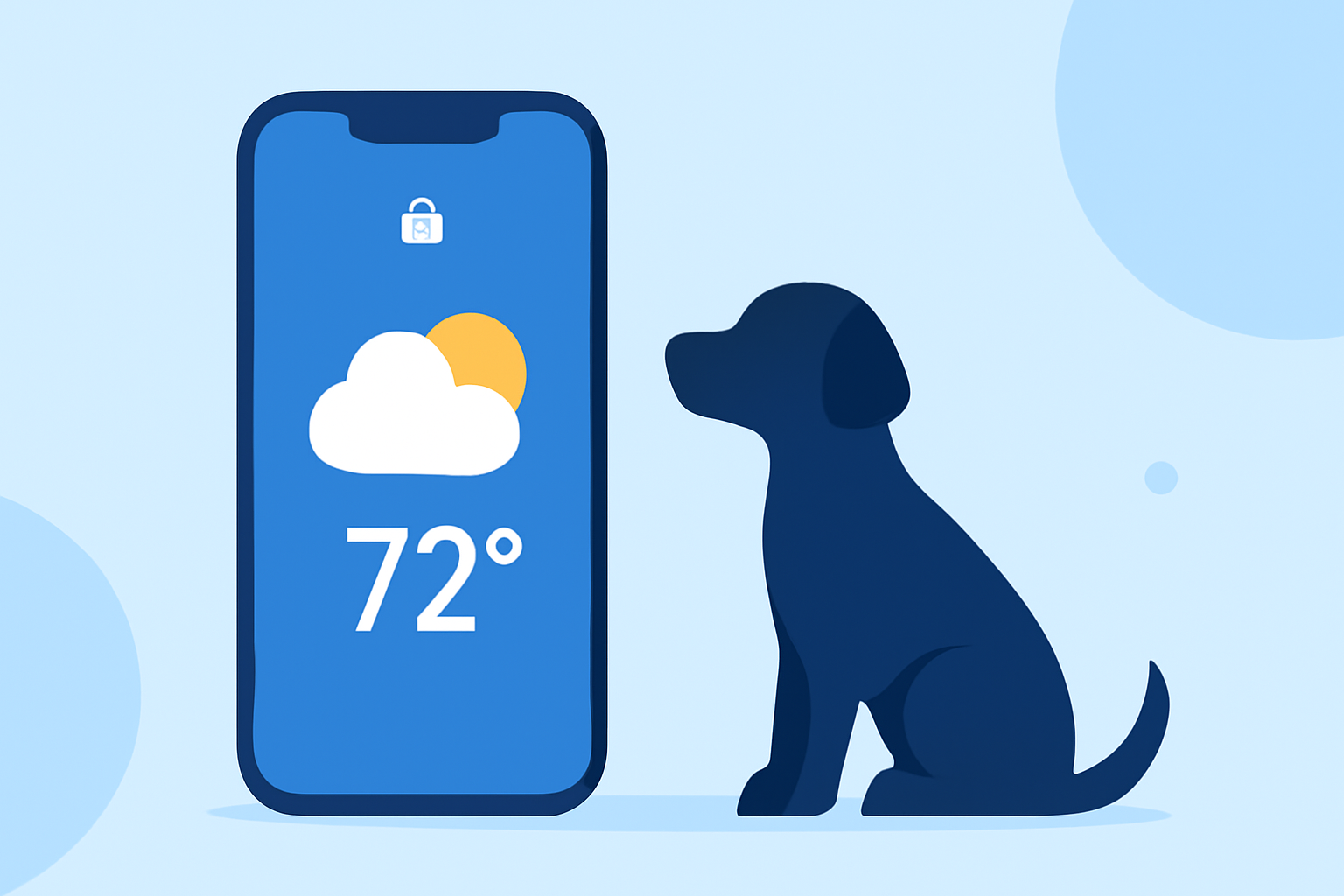
As a pet owner, staying informed about the weather is essential for planning walks, playtime, and other activities with your furry friend. Integrating weather information directly into your device's lock screen can provide quick and convenient updates. This guide explores how you can enhance your lock screen with weather widgets tailored for pet owners.
What Are Lock Screen Weather Widgets?
Lock screen weather widgets are small, interactive elements that display current weather conditions and forecasts directly on your device's lock screen. They allow you to access essential weather information without unlocking your phone, making it easier to plan your day around your pet's needs.
How Do Weather Widgets Benefit Pet Owners?
-
Quick Access to Weather Updates: With weather widgets on your lock screen, you can instantly check the weather before taking your pet outside, ensuring you're prepared for any conditions.
-
Personalized Experience: Some weather apps offer customizable widgets that can include pet-related themes or images, adding a personal touch to your device.
-
Enhanced Planning: By having immediate access to weather information, you can better plan walks, playtime, and other activities, ensuring your pet's comfort and safety.
How to Add Weather Widgets to Your Lock Screen
For iOS Devices:
-
Access Lock Screen Customization: Unlock your iPhone and press and hold the lock screen until the customization options appear.
-
Add Widgets: Tap the '+' button to open the widget gallery.
-
Select Weather Widget: Scroll through the available widgets and select the weather widget that suits your preferences.
-
Customize Widget: Choose the size and style of the widget, and position it on your lock screen.
-
Save Changes: Tap 'Done' to apply the changes.
For Android Devices: The process may vary depending on the manufacturer and Android version. Generally, you can add widgets by accessing the widget menu from the home screen and selecting the desired weather widget.
Are There Weather Apps with Pet-Themed Widgets?
Yes, several weather apps offer pet-themed widgets that can make checking the weather more enjoyable:
-
WeatherPets: This app allows you to upload a photo of your pet and generates weather scenes featuring your pet, providing a personalized and engaging weather experience. (apps.apple.com)
-
OpenPet: OpenPet offers a virtual AI pet that delivers weather updates, making the process of checking the weather both fun and informative. (play.google.com)
How Do I Choose the Right Weather Widget for My Lock Screen?
When selecting a weather widget, consider the following factors:
-
Accuracy: Ensure the app provides reliable and up-to-date weather information.
-
Customization: Look for widgets that allow you to personalize the appearance and information displayed.
-
User Reviews: Check reviews and ratings to gauge user satisfaction and app performance.
Can I Use Multiple Weather Widgets on My Lock Screen?
Yes, many devices allow you to add multiple widgets to your lock screen. You can place different weather widgets to display various information, such as current conditions, hourly forecasts, and severe weather alerts, all at a glance.
Conclusion
Integrating weather widgets into your lock screen is a convenient way to stay informed about the weather conditions affecting your daily activities with your pet. By choosing the right widget, you can ensure that both you and your furry friend are prepared for any weather that comes your way.
Highlights:
- How to manage widgets in the Lock Screen on Windows 11 - customize your PC before you ever log in, Published on Monday, December 08