
Enhancing Your Morning Routine with Wear OS Weather Features
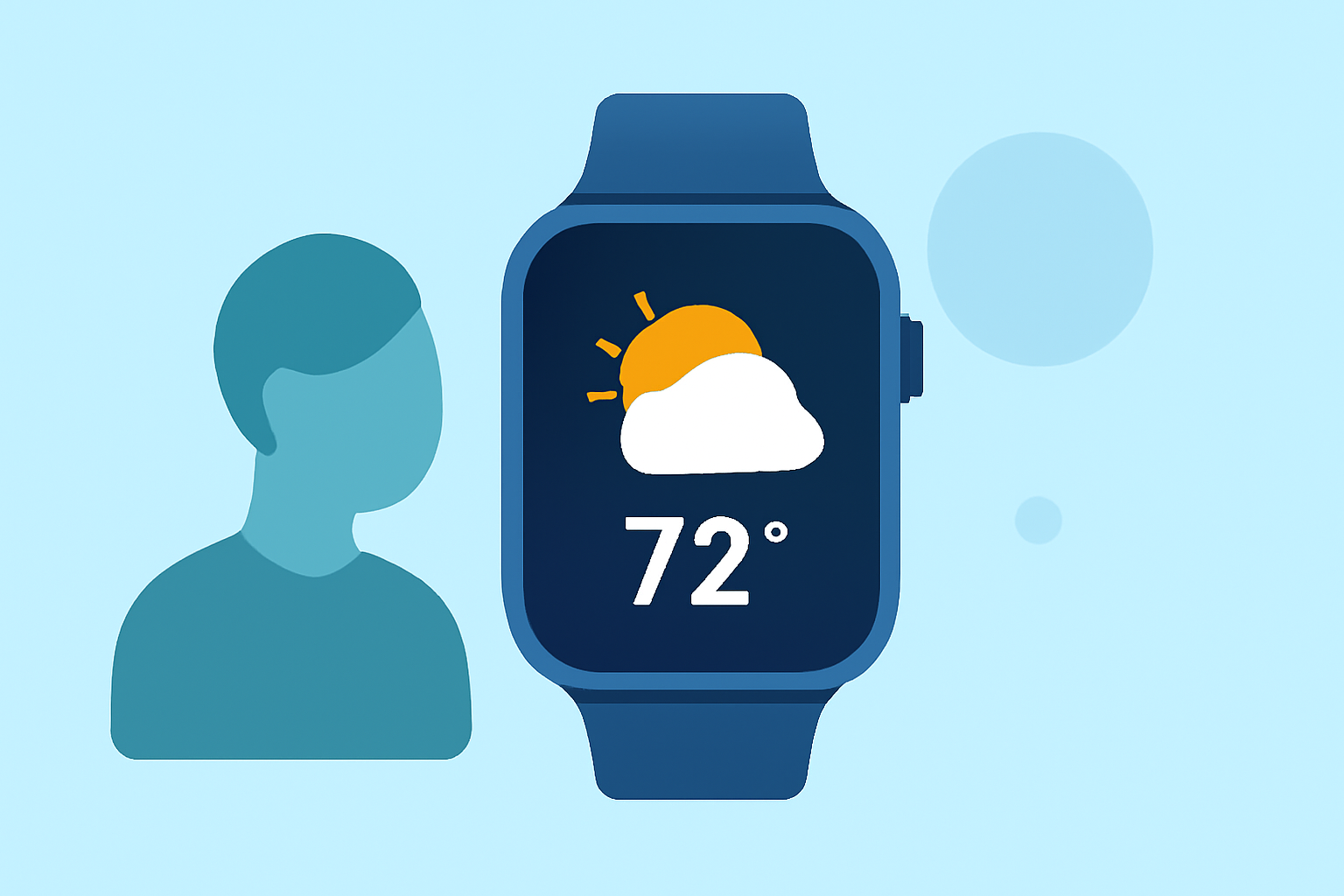
Starting your day with accurate weather information is essential for planning your activities and dressing appropriately. Wear OS smartwatches offer several features to help you access morning weather updates efficiently.
Accessing the Weather App
Most Wear OS devices come equipped with a built-in Weather app that provides current conditions, hourly forecasts, and more. To use it:
-
Open the Weather App: Navigate to your app list and select the Weather app to view current conditions and forecasts.
-
View Detailed Forecasts: Scroll to see hourly and daily forecasts, including temperature, precipitation, and wind speed.
-
Refresh Data: Data refreshes automatically, but you can manually update by scrolling to the bottom and tapping the refresh button.
Adding Weather Tiles for Quick Access
To quickly check the weather without opening the app:
-
Access Tiles: Swipe left or right on your watch face to view available tiles.
-
Add Weather Tile: Press and hold a tile, then select "Add Image" to add the Weather or UV Index tile.
This tile will display current weather conditions and forecasts directly on your watch face.
Utilizing Watch Face Complications
Many Wear OS watch faces support complications, allowing you to display weather information directly on your watch face. To set this up:
-
Choose a Compatible Watch Face: Select a watch face that supports weather complications.
-
Customize Complications: In the watch face settings, assign weather data to a complication slot.
This setup provides at-a-glance weather updates without navigating through apps.
Setting Up Morning Weather Notifications
To receive daily weather updates at a specific time:
-
Use Automation Apps: Install an automation app that supports Wear OS notifications.
-
Configure Weather Notifications: Set up a routine to receive the day's weather forecast each morning at your preferred time.
This ensures you start your day with the latest weather information.
Leveraging Third-Party Weather Apps
For enhanced features, consider third-party weather apps compatible with Wear OS. These apps may offer more detailed forecasts, interactive maps, and customizable notifications. Ensure the app is compatible with your device and meets your specific weather information needs.
By utilizing these Wear OS features, you can seamlessly integrate morning weather checks into your daily routine, ensuring you're always prepared for the day ahead.