
Enhancing Outdoor Parties with Wear OS Weather Insights
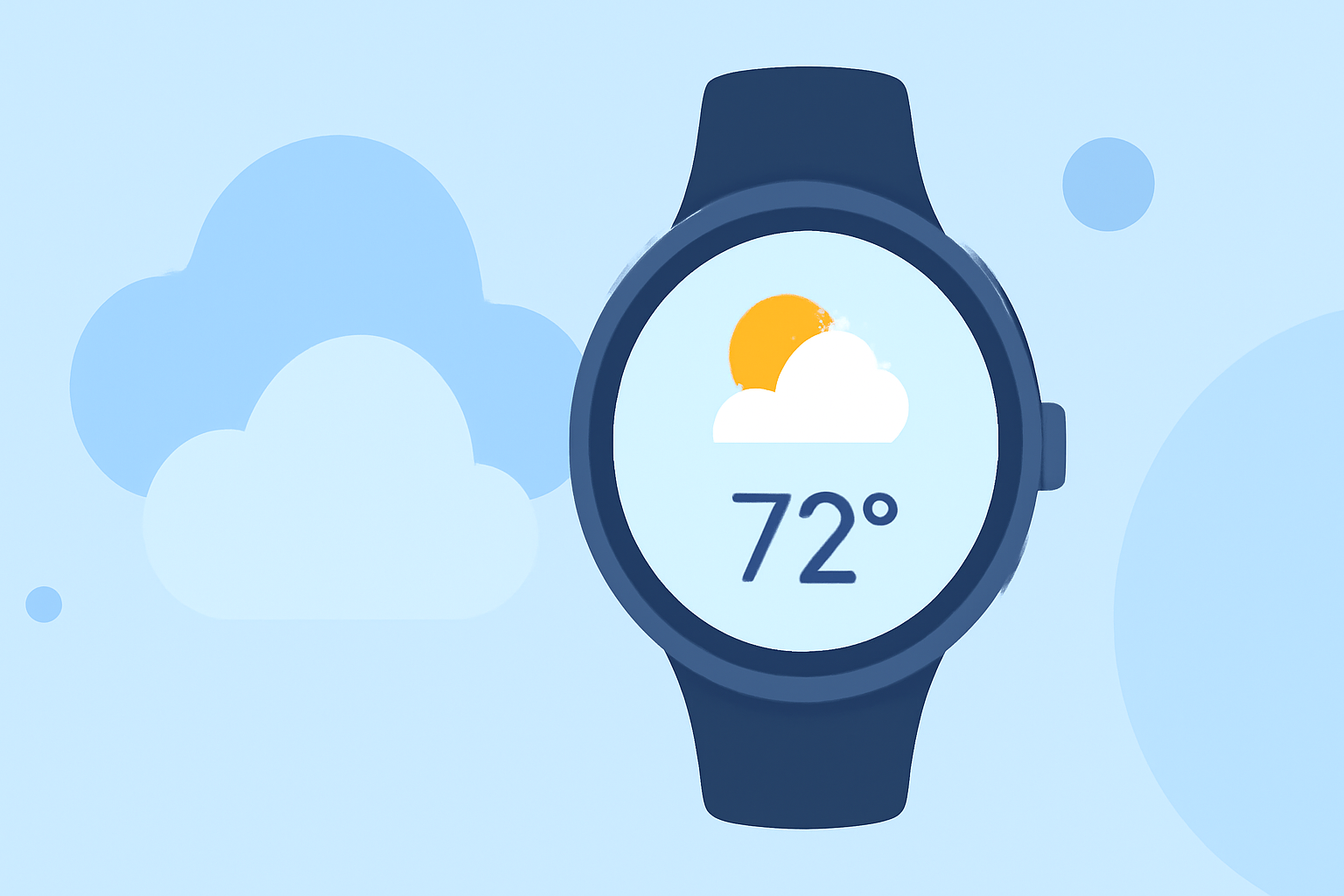
Planning an outdoor party requires careful consideration of weather conditions to ensure a pleasant experience for all attendees. Wear OS devices offer a convenient way to monitor real-time weather updates, helping you make informed decisions about your event.
Why Monitor Weather for Outdoor Events?
Weather plays a crucial role in the success of outdoor gatherings. Unpredictable conditions such as sudden rain, extreme temperatures, or high winds can disrupt plans and pose safety risks. By staying informed about the weather, you can take proactive measures to mitigate potential issues, such as rescheduling, providing shelter, or adjusting activities accordingly.
Leveraging Wear OS for Real-Time Weather Updates
Wear OS devices, such as smartwatches, provide on-the-go access to weather information, allowing you to monitor conditions without needing to check your phone. Key features include:
- Current Conditions: View real-time data on temperature, humidity, and precipitation.
- Hourly and Daily Forecasts: Access detailed forecasts to plan activities and anticipate weather changes.
- Weather Alerts: Receive notifications about severe weather events, enabling timely responses.
Selecting the Right Weather App for Wear OS
With the discontinuation of Google's native Weather app on Wear OS 6 and newer versions, it's essential to choose a reliable third-party weather application. When selecting an app, consider the following features:
- Comprehensive Forecasts: Ensure the app provides detailed hourly and daily forecasts.
- Real-Time Alerts: Look for apps that offer timely notifications about severe weather conditions.
- User-Friendly Interface: Opt for apps with intuitive designs for easy navigation.
One such application is SkyHalo Weather for Wear OS, which offers continuous forecasts up to 48 hours, daily and hourly forecasts for up to 5 days, and NWS weather alerts. It also provides rain/snow forecasts, barometer and wind displays, and sun/moon rise/set times. Additionally, it supports up to three complications, allowing for personalized watch faces. (play.google.com)
Setting Up Weather Notifications on Your Wear OS Device
To receive timely weather updates, configure your Wear OS device as follows:
- Install a Weather App: Download and install a weather application that suits your needs from the Google Play Store.
- Enable Notifications: Within the app settings, ensure that notifications are enabled for weather alerts.
- Customize Alerts: Set preferences for the types of alerts you wish to receive, such as severe weather warnings or daily forecasts.
Integrating Weather Insights into Your Event Planning
By utilizing your Wear OS device to monitor weather conditions, you can make informed decisions about your outdoor event. For instance, if a sudden storm is forecasted, you can arrange for shelter or consider rescheduling. Additionally, understanding temperature trends can help you plan appropriate attire and provide necessary amenities like fans or heaters.
Conclusion
Incorporating Wear OS devices into your event planning process enhances your ability to respond to changing weather conditions, ensuring a safe and enjoyable experience for all attendees. By selecting a reliable weather app and configuring timely notifications, you can proactively manage your outdoor gatherings with confidence.
Highlights:
- Google is phasing out the Wear OS Weather app, but for something better, Published on Friday, September 12
- The Pixel Weather app is making its way to the Pixel Watch, Published on Friday, September 05
- Wear OS 6: One UI 8 Watch, Material 3 Expressive, Gemini, & more, Published on Monday, September 08