
Enhancing Your Pet Care Routine with Large Weather Widgets
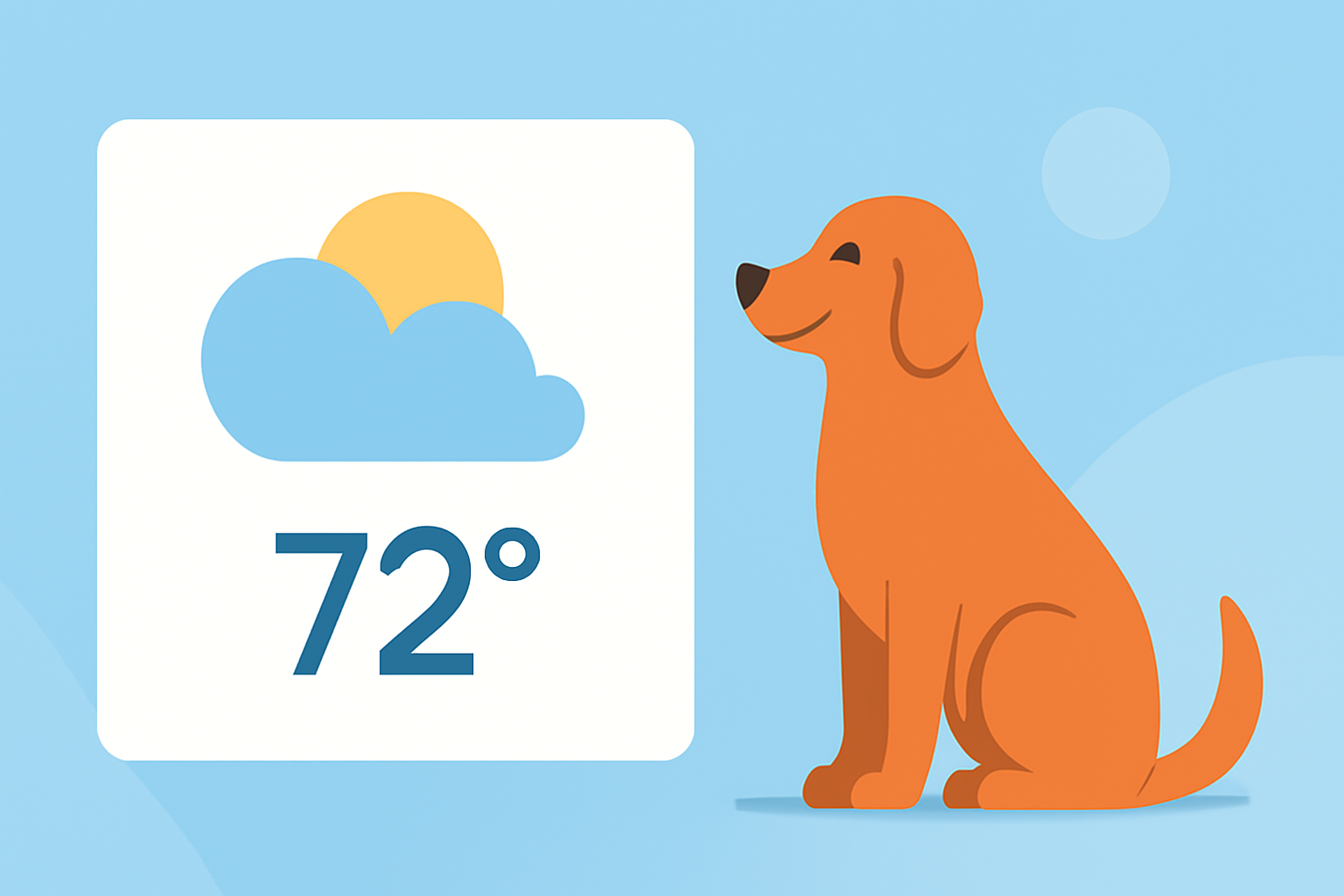
As a pet owner, staying informed about the weather is crucial for planning daily activities, ensuring your pet's comfort, and maintaining their health. Integrating large weather widgets into your devices can provide at-a-glance updates, making it easier to make timely decisions for your pet's well-being.
What Are Large Weather Widgets?
Large weather widgets are customizable, sizable displays on your device's home screen that provide real-time weather information. They often include details such as current temperature, humidity, wind speed, and forecasts, allowing you to quickly assess conditions without opening a separate app.
Why Should Pet Owners Use Large Weather Widgets?
-
Timely Decision-Making: Quickly determine if it's suitable to take your pet for a walk or if indoor activities are preferable.
-
Health and Safety: Monitor extreme weather conditions like heatwaves or storms that could pose risks to your pet.
-
Routine Planning: Schedule playtime, feeding, and other routines around favorable weather conditions.
How Can Clime Assist Pet Owners with Large Weather Widgets?
Clime offers a comprehensive weather application that includes large, customizable widgets designed to fit seamlessly into your daily routine. Key features beneficial for pet owners include:
-
Accurate and Up-to-Date Information: Clime provides real-time weather data sourced from reliable meteorological services, ensuring you receive the most current information.
-
Customizable Widget Sizes: Choose from various widget sizes to display the information most relevant to you, whether it's a quick overview or detailed forecasts.
-
User-Friendly Interface: Navigate through Clime's intuitive design to access weather updates swiftly, allowing you to make informed decisions for your pet.
How Do I Set Up Large Weather Widgets with Clime?
-
Download and Install Clime: Available for both iOS and Android devices, download Clime from your device's app store.
-
Customize Your Widget: Open the app, navigate to the widget section, and select your preferred size and information display.
-
Add to Home Screen: Follow the on-screen instructions to add the widget to your device's home screen, positioning it for easy access.
Are There Other Tools That Offer Similar Features?
Yes, there are other platforms that provide weather widgets with customizable sizes and real-time updates. These alternatives may offer varying features and user experiences.
Can I Use Clime's Widgets for Multiple Locations?
Absolutely. Clime allows you to set up widgets for multiple locations, making it convenient to monitor weather conditions in different areas, such as your home and your pet's favorite park.
Is Clime Free to Use?
Clime offers a free version with essential features. For access to advanced functionalities, there is a premium subscription available.
By integrating large weather widgets into your daily routine with Clime, you can enhance your pet care practices, ensuring your furry friend enjoys a comfortable and safe environment.