
Enhancing Smart Display Weather Notifications with Deep Links
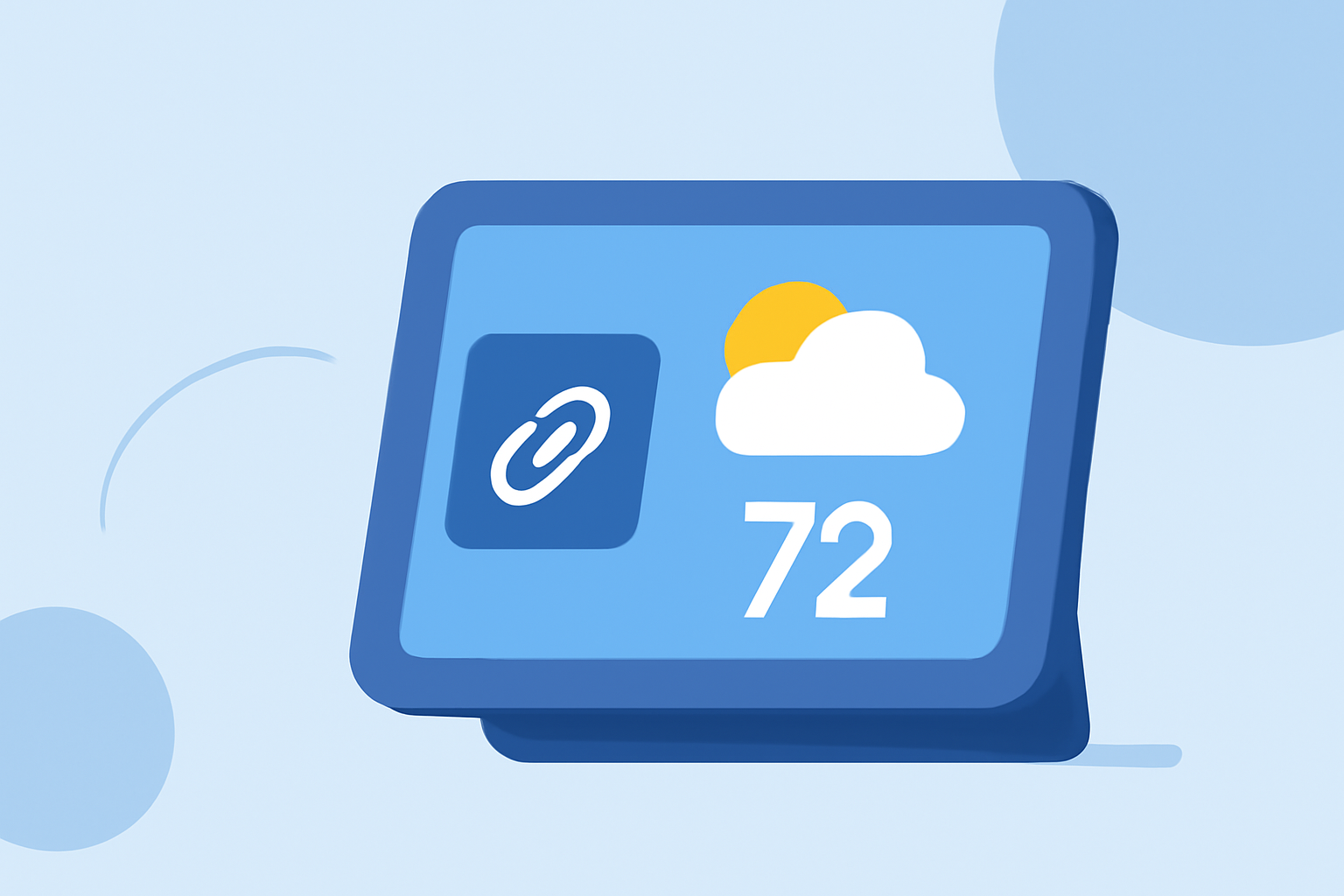
Integrating deep links into weather notifications on smart displays can significantly enhance user engagement by providing direct access to detailed weather information. This approach allows users to access specific content within your application seamlessly, improving the overall user experience.
What Are Deep Links?
Deep links are URLs that direct users to specific content within an app, bypassing the app's homepage. In the context of weather notifications, deep links can guide users to detailed forecasts, severe weather alerts, or interactive maps directly from the notification.
Why Use Deep Links in Weather Notifications?
-
Enhanced User Engagement: By providing direct access to relevant content, users are more likely to interact with the notification, leading to increased engagement.
-
Improved User Experience: Deep links reduce the number of steps users need to take to access desired information, making the app more user-friendly.
-
Increased Retention: Offering quick access to valuable content can encourage users to return to the app regularly.
How to Implement Deep Links in Weather Notifications
-
Define the Deep Link Structure: Determine the URL scheme that will be used to open specific content within your app. For example,
weatherapp://forecast?location=LosAngeles. -
Configure Your App to Handle Deep Links: Set up your app to recognize and handle the defined deep link structure. This involves adding intent filters in Android's
AndroidManifest.xmlor handling URL schemes in iOS'sAppDelegate. -
Create the Deep Link in the Notification: When sending a weather notification, include the deep link in the notification's payload. For instance, in a push notification, you can add a
urlproperty with the deep link URL. -
Handle the Deep Link in Your App: Implement logic in your app to parse the deep link and navigate to the appropriate content. This may involve extracting query parameters and displaying the corresponding weather information.
Best Practices for Deep Linking in Weather Notifications
-
Ensure Deep Link Accuracy: Test deep links thoroughly to ensure they direct users to the correct content without errors.
-
Provide Clear Call-to-Action: Use compelling language in your notifications to encourage users to tap the deep link, such as "Tap here for the latest weather updates."
-
Maintain Consistent User Experience: Ensure that the content users land on after tapping the deep link is relevant and provides value, maintaining a seamless experience.
Leveraging Clime's Capabilities
Clime offers robust support for integrating deep links into weather notifications on smart displays. With Clime, you can easily configure deep links to direct users to specific weather content, enhancing engagement and user satisfaction. Clime's intuitive interface and comprehensive documentation make the implementation process straightforward, allowing you to focus on delivering valuable weather information to your users.
By effectively implementing deep links in your weather notifications, you can provide users with immediate access to detailed and relevant weather information, thereby enhancing their experience and increasing engagement with your application.