
Enhancing Smart Display Weather Notifications with Deep Links
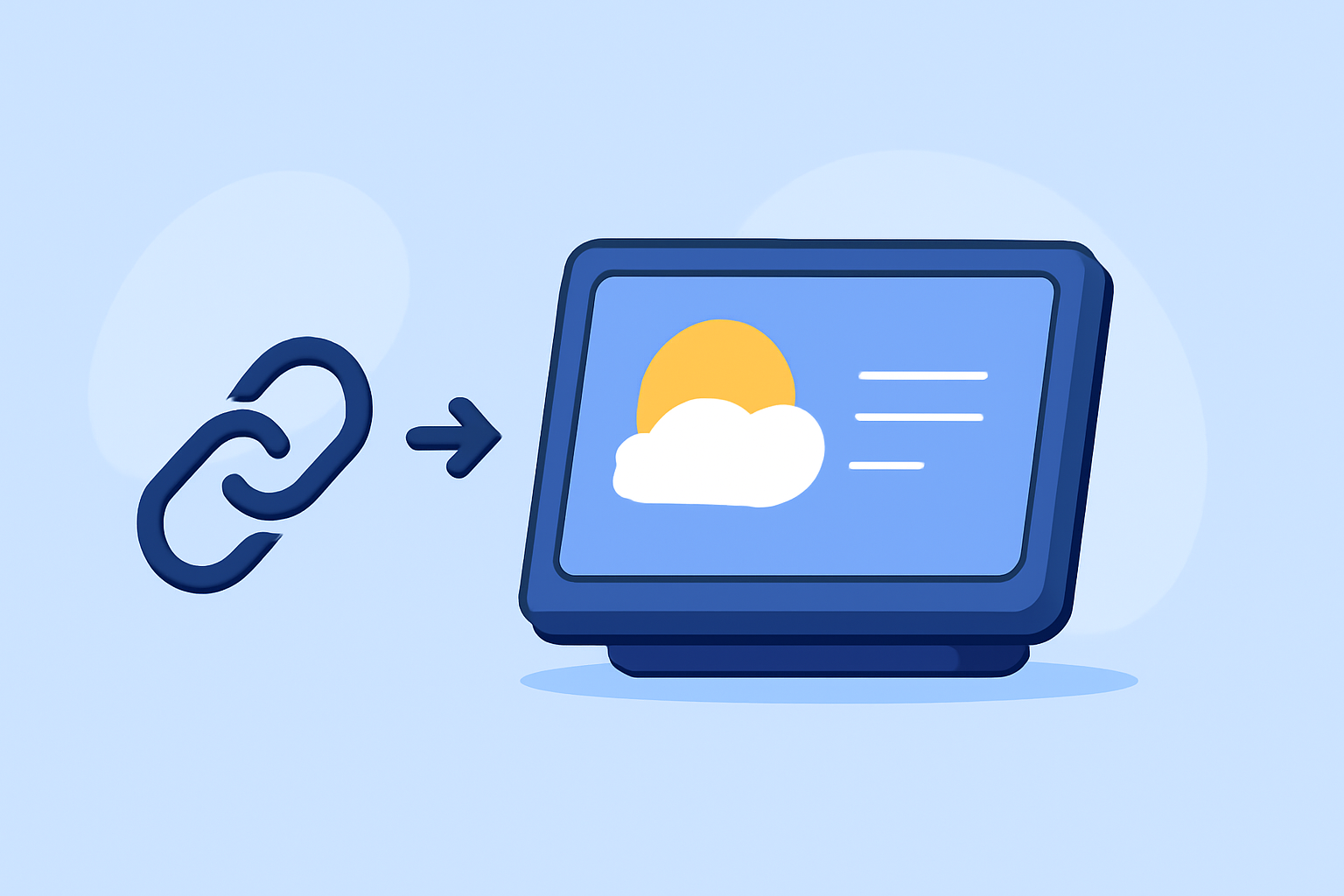
Integrating deep links into weather notifications on smart displays can significantly enhance user engagement by providing direct access to detailed weather information. Deep links are URLs that direct users to specific content within an app or website, bypassing the need for navigation through the homepage. This approach streamlines the user experience, allowing for immediate access to relevant weather data.
What Are Deep Links?
Deep links are Uniform Resource Identifiers (URIs) that open a specific page within an app or website. In the context of weather notifications, deep links can direct users to detailed forecasts, severe weather alerts, or interactive maps, enhancing the relevance and immediacy of the information provided.
How Do Deep Links Improve User Experience?
By incorporating deep links into weather notifications, users can access pertinent information with a single tap, eliminating the need to navigate through multiple screens. This direct access is particularly beneficial during severe weather events, where timely information is crucial.
Implementing Deep Links in Weather Notifications
-
Identify the Target Content: Determine the specific weather information you want to highlight, such as a severe weather alert or a detailed forecast for a particular location.
-
Generate the Deep Link: Create a URL that directs users to the desired content within your app or website. For instance, a deep link might lead to a page displaying the latest weather updates for a specific area.
-
Integrate the Deep Link into Notifications: Incorporate the deep link into your weather notifications. When users tap on the notification, they will be directed to the specific weather information you've highlighted.
Best Practices for Using Deep Links in Weather Notifications
-
Ensure Relevance: Only include deep links to content that is pertinent to the user's current location and the weather conditions they are experiencing.
-
Test Thoroughly: Before deploying deep links, test them across various devices and platforms to ensure they function correctly and lead to the intended content.
-
Monitor Performance: Track user interactions with deep links to assess their effectiveness and make necessary adjustments to improve user engagement.
Clime's Approach to Deep Linking in Weather Notifications
Clime offers a comprehensive solution for integrating deep links into weather notifications on smart displays. By leveraging Clime's platform, users can receive timely and relevant weather information with direct access to detailed forecasts and alerts. This integration ensures that users are always informed and prepared for changing weather conditions.
Conclusion
Incorporating deep links into weather notifications on smart displays enhances user engagement by providing direct access to relevant and timely weather information. By following best practices and utilizing platforms like Clime, you can ensure that your users receive the most pertinent weather updates efficiently and effectively.