
Enhancing Your Smart Display with Destination Weather Research
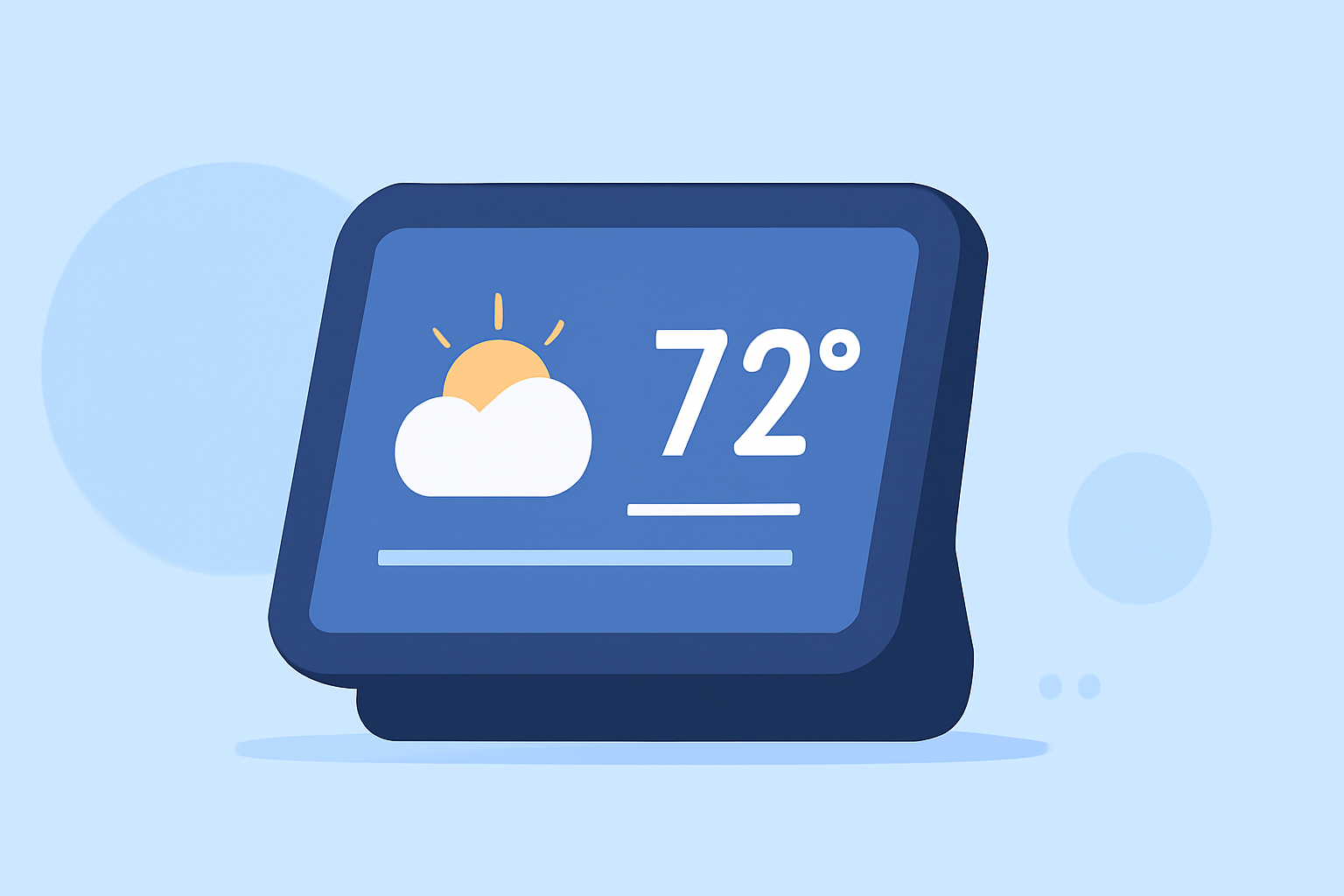
Integrating destination weather research into your smart display can provide accurate, real-time weather updates tailored to your specific locations. Here's how to set up and optimize this feature:
1. Choose a Compatible Smart Display
Ensure your smart display supports weather applications or widgets. Many devices offer built-in weather features or allow third-party app installations.
2. Select a Reliable Weather Data Source
Opt for a weather service that offers real-time data and supports integration with smart displays. Some services provide APIs or apps compatible with various smart display platforms.
3. Configure Location Settings
Set your smart display to monitor weather conditions for your desired destinations. This may involve entering specific location details or enabling location services.
4. Customize Display Preferences
Adjust the display settings to show relevant weather information, such as current conditions, forecasts, and alerts. Many smart displays allow customization of layout and data types.
5. Regularly Update and Maintain
Keep your weather application or widget updated to ensure access to the latest features and data. Regular updates can also improve performance and security.
By following these steps, you can enhance your smart display to provide accurate and timely weather information for your chosen destinations.