
Enhancing Your Smart Display with Real-Time Weather Information
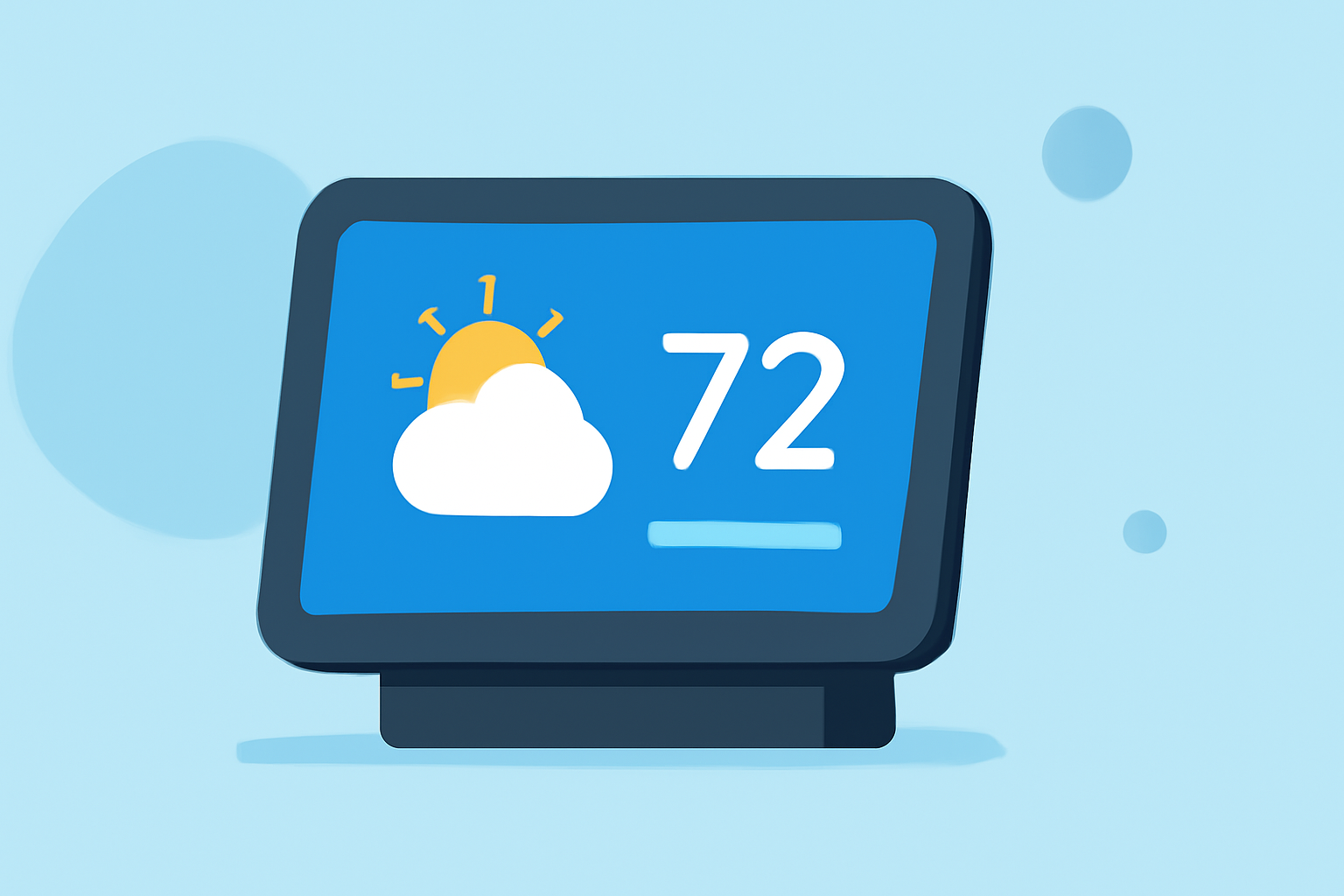
Integrating real-time weather information into your smart display can significantly enhance your daily planning and preparedness. Here's how you can achieve this:
1. Choose a Compatible Smart Display
Select a smart display that supports weather applications or widgets. Many modern smart displays offer built-in weather features or allow for third-party app integrations.
2. Install a Weather Application
Depending on your device's operating system, you can install a weather app from the device's app store. Ensure the app is compatible with your smart display and offers real-time updates.
3. Configure Location Settings
Set your location within the weather app to receive accurate, localized forecasts. This ensures the weather information displayed is relevant to your area.
4. Customize Display Preferences
Adjust the display settings to show the desired weather information, such as current conditions, hourly forecasts, or severe weather alerts. Many apps allow customization to match your preferences.
5. Enable Notifications
Activate notifications for severe weather alerts to stay informed about any significant weather changes or warnings in your area.
6. Regularly Update the App
Keep the weather app updated to ensure you have access to the latest features and accurate weather data.
By following these steps, you can effectively integrate real-time weather information into your smart display, keeping you informed and prepared for the day ahead.