
Enhancing Your Smart Display with Easy Access to Extended Weather Forecasts
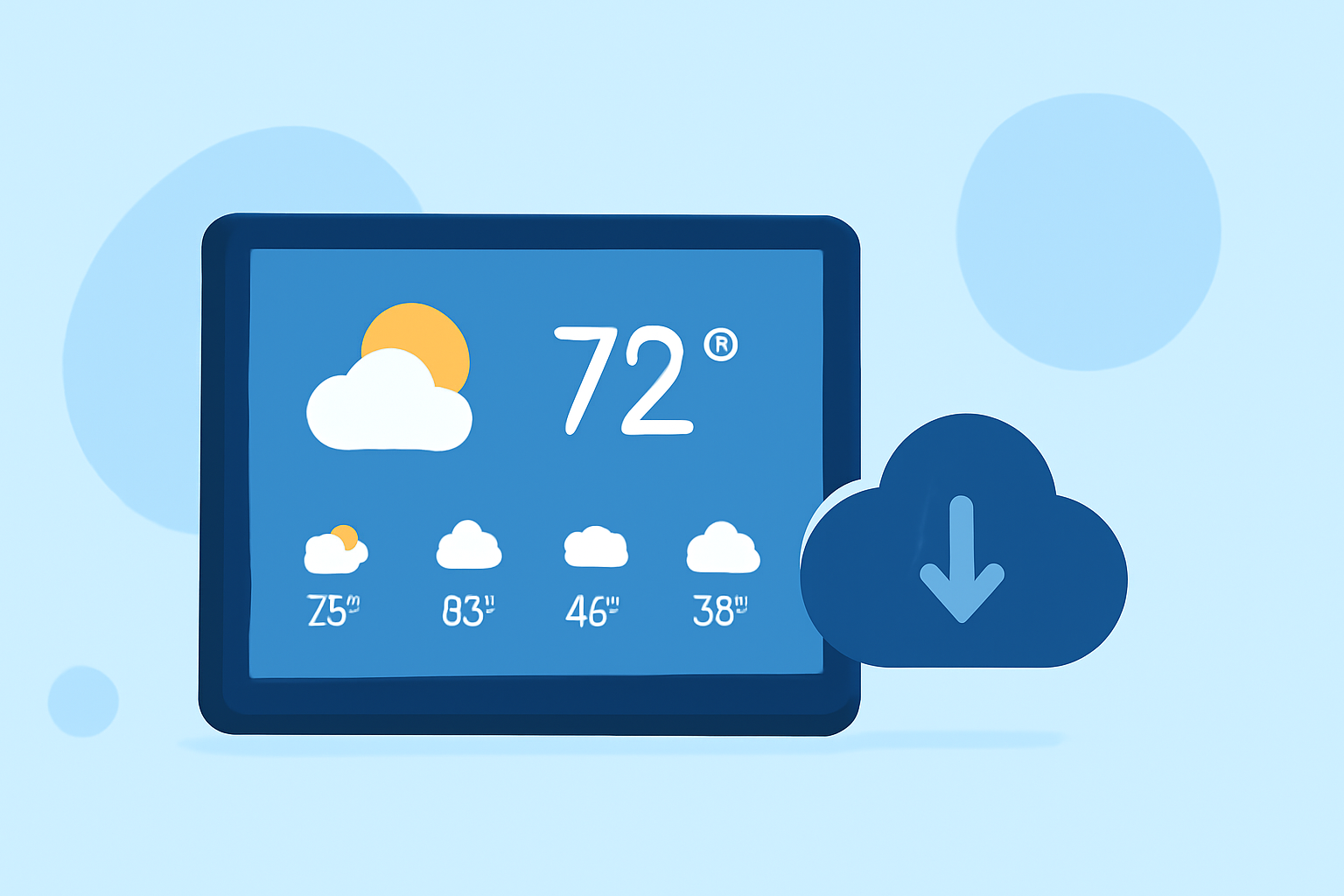
Integrating extended weather forecasts into your smart display can provide real-time, location-specific updates, enhancing your daily planning and decision-making. Here's how to set up and optimize this feature:
1. Choose a Compatible Smart Display
Select a smart display that supports weather integration. Many devices offer built-in weather apps or widgets. For instance, the Amazon Echo Show 15 features a 15.6-inch Full HD screen and can display weather updates alongside other widgets. (smarthomeunlocked.com)
2. Set Up Location Services
Ensure your smart display has access to your location. This allows the device to provide accurate, location-specific weather forecasts. Typically, you can enable location services in the device's settings under "Location" or "Privacy."
3. Enable Weather Updates
Activate the weather feature on your smart display. This may involve adding a weather widget or app to your home screen. For example, the Google Nest Hub (2nd Gen) offers a bright 7-inch display with integrated weather updates. (androidcentral.com)
4. Customize Forecast Settings
Adjust the settings to display extended forecasts. Many devices allow you to choose the number of days for the forecast and the specific information displayed, such as temperature, precipitation, and wind speed.
5. Integrate with Smart Home Routines
Incorporate weather updates into your daily routines. For instance, you can set your smart display to show the weather forecast when you wake up or before you leave for work.
6. Explore Third-Party Weather Apps
If your device supports it, consider adding third-party weather apps for more detailed forecasts. Some apps offer specialized features like radar maps, severe weather alerts, and more.
7. Regularly Update Your Device
Keep your smart display's software up to date to ensure optimal performance and access to the latest features. Updates often include improvements to weather integration and other functionalities.
By following these steps, you can transform your smart display into a comprehensive weather station, providing you with timely and accurate forecasts to plan your day effectively.
Highlights:
- SwitchBot's new smart weather station is finally here - but it's the built-in calendar I'm most impressed by, Published on Wednesday, June 03