
Enhancing Your Smart Display with Real-Time Weather Updates
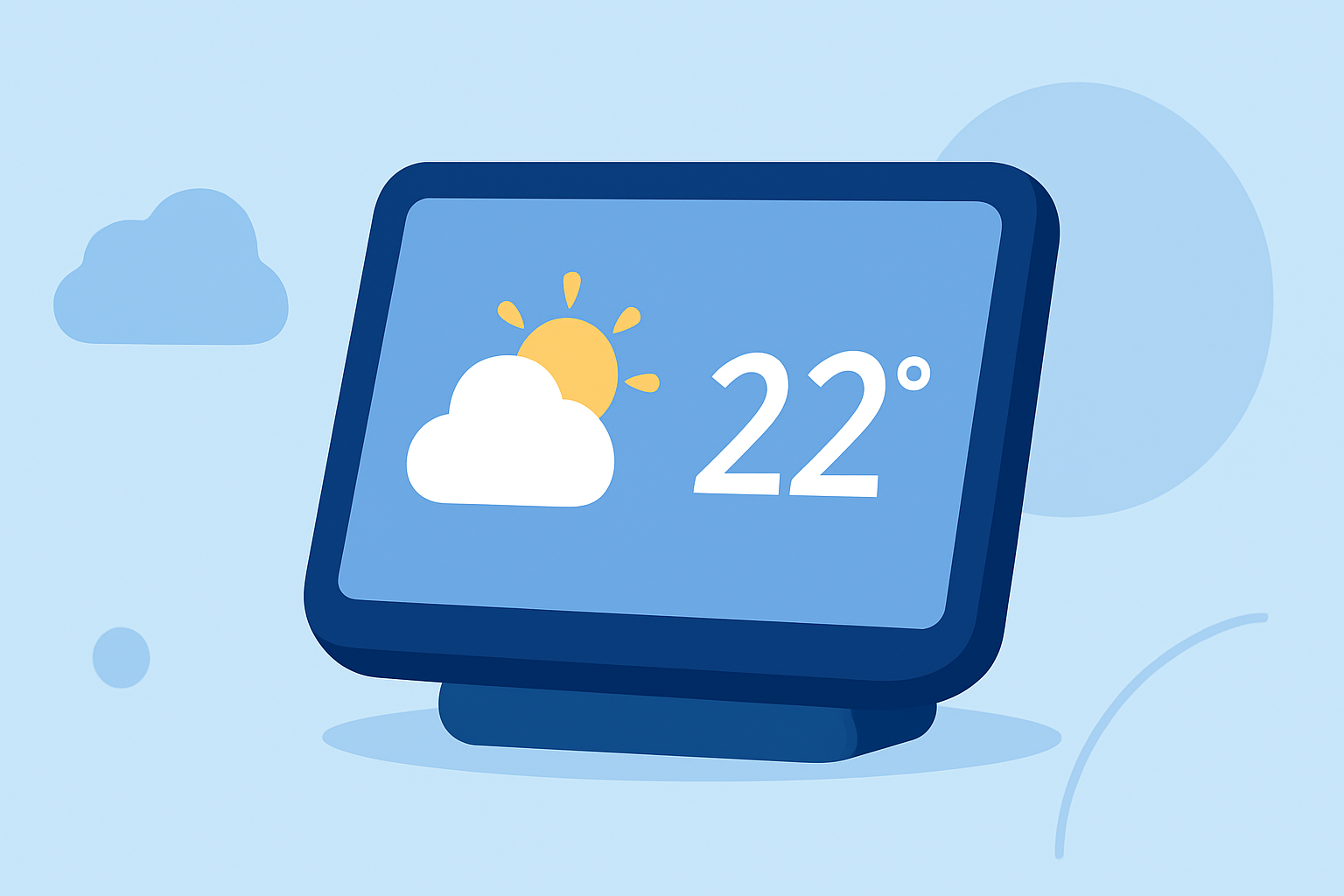
Integrating real-time weather updates into your smart display can significantly enhance your daily planning and preparedness. Here's how you can set up and utilize weather information on your smart display:
1. Choose a Compatible Smart Display
Ensure your smart display supports weather applications. Devices like the Google Nest Hub and Amazon Echo Show are popular choices. These devices offer built-in weather features and support third-party applications for more detailed information.
2. Install a Weather Application
Depending on your device, you can install a weather app that suits your needs. For instance, the Tempest Weather App provides real-time data and detailed forecasts, allowing users to access weather information from anywhere. (tempest.earth)
3. Set Up Location Preferences
Configure the app to display weather information for your specific location. This ensures that the forecasts and current conditions are relevant to your area.
4. Customize Display Settings
Adjust the display settings to show the weather information in a format that suits you. Many apps allow customization of themes, units (Celsius or Fahrenheit), and the type of information displayed, such as temperature, humidity, wind speed, and forecasts.
5. Utilize Voice Commands
Leverage voice assistants like Google Assistant or Alexa to get weather updates hands-free. Simply ask, "What's the weather today?" and receive immediate information.
6. Integrate with Smart Home Features
Some weather apps offer integration with smart home devices. For example, the Tempest Weather App can sync with smart home systems, providing a comprehensive view of your environment. (tempest.earth)
7. Keep the App Updated
Regularly update your weather app to ensure access to the latest features and accurate data. Developers often release updates that improve functionality and user experience.
By following these steps, you can transform your smart display into a dynamic tool that keeps you informed about the weather, aiding in better decision-making and daily planning.