
Enhancing Your Smart Display with Glanceable Weather Widgets
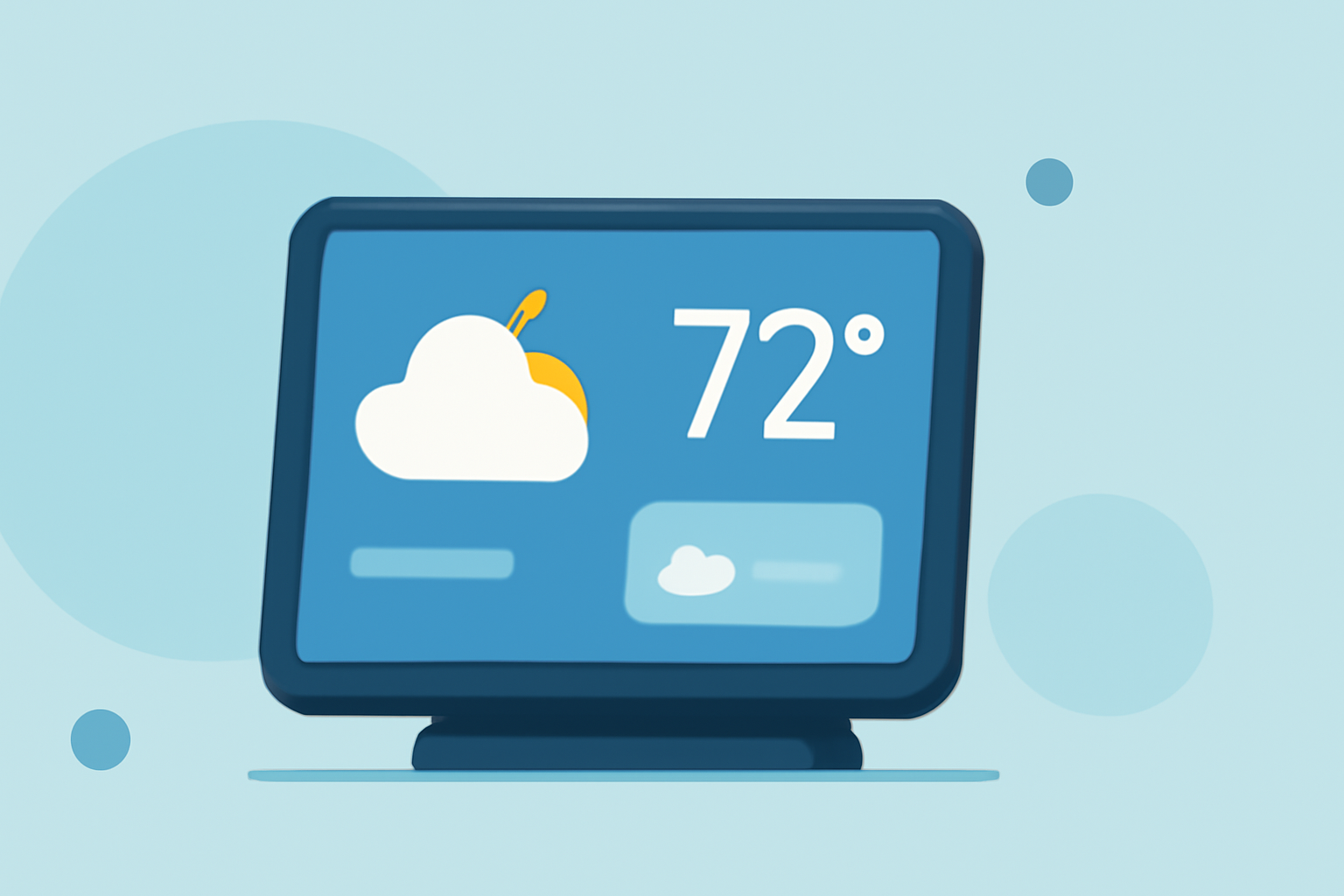
Integrating glanceable weather widgets into your smart display can provide real-time updates and personalized forecasts, enhancing your daily planning and decision-making.
What Are Glanceable Weather Widgets?
Glanceable weather widgets are compact, customizable elements that display current weather conditions, forecasts, and alerts directly on your smart display's home screen. They offer quick access to essential weather information without the need to open a dedicated app.
Why Add Weather Widgets to Your Smart Display?
- Instant Access: View current conditions and forecasts at a glance.
- Customization: Tailor the widget's appearance to match your display's theme.
- Personalization: Set up multiple widgets for different locations or specific weather parameters.
- Efficiency: Stay informed about severe weather alerts and updates without additional steps.
How to Add Weather Widgets to Your Smart Display
- Access Widget Settings: On your smart display's home screen, touch and hold an empty area to enter the widget selection mode.
- Select Weather Widget: Browse through the available widgets and choose a weather widget that suits your preferences.
- Customize Widget: Adjust settings such as location, update frequency, and display style to match your needs.
- Place Widget: Drag the widget to your desired position on the home screen and release to place it.
Best Practices for Using Weather Widgets
- Regular Updates: Ensure your widget refreshes frequently to provide accurate information.
- Location Accuracy: Verify that the widget is set to your current location or the area of interest.
- Minimalist Design: Opt for a clean and simple widget design to maintain a clutter-free home screen.
- Integration with Other Apps: Some widgets can integrate with calendar or to-do list apps to provide weather-based reminders.
Enhancing Your Smart Display Experience
Incorporating glanceable weather widgets into your smart display not only keeps you informed but also adds a layer of personalization to your device. By selecting widgets that align with your aesthetic preferences and functional needs, you can create a more efficient and enjoyable user experience.
For instance, the SwitchBot Weather Station offers a 7.5-inch E-Ink display that combines weather forecasting with robust smart home and calendar functionalities. This device provides a five-day forecast, historical weather data, sunrise/sunset times, and current indoor and outdoor readings, supported by up to three additional environmental sensors to monitor temperature, humidity, air quality, and CO₂ levels throughout the home. Beyond weather tracking, the standout feature is its integrated smart calendar, capable of syncing with Google, iCloud, and Outlook to form a shared family calendar. It supports up to five personal calendars, enabling users to manage schedules, chores, and reminders. The display allows selection from six customizable themes—such as Daily Overview and Calendar—plus two programmable buttons to trigger smart home scenes when paired with the SwitchBot Hub or app. With a battery life of up to one year on a single charge, the SwitchBot Weather Station functions not only as a weather monitor but also as an efficient family planning and smart home tool. (t3.com)
By thoughtfully selecting and customizing your weather widgets, you can transform your smart display into a personalized hub that keeps you informed and organized.