
Enhancing Your Tablet's Home Screen with Weather Updates
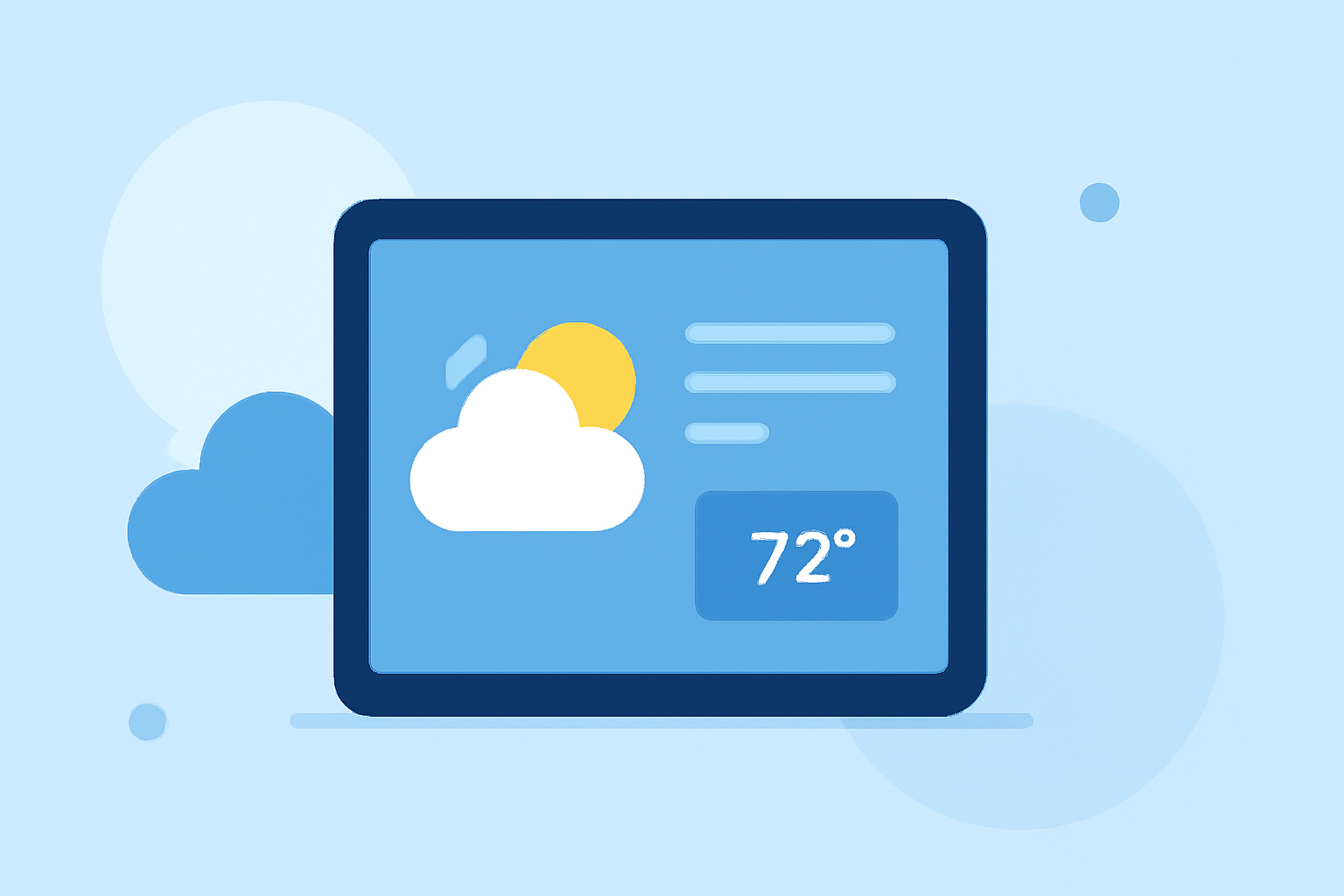
Adding weather information to your tablet's home screen allows for quick access to current conditions and forecasts. Here's how you can do it:
1. Adding a Weather Widget to Your Home Screen
Widgets display real-time information directly on your home screen. To add a weather widget:
- For Android Tablets:
- Long-press on an empty area of your home screen.
- Tap "Widgets" from the menu that appears.
- Scroll through the list to find the "Weather" widget.
- Touch and hold the widget, then drag it to your desired location on the home screen.
- Release your finger to place the widget.
This method is applicable to most Android tablets. (support.google.com)
- For iOS Tablets (iPad):
- Long-press on an empty area of your home screen until the apps jiggle.
- Tap the "+" icon in the top-left corner.
- Search for "Weather" in the widget gallery.
- Select the desired widget size and tap "Add Widget."
- Position the widget on your home screen and tap "Done."
This approach is standard for iOS devices.
2. Using a Dedicated Weather App
If you prefer a more comprehensive weather experience, consider using a dedicated weather app. Many apps offer widgets that can be added to your home screen, providing detailed forecasts and additional features.
3. Customizing Your Weather Widget
After adding the widget, you can customize it to suit your preferences:
-
Resize the Widget:
-
On Android, touch and hold the widget until resize handles appear, then drag to adjust its size.
-
On iOS, long-press the widget, tap "Edit Widget," and select the desired size.
-
Change Location:
-
Open the widget's settings to set your preferred location for weather updates.
4. Utilizing the Weather App's Features
Many tablets come with a pre-installed weather app that offers detailed forecasts, radar maps, and severe weather alerts. Explore the app to take full advantage of its features.
By following these steps, you can enhance your tablet's home screen with up-to-date weather information, keeping you informed throughout the day.