
Enhancing Tablet Weather Banners: Design Tips and Best Practices
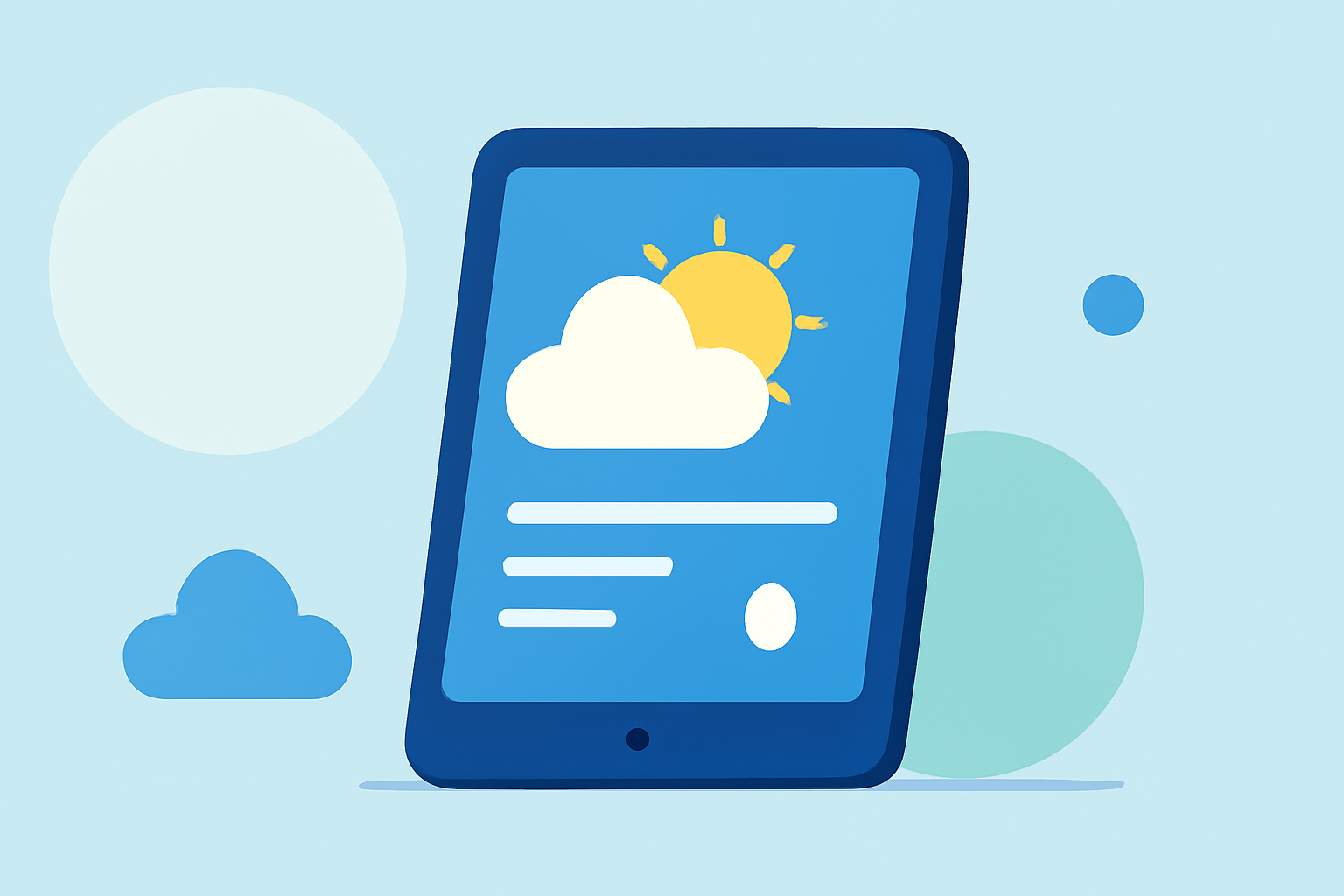
Creating an engaging and informative weather banner on your tablet can enhance your daily experience by providing quick access to essential weather information. Here's how to design an effective weather banner:
1. What Are Weather Banners?
Weather banners are graphical elements that display current weather conditions, forecasts, and related information. On tablets, they serve as a convenient way to access weather updates without opening a dedicated app.
2. Why Use a Weather Banner on Your Tablet?
Integrating a weather banner on your tablet offers several advantages:
- Instant Access: Quickly view current conditions and forecasts without launching an app.
- Space Efficiency: Utilize screen space effectively by incorporating weather information into your home screen or notification area.
- Customization: Tailor the banner's appearance to match your device's theme and personal preferences.
3. How to Design an Effective Weather Banner?
Designing a weather banner involves several key considerations:
- Simplicity: Keep the design clean and uncluttered to ensure readability.
- Responsiveness: Ensure the banner adapts well to different tablet sizes and orientations.
- Consistency: Use consistent color schemes and fonts that align with your device's interface.
- Functionality: Include essential information such as current temperature, weather conditions, and a brief forecast.
4. What Tools Can Help in Creating Weather Banners?
Several tools and resources can assist in designing weather banners:
- Weather Icons: Utilize comprehensive icon sets like Weather Icons to represent various weather conditions effectively.
- Design Templates: Platforms such as Freepik offer free PSD templates that can be customized to create professional-looking banners.
- Design Inspiration: Explore design communities like Dribbble for creative ideas and examples.
5. How to Implement a Weather Banner on Your Tablet?
Implementing a weather banner involves the following steps:
- Choose a Design: Select a design that suits your aesthetic preferences and device specifications.
- Customize the Banner: Modify the template to include your location and preferred weather details.
- Set Up the Banner: Depending on your tablet's operating system, you can set the banner as a widget, live wallpaper, or integrate it into the notification area.
6. What Are the Best Practices for Weather Banners?
To ensure your weather banner is both functional and visually appealing:
- Keep It Updated: Ensure the weather information is refreshed regularly to provide accurate data.
- Optimize Performance: Design the banner to load quickly and not drain battery life unnecessarily.
- Test Across Devices: Verify the banner's appearance and functionality on different tablet models and screen sizes.
By following these guidelines, you can create a weather banner that enhances your tablet experience, providing timely and accessible weather information at a glance.