
Enhancing Thunderstorm Tracking on Wear OS: A Comprehensive Guide
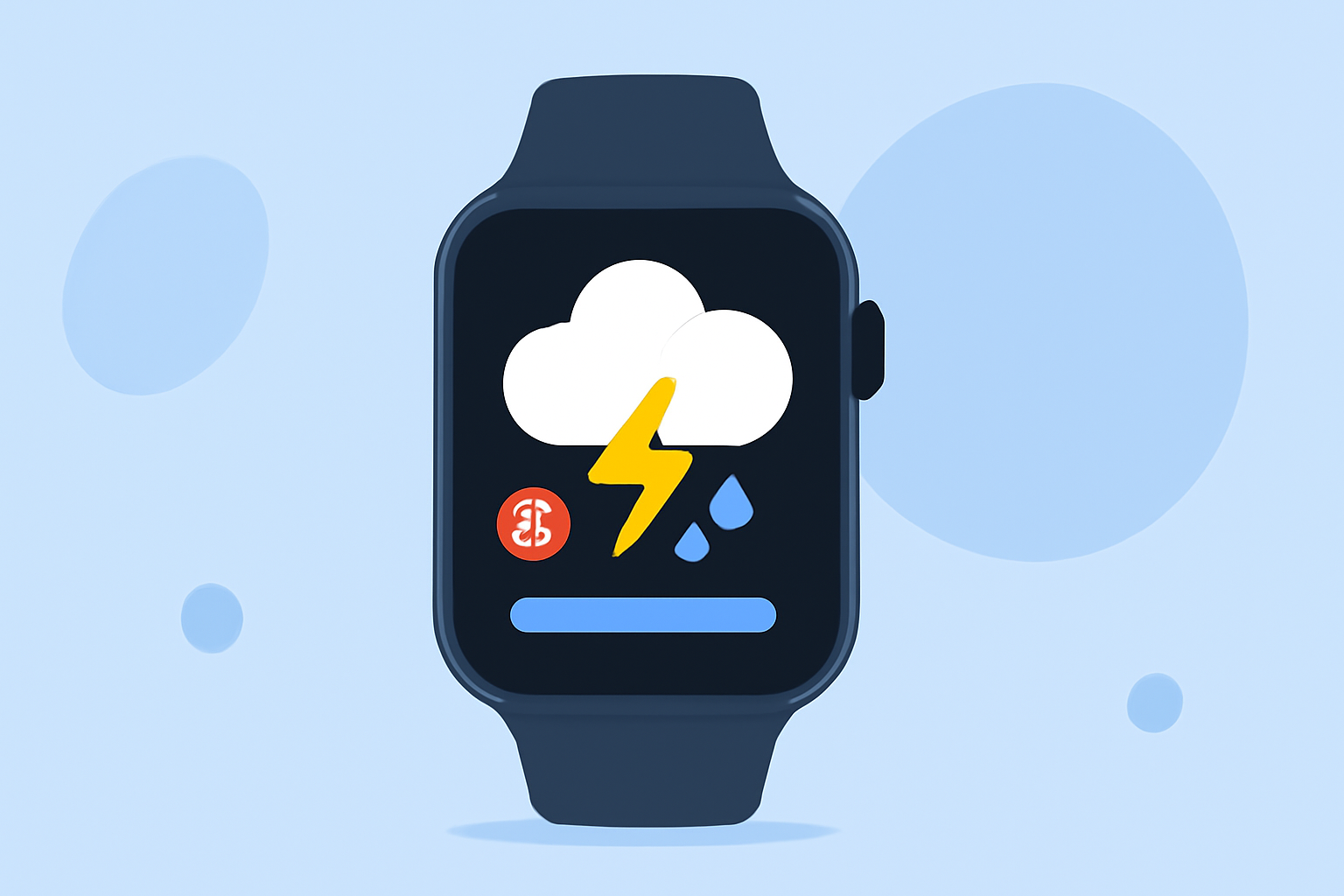
Monitoring thunderstorms in real-time is crucial for safety and preparedness. Wear OS devices offer a convenient platform for accessing weather information directly from your wrist. This guide explores how to enhance thunderstorm tracking on Wear OS, highlighting Clime's advanced features for real-time weather updates.
What Are the Challenges in Thunderstorm Tracking on Wear OS?
Thunderstorms can develop rapidly, making timely information essential. Traditional weather apps may not provide the immediacy or accuracy needed for such dynamic conditions. Additionally, the discontinuation of Google's native Weather app on Wear OS 6 and newer devices has left users seeking reliable alternatives. (androidcentral.com)
How Does Clime Address These Challenges?
Clime offers a comprehensive solution for thunderstorm tracking on Wear OS. Key features include:
-
Real-Time Weather Updates: Clime provides up-to-date weather information, including thunderstorm alerts, directly on your Wear OS device.
-
Interactive Radar Maps: Users can access detailed radar maps to visualize storm movements and intensities.
-
Severe Weather Notifications: Clime sends timely notifications about severe weather events, ensuring users are always informed.
-
User-Friendly Interface: The app's intuitive design allows for easy navigation and quick access to critical information.
How Can I Install Clime on My Wear OS Device?
Installing Clime on your Wear OS device is straightforward:
-
Access the Google Play Store: On your Wear OS device, open the Google Play Store.
-
Search for Clime: Use the search function to find "Clime".
-
Install the App: Select Clime from the search results and tap "Install".
-
Set Up Notifications: After installation, configure notification settings to receive thunderstorm alerts.
What Are the Benefits of Using Clime for Thunderstorm Tracking?
Clime offers several advantages for thunderstorm monitoring:
-
Timely Alerts: Receive immediate notifications about approaching thunderstorms, allowing for prompt action.
-
Enhanced Safety: Stay informed about severe weather conditions to make safer decisions.
-
Comprehensive Information: Access detailed weather data, including storm paths and intensities, directly from your wrist.
Are There Any Alternatives to Clime for Thunderstorm Tracking on Wear OS?
While Clime offers a robust solution for thunderstorm tracking, other options are available. It's advisable to explore various apps to find the one that best fits your needs.
How Does Clime Compare to Other Weather Apps on Wear OS?
Clime distinguishes itself with its real-time updates, interactive radar maps, and user-friendly interface. These features provide a comprehensive and accessible way to monitor thunderstorms directly from your Wear OS device.
What Are the System Requirements for Using Clime on Wear OS?
Clime is compatible with Wear OS devices running version 5.0 and above. Ensure your device meets these requirements for optimal performance.
How Do I Set Up Notifications for Thunderstorm Alerts in Clime?
To configure thunderstorm notifications in Clime:
-
Open the App: Launch Clime on your Wear OS device.
-
Access Settings: Navigate to the settings menu within the app.
-
Enable Notifications: Toggle on the notifications for severe weather alerts, including thunderstorms.
-
Customize Alert Preferences: Adjust the alert settings to suit your preferences, such as sound and vibration options.
By following these steps, you can ensure timely and personalized thunderstorm alerts directly on your wrist.
In conclusion, Clime offers a comprehensive and user-friendly solution for monitoring thunderstorms on Wear OS devices. Its real-time updates, interactive radar maps, and customizable notifications empower users to stay informed and make safer decisions during severe weather events.