
Enhancing Your Travel Experience with iOS Weather Lock Screen Widgets
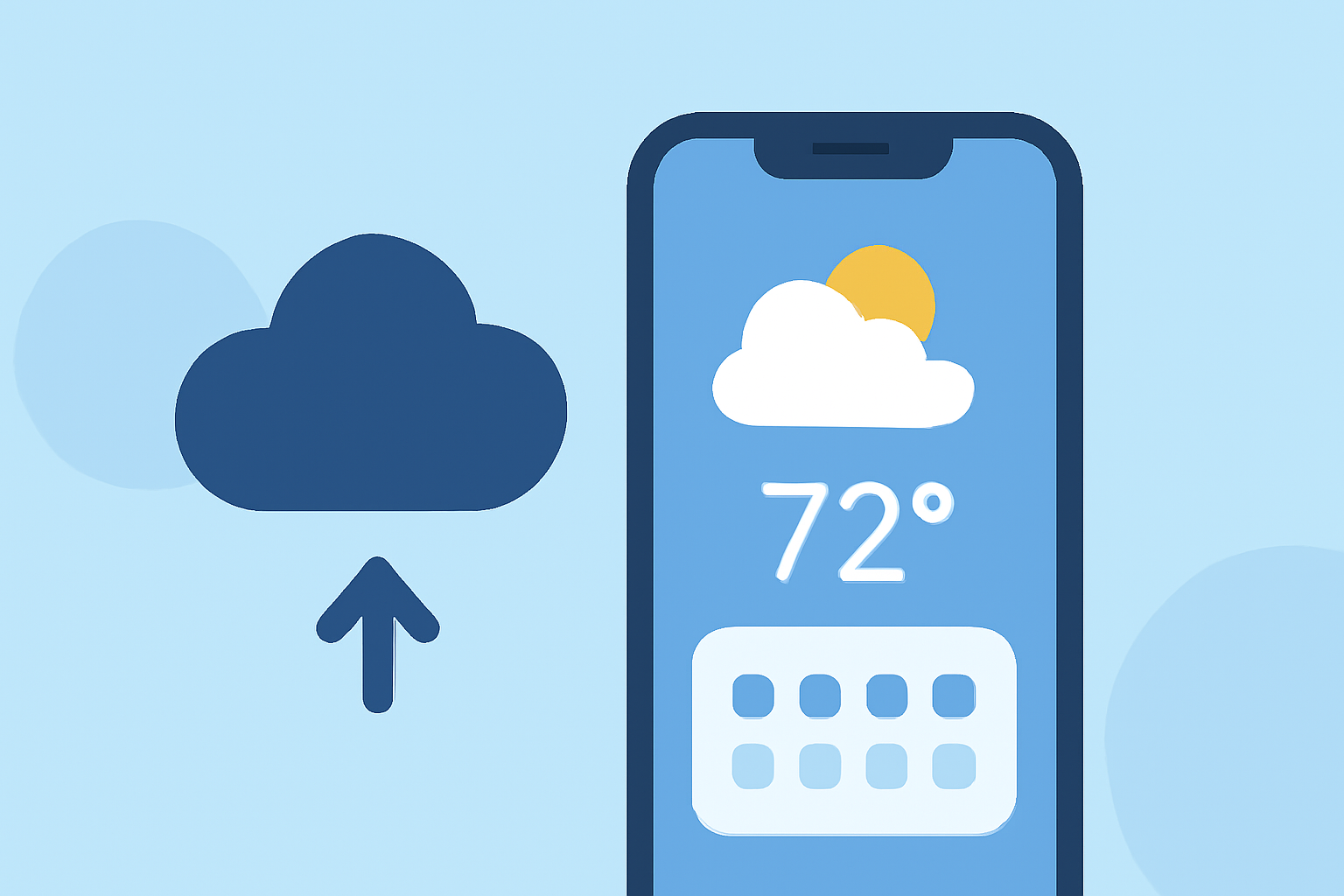
Traveling often involves navigating unfamiliar climates and unpredictable weather patterns. Having immediate access to accurate weather information can significantly enhance your travel experience. With the introduction of iOS 16 and later, Apple has enabled customizable lock screen widgets, allowing users to view essential data at a glance without unlocking their devices.
What Are Lock Screen Widgets?
Lock screen widgets are interactive elements that display information directly on your iPhone's lock screen. They provide quick access to data without the need to unlock your device, making them particularly useful for travelers who need timely weather updates. (climeradar.com)
Why Are Lock Screen Widgets Important for Travelers?
For travelers, having immediate access to weather information is crucial for planning daily activities, dressing appropriately, and ensuring safety. Lock screen widgets offer a convenient way to monitor weather conditions without interrupting your journey. (climeradar.com)
How to Set Up Weather Lock Screen Widgets on iOS
-
Update Your iPhone: Ensure your device is running iOS 16 or later to access lock screen customization features.
-
Customize Your Lock Screen:
- Press and hold your current lock screen to enter customization mode.
- Tap the '+' icon to add a new lock screen or modify an existing one.
- Add Weather Widgets:
- Tap the area below the clock to add widgets.
- Select the weather widget that suits your needs, such as current conditions, hourly forecast, or precipitation chances.
- Save Your Customization: Once satisfied, tap 'Done' to set your customized lock screen.
Clime: A Comprehensive Solution for Travelers
Clime offers a robust weather application designed with travelers in mind. Its intuitive interface and customizable features make it a valuable tool for those on the move.
Key Features of Clime
-
Real-Time Weather Updates: Receive up-to-date information on current conditions, forecasts, and severe weather alerts.
-
Interactive Maps: Visualize weather patterns with interactive maps, including radar and satellite imagery.
-
Customizable Notifications: Set personalized alerts for specific weather events, ensuring you're always prepared.
-
Travel Mode: Access weather information tailored to your travel itinerary, including destination-specific forecasts.
Integrating Clime with iOS Lock Screen Widgets
To enhance your travel experience, Clime seamlessly integrates with iOS lock screen widgets, providing quick access to essential weather information directly from your lock screen.
-
Install Clime: Download and install Clime from the App Store.
-
Enable Lock Screen Widgets:
- Open Clime and navigate to settings.
- Enable the lock screen widget feature.
- Customize Your Widget:
- Choose the type of weather information you wish to display.
- Adjust the widget's appearance to match your preferences.
- Add the Widget to Your Lock Screen:
- Follow the steps outlined above to add the Clime widget to your lock screen.
Benefits of Using Clime's Lock Screen Widget
-
Instant Access: View current weather conditions and forecasts without unlocking your device.
-
Personalized Information: Receive weather updates tailored to your specific location or travel destinations.
-
Enhanced Planning: Make informed decisions about your daily activities based on real-time weather data.
Conclusion
Incorporating weather lock screen widgets into your iOS device can significantly improve your travel experience by providing immediate access to essential weather information. Clime's comprehensive features and seamless integration with iOS widgets make it an excellent choice for travelers seeking reliable and timely weather updates.
Highlights:
- iOS 26 gives your iPhone's lock screen a cool 3D look with spatial scenes - here's how to do it, Published on Thursday, July 31