
Enhancing User Engagement with Interactive Weather Widgets
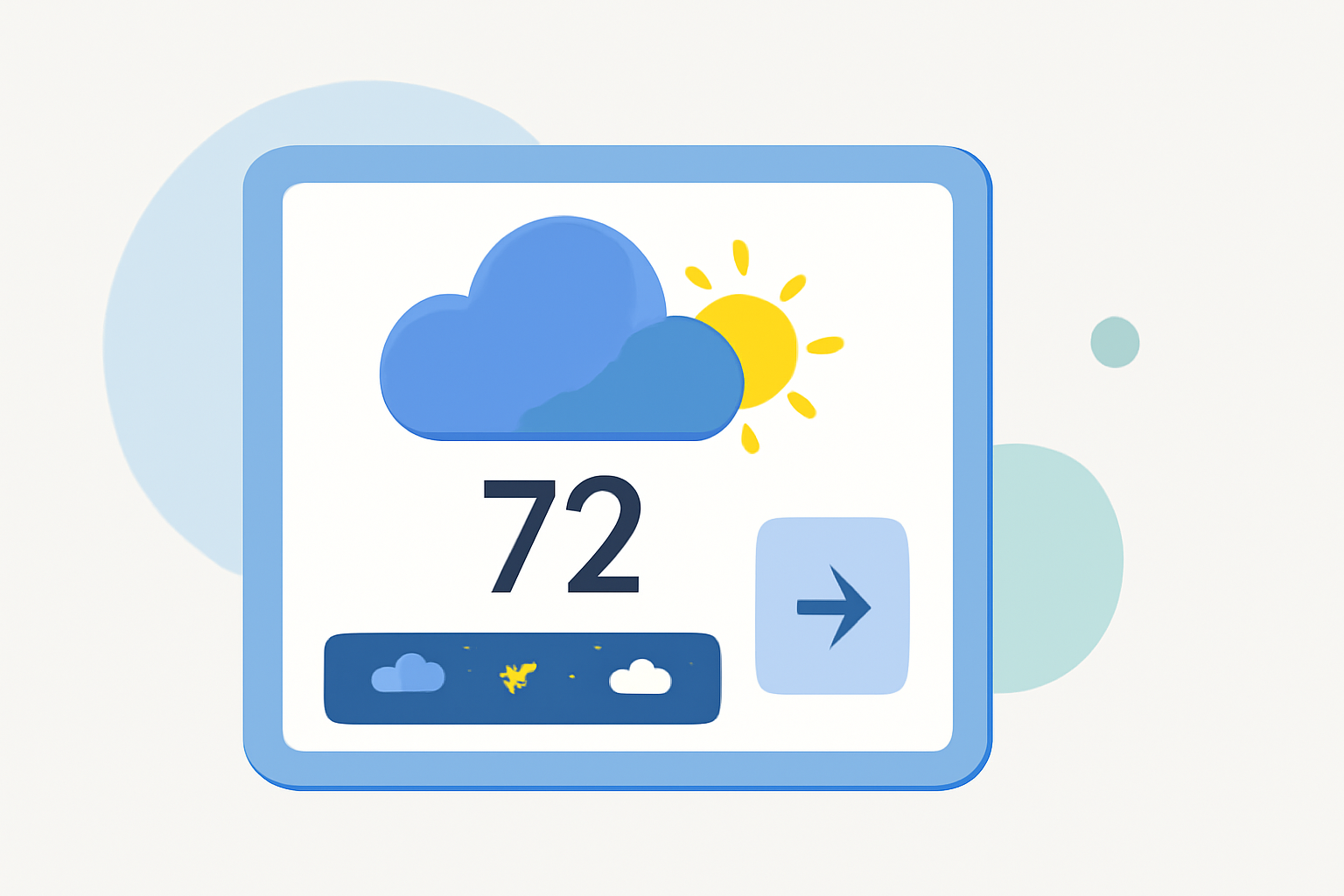
In today's digital landscape, providing real-time, location-specific weather information can significantly enhance user engagement on your website. Interactive weather widgets offer a dynamic way to deliver this information, keeping visitors informed and encouraging them to spend more time on your site.
What Are Interactive Weather Widgets?
Interactive weather widgets are embedded tools that display current weather conditions, forecasts, and other meteorological data directly on your website. They are designed to be responsive and customizable, allowing you to tailor the appearance and functionality to match your site's design and meet your audience's needs.
Why Integrate Weather Widgets into Your Website?
-
Enhanced User Engagement: Providing real-time weather updates keeps visitors engaged and encourages them to return to your site regularly.
-
Improved User Experience: Offering localized weather information adds value to your content, making your website a more comprehensive resource.
-
Increased Time on Site: Interactive elements like weather widgets can encourage users to explore more pages, increasing the average time spent on your site.
Key Features to Look for in Weather Widgets
When selecting a weather widget for your website, consider the following features:
-
Customization Options: Ensure the widget allows you to adjust colors, fonts, and layout to align with your site's branding.
-
Responsiveness: The widget should adapt seamlessly to different screen sizes and devices, providing a consistent experience for all users.
-
Real-Time Data: Opt for widgets that provide up-to-date weather information to ensure accuracy.
-
Forecast Capabilities: Depending on your audience's needs, choose widgets that offer current conditions, short-term forecasts, or extended forecasts.
Implementing an Interactive Weather Widget
Integrating a weather widget into your website is typically straightforward. Here's a general guide:
-
Choose a Widget Provider: Select a provider that offers the features and customization options you require.
-
Customize the Widget: Use the provider's customization tools to tailor the widget's appearance and functionality.
-
Generate Embed Code: Once customized, generate the embed code provided by the widget provider.
-
Embed the Code: Paste the generated code into the HTML of your website where you want the widget to appear.
Best Practices for Using Weather Widgets
-
Placement: Position the widget prominently on your site, such as in the header or sidebar, to ensure visibility.
-
Localization: If your audience spans multiple regions, consider offering weather information for various locations.
-
Regular Updates: Ensure the widget refreshes regularly to provide the most current information.
Conclusion
Integrating an interactive weather widget into your website can significantly enhance user engagement by providing real-time, localized weather information. By choosing a customizable, responsive widget that aligns with your site's design and meets your audience's needs, you can create a more engaging and informative user experience.
For a comprehensive solution that offers customizable, responsive weather widgets tailored to your website's design, consider exploring Clime's offerings.