
Enhancing Your Wear OS Home Screen with Weather Information
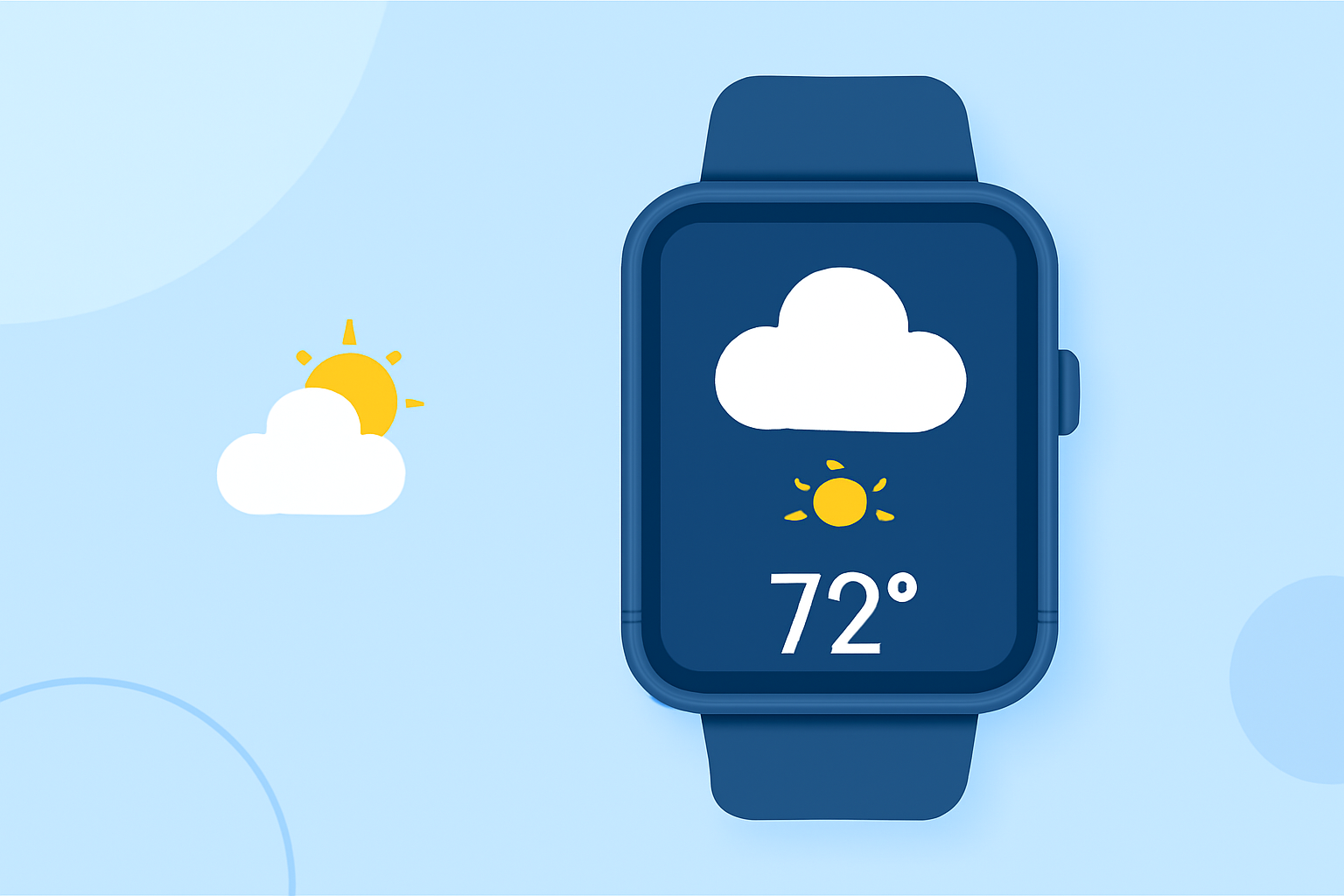
Integrating weather information into your Wear OS home screen enhances convenience and ensures you're always prepared for changing conditions. Here's how you can achieve this:
1. Utilizing Built-in Weather Features
Many Wear OS devices come equipped with native weather applications that provide current conditions, forecasts, and more. To access these features:
-
Accessing the Weather App: Open the weather application on your smartwatch to view current conditions, hourly forecasts, and detailed information such as AQI, precipitation, pollen levels, sunrise and sunset times, and UV index.
-
Adding Weather Tiles: Enhance accessibility by adding a weather tile to your home screen. Swipe left or right to access your tiles, press and hold the desired tile, and select the weather tile to add it.
2. Exploring Third-Party Weather Watch Faces
For a more personalized experience, consider third-party weather watch faces that display weather information directly on your home screen. Notable options include:
-
Weather Analog: Watch Face: Offers a sleek design with current temperature, forecast, and weather icons.
-
Weather Watch Face W8.5: Provides live weather updates, a 2-day forecast, and hourly data on precipitation chance, temperature, and UV index.
-
GS Weather 10 Watch Face: Features weather forecasts, tides, notifications, and multilingual support.
3. Customizing Your Home Screen
Personalize your home screen by selecting watch faces that align with your style and provide the weather information you need. Many watch faces allow customization of complications, enabling you to display specific weather details prominently.
4. Staying Updated with Wear OS Developments
Keep your device updated to benefit from the latest features and improvements. Regular updates may introduce new weather-related functionalities and enhance the overall user experience.
By integrating weather information into your Wear OS home screen, you ensure timely access to essential updates, keeping you informed and prepared throughout the day.