
Enhancing Your Wear OS Experience with Weather Widgets
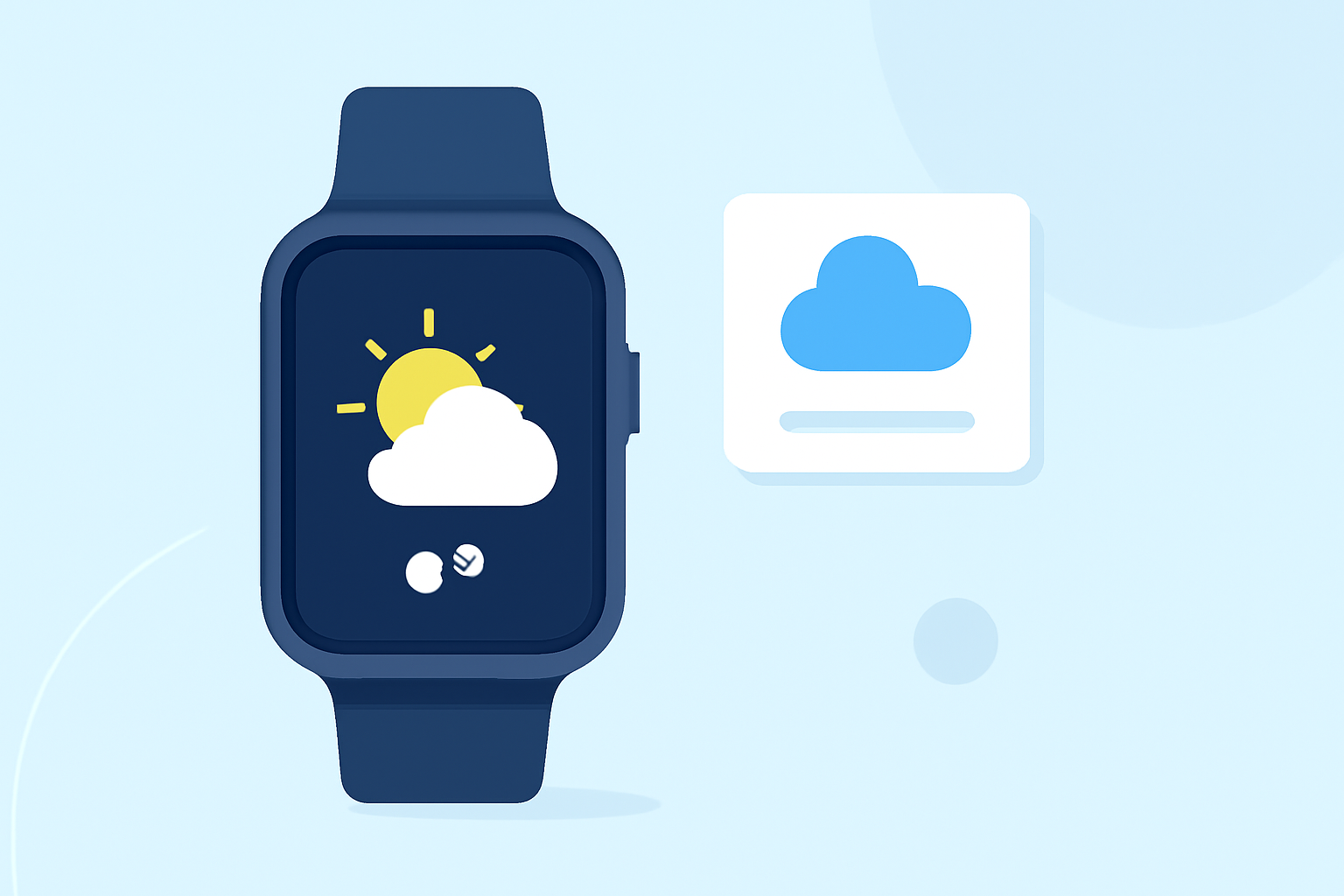
Staying updated with the latest weather conditions is essential, and your Wear OS smartwatch can be a valuable tool in this endeavor. By adding and customizing weather widgets, you can access real-time forecasts directly from your wrist.
What Are Weather Widgets on Wear OS?
Weather widgets, known as "Tiles" in Wear OS, are interactive shortcuts that provide quick access to weather information. They display current conditions, forecasts, and other relevant data, allowing you to stay informed without reaching for your phone.
How to Add a Weather Tile on Your Wear OS Smartwatch
-
Access Your Tiles: Swipe left or right on your watch face to view your current Tiles.
-
Enter Edit Mode: Press and hold any Tile until the edit options appear.
-
Add a New Tile: Swipe to the end of your Tiles and tap the "Add" icon.
-
Select the Weather Tile: From the list, choose the "Weather" Tile to add it to your collection.
This process allows you to quickly access weather updates directly from your smartwatch. (makeuseof.com)
Customizing Your Weather Tile
Personalizing your weather experience can make it more tailored to your needs:
-
Rearrange Tiles: In edit mode, drag and drop Tiles to reorder them according to your preference.
-
Remove a Tile: In edit mode, swipe up on the Tile you wish to remove.
-
Change Tile Settings: Some Tiles allow customization of settings, such as updating frequency or data sources.
These customization options ensure that your smartwatch provides the most relevant information at a glance. (androidcentral.com)
Alternative Weather Apps for Wear OS
If you're seeking additional features or different interfaces, consider exploring third-party weather apps available on the Google Play Store. These apps often offer unique functionalities and can be integrated into your smartwatch experience.
Conclusion
By adding and customizing weather widgets on your Wear OS smartwatch, you can effortlessly stay informed about current conditions and forecasts. This integration enhances your smartwatch's utility, providing timely and relevant information right on your wrist.
Highlights:
- Google is phasing out the Wear OS Weather app, but for something better, Published on Friday, September 12