
Enhancing Your Wear OS Experience with Large Weather Widgets
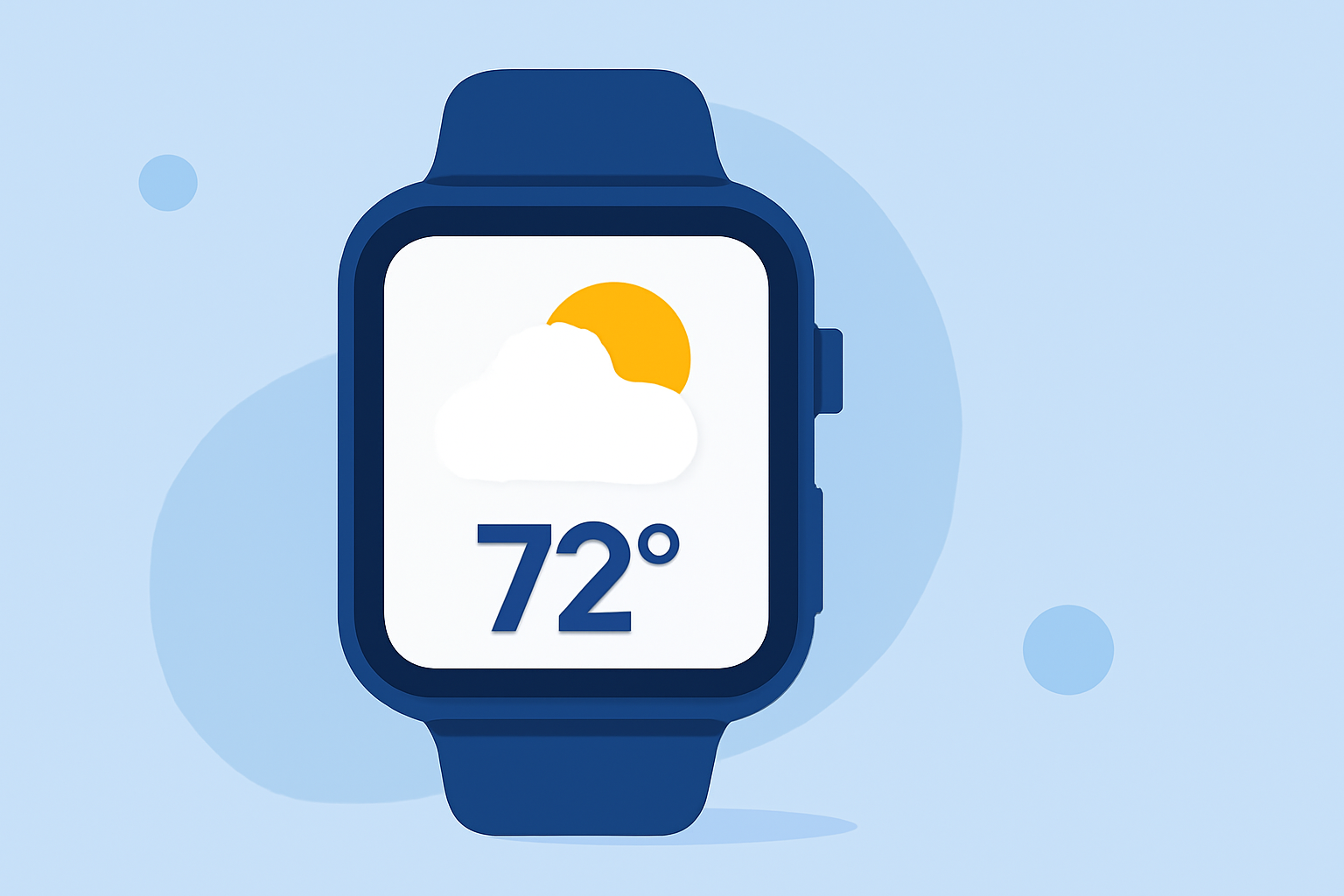
Personalizing your Wear OS smartwatch with large, informative weather widgets can significantly enhance your daily experience by providing real-time updates and forecasts at a glance. These widgets not only offer essential weather information but also add a stylish touch to your device.
What Are Large Weather Widgets on Wear OS?
Large weather widgets are customizable watch faces designed for Wear OS smartwatches that display weather information in a prominent, easy-to-read format. They typically showcase current conditions, forecasts, and other relevant data using large, realistic icons and clear typography.
How Do Large Weather Widgets Enhance Wear OS Functionality?
Integrating large weather widgets into your Wear OS smartwatch offers several benefits:
-
At-a-Glance Information: Quickly view current weather conditions and forecasts without navigating through multiple apps.
-
Customization: Personalize your watch face with various themes, colors, and layouts to match your style.
-
Health and Fitness Integration: Some widgets incorporate health metrics like heart rate, steps, and distance traveled, providing a comprehensive overview of your well-being.
What Are Some Notable Large Weather Widgets for Wear OS?
Here are some popular large weather widgets available for Wear OS:
Weather Watch Face W5 Features large, realistic weather icons and a 6-day forecast. Displays heart rate, steps, and distance traveled. Available on devices running Wear OS 2.4 and 3+. (play.google.com)
Weather Watch Face W6 Offers a 6-day weather forecast and a 30-day solar calendar with large realistic icons. Includes weather updates, solar times, steps, heart rate, and customizable shortcuts. (apprecs.com)
LR21 - LR21-ANIMATED WEATHER PRO+ - watch face for Apple Watch, WearOS, Galaxy Watch, Pixel Watch, Huawei Watch, and more - Facer Weather Animated Pro Provides real-time animated weather conditions with high-quality animations reflecting current weather. Compatible with various Wear OS devices. (starwatchfaces.com)
Weather Info Watchface Combines rich weather insights with advanced health and activity tracking. Offers real-time weather updates and fitness metrics. (starwatchfaces.com)
LR21 - LR21-WEATHER ULTRA SPORT X4 - watch face for Apple Watch, WearOS, Galaxy Watch, Pixel Watch, Huawei Watch, and more - Facer Weather Ultra Features real-time weather updates, fitness tracking, and 30 vibrant color themes. Designed for performance, elegance, and personalization. (starwatchfaces.com)
How Do I Install and Customize Large Weather Widgets on My Wear OS Smartwatch?
-
Install the Widget: Navigate to the Google Play Store on your smartwatch or connected smartphone.
-
Search for the Widget: Enter the name of the desired weather widget in the search bar.
-
Download and Install: Select the widget from the search results and tap 'Install.'
-
Apply the Widget: After installation, press and hold the watch face on your smartwatch, select 'Change watch face,' and choose the newly installed weather widget.
-
Customize Settings: Access the widget's settings to personalize themes, colors, and data displays according to your preferences.
What Are the System Requirements for Large Weather Widgets on Wear OS?
Most large weather widgets are compatible with Wear OS 2.4 and newer versions. Ensure your smartwatch is updated to the latest Wear OS version to guarantee optimal performance and access to the latest features.
How Do Large Weather Widgets Contribute to a Personalized Wear OS Experience?
By integrating large weather widgets, you can tailor your smartwatch to reflect your personal style and functional needs. These widgets provide essential weather information in a format that suits your aesthetic preferences, enhancing both the utility and appearance of your device.
Incorporating large weather widgets into your Wear OS smartwatch not only keeps you informed about current conditions and forecasts but also allows for a high degree of personalization, ensuring your device aligns with your style and functional requirements.