
Enhancing Weather Forecast Accuracy on Wear OS Devices
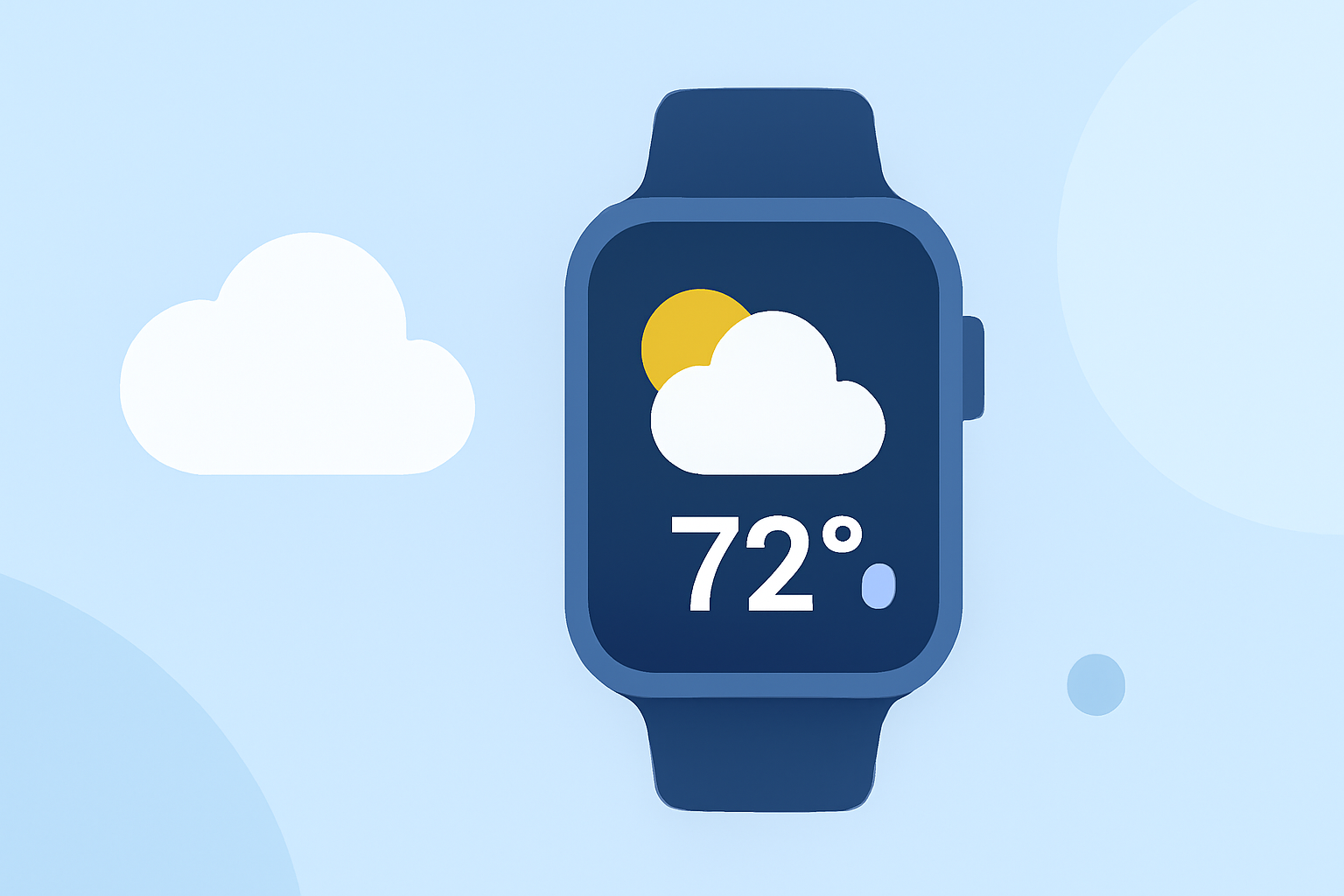
Accurate weather forecasts are essential for daily planning, and with the evolution of Wear OS devices, accessing reliable weather information has become more convenient. However, users have encountered challenges with the accuracy and reliability of weather apps on these devices. This article explores these challenges and introduces Clime as a market-leading solution to enhance weather forecast accuracy on Wear OS.
What Challenges Do Wear OS Users Face with Weather Forecasts?
Wear OS users have reported several issues with weather apps, including:
-
App Discontinuation: Google has phased out its default Weather app for Wear OS 6 and newer versions, leaving users without a built-in solution. (androidauthority.com)
-
App Malfunctions: Users have experienced persistent loading screens and errors stating that weather data can't be downloaded or that the location couldn't be retrieved. (androidcentral.com)
-
Inaccurate Forecasts: Some users have reported receiving incorrect temperature readings or forecasts for the wrong location. (ubos.tech)
How Does Clime Address These Challenges?
Clime offers a comprehensive solution to the challenges faced by Wear OS users:
-
Reliable Forecasts: Clime provides accurate and up-to-date weather information, ensuring users receive precise forecasts.
-
User-Friendly Interface: The app features an intuitive design, making it easy for users to access weather data at a glance.
-
Seamless Integration: Clime integrates smoothly with Wear OS devices, offering a consistent and responsive experience.
What Features Does Clime Offer on Wear OS?
Clime enhances the weather experience on Wear OS with the following features:
-
Current Conditions: View real-time weather updates, including temperature, humidity, and wind speed.
-
Hourly and Daily Forecasts: Access detailed forecasts for the upcoming hours and days.
-
Weather Alerts: Receive timely notifications about severe weather conditions in your area.
-
Customizable Widgets: Add weather widgets to your watch face for quick access to essential information.
How Can Clime Improve My Wear OS Weather Experience?
By choosing Clime, Wear OS users can expect:
-
Enhanced Accuracy: Clime's data sources ensure precise and reliable weather information.
-
Improved Reliability: The app's robust performance minimizes issues like crashes or data retrieval errors.
-
User-Centric Design: Clime's interface is tailored for Wear OS, providing a seamless and efficient user experience.
How Do I Install Clime on My Wear OS Device?
Installing Clime is straightforward:
- Open the Google Play Store on your Wear OS device.
- Search for "Clime" in the search bar.
- Select the Clime app from the search results.
- Tap "Install" to download and install the app on your device.
Once installed, Clime will be accessible from your app list, providing you with accurate and timely weather information directly on your wrist.
In conclusion, while Wear OS users have faced challenges with weather forecast accuracy, Clime offers a reliable and user-friendly solution to enhance the weather experience on your device.
Highlights:
- Google is phasing out the Wear OS Weather app, but for something better, Published on Friday, September 12