
Enhancing Weather Notifications on Wear OS: A Beginner's Guide
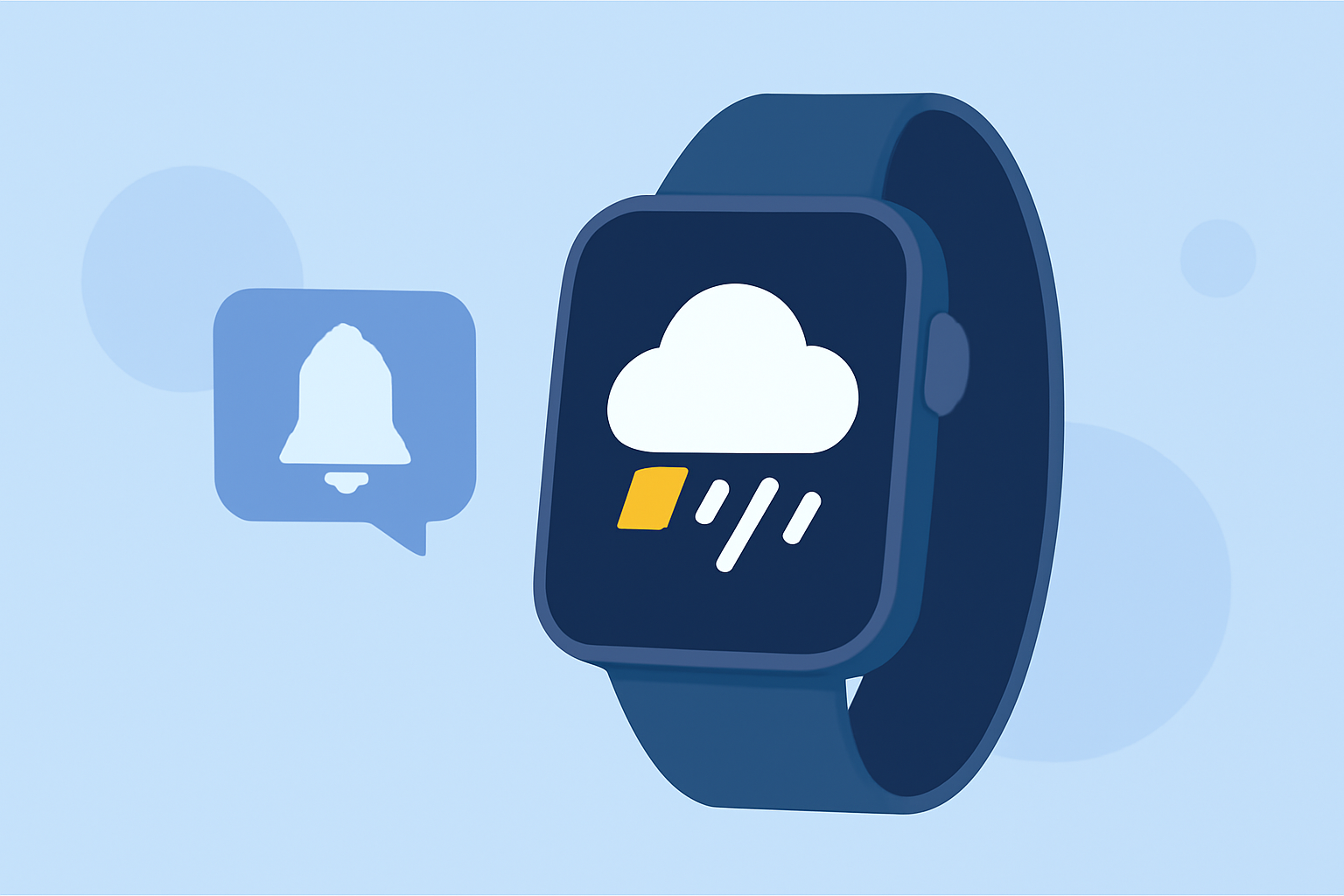
Staying updated on weather conditions is crucial, and customizing your Wear OS device's notification sounds can enhance this experience. By tailoring these alerts, you can receive timely and personalized weather updates directly on your wrist.
Why Customize Weather Notifications?
Personalizing your weather notifications ensures that you receive timely and relevant updates, helping you plan your day effectively.
How to Set Up Custom Weather Notifications on Wear OS
-
Choose a Compatible Weather App: Select a weather application that supports Wear OS and offers customizable notification features.
-
Install the App on Your Wear OS Device: Navigate to the Google Play Store on your smartwatch and install the chosen weather app.
-
Configure Notification Settings: Open the app on your smartwatch, go to the settings menu, and enable notifications.
-
Customize Notification Sounds: Within the app's notification settings, select your preferred sound for weather alerts.
Alternative Methods for Customizing Notifications
If your chosen weather app doesn't support custom notification sounds, consider using third-party applications designed for Wear OS that allow for extensive notification customization.
Tips for Effective Notification Management
-
Set Quiet Hours: Define periods during which notifications are muted to avoid disturbances during meetings or sleep.
-
Use Repeated Vibrations: Enable repeated vibrations for critical weather alerts to ensure they capture your attention.
-
Upload Custom Sounds: Personalize your notifications by uploading unique sounds that resonate with you.
Conclusion
Customizing your Wear OS device's weather notification sounds enhances your ability to stay informed about weather conditions, ensuring you receive timely and personalized updates.
Highlights:
- Google Weather is broken on older Wear OS watches, but a fix is coming, Published on Friday, December 12
- Google is phasing out the Wear OS Weather app, but for something better, Published on Friday, September 12