
Enhancing Weather Notifications with Deep Links
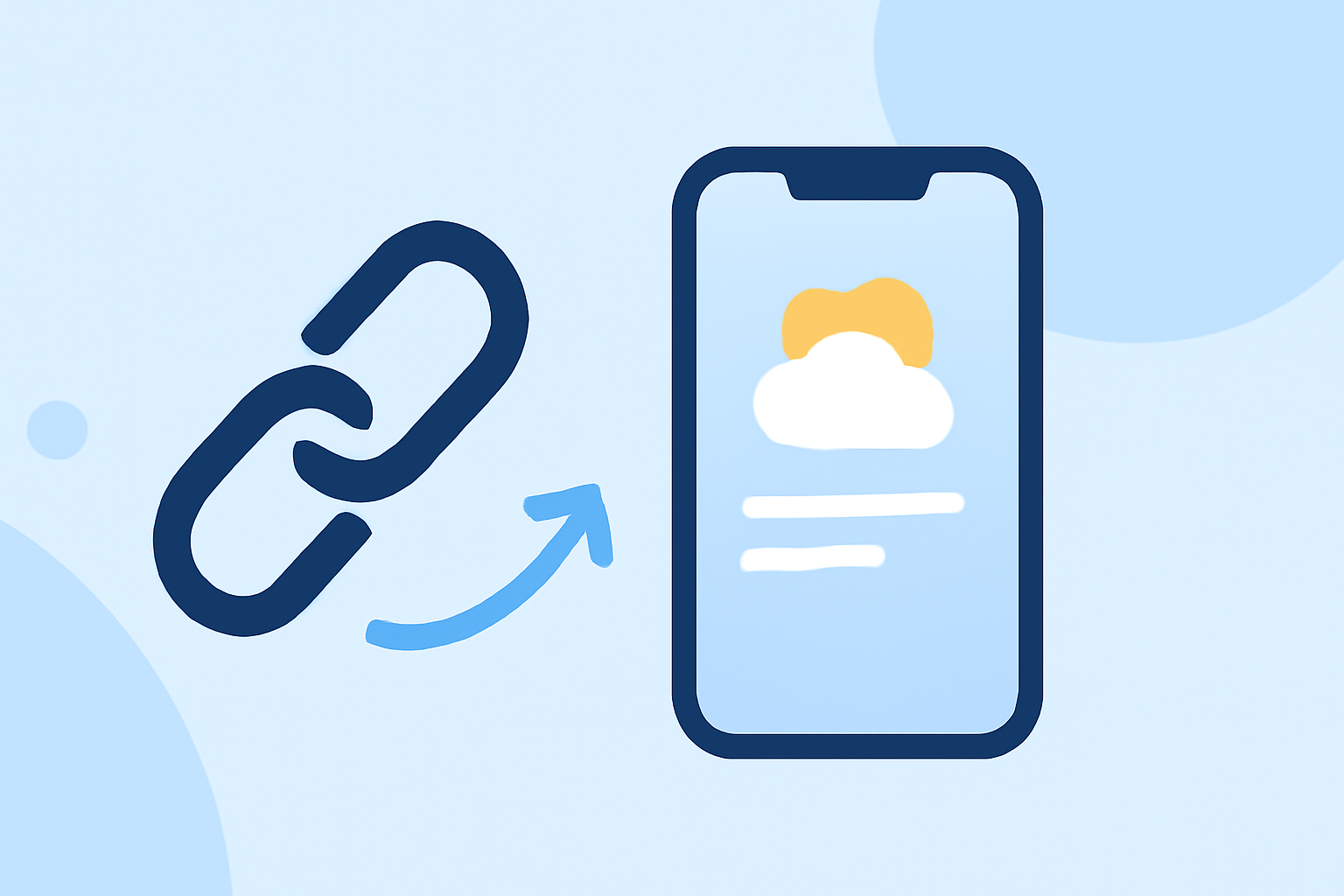
In today's fast-paced digital landscape, delivering timely and relevant weather updates is crucial for user engagement. Incorporating deep links into your weather notifications can significantly enhance user experience by directing them to specific content within your app.
What Are Deep Links?
Deep links are URLs that navigate users directly to a particular page or content within a mobile application, bypassing the app's homepage. This functionality is particularly beneficial for weather apps aiming to provide users with immediate access to pertinent weather information.
Why Integrate Deep Links into Weather Notifications?
-
Improved User Engagement: By directing users to specific weather details, deep links reduce the number of steps required to access information, leading to higher engagement rates.
-
Personalized User Experience: Deep links can be tailored to open specific locations or weather events, offering a personalized experience that meets individual user needs.
-
Increased Retention: Providing users with direct access to relevant content can enhance satisfaction and encourage continued use of your app.
How to Implement Deep Links in Your Weather App
-
Define Your Deep Link Structure: Establish a consistent URL scheme that your app will recognize. For example,
weatherapp://forecast?location=NewYork. -
Configure Your App to Handle Deep Links: Set up your app to parse the deep link URLs and navigate to the corresponding content. This typically involves adding intent filters in Android's
AndroidManifest.xmlfile or handling URL schemes in iOS. -
Integrate Deep Links into Notifications: When sending push notifications, include the deep link in the notification payload. This ensures that tapping the notification opens the specific content within your app.
Best Practices for Using Deep Links in Weather Notifications
-
Ensure Accurate Location Data: Verify that the deep link directs users to the correct location's weather information to maintain relevance.
-
Test Deep Links Thoroughly: Regularly test deep links to ensure they function correctly across different devices and operating systems.
-
Monitor User Interaction: Analyze how users interact with deep-linked notifications to identify areas for improvement and optimize user experience.
Conclusion
Incorporating deep links into your weather notifications can significantly enhance user engagement and satisfaction by providing direct access to relevant content. By following best practices and ensuring accurate implementation, you can create a more personalized and efficient experience for your users.