
Enhancing Weather Notifications with Vibration Alerts: A Comprehensive Guide
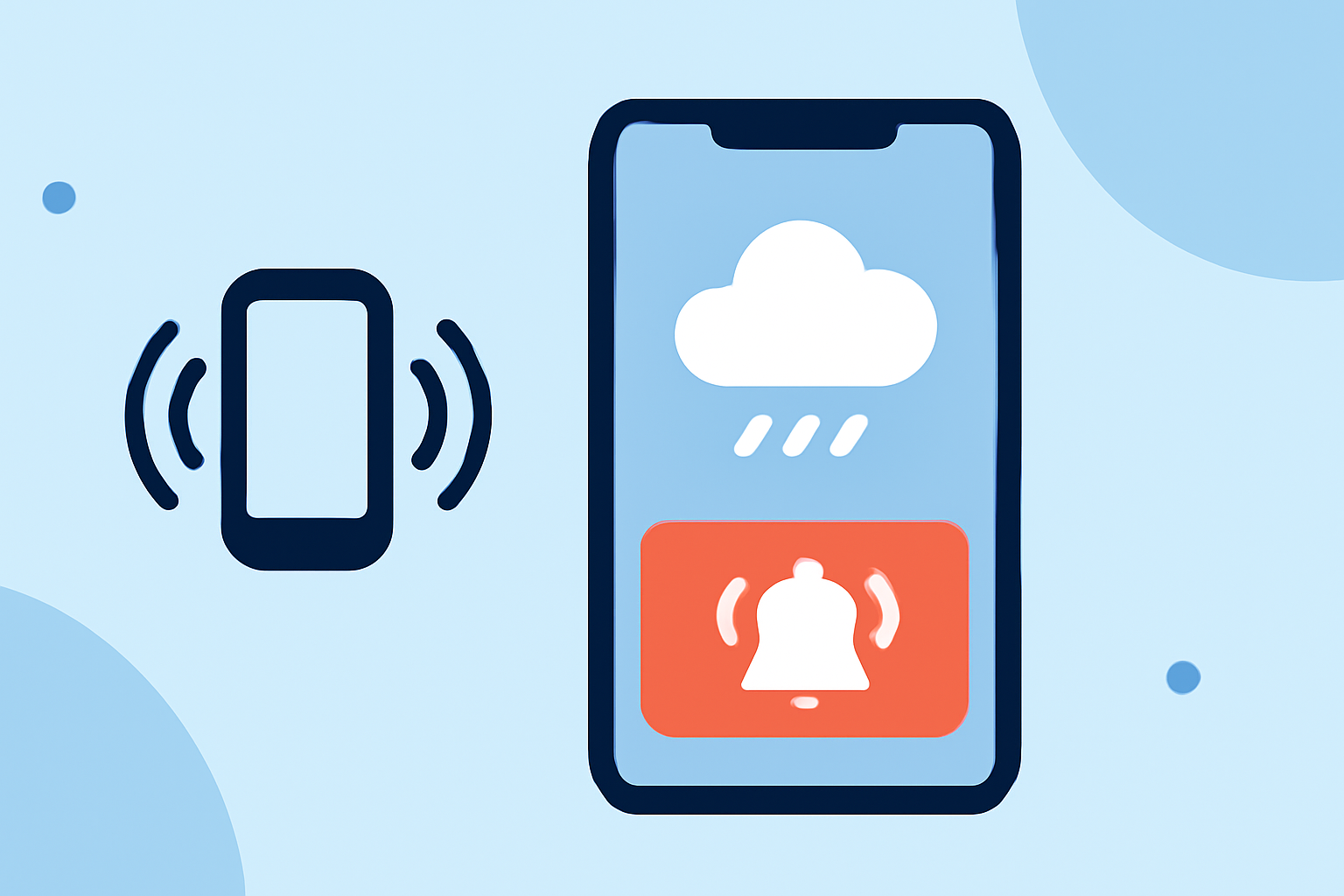
Staying informed about weather conditions is crucial for safety and planning, especially during severe weather events. Incorporating vibration alerts into your weather notification system can provide immediate, attention-grabbing notifications, ensuring you never miss critical updates.
Understanding Vibration Alerts in Weather Notifications
Vibration alerts are tactile notifications that use your device's vibration function to alert you to important events, such as severe weather warnings. When integrated into a weather notification system, these alerts can provide immediate, attention-grabbing notifications, ensuring you never miss critical updates.
Why Integrate Vibration Alerts?
- Immediate Attention: Vibration alerts are hard to ignore, making them effective for urgent notifications.
- Accessibility: They assist individuals with hearing impairments who might miss audio alerts.
- Discreetness: Vibration alerts can notify you without disturbing others in quiet environments.
Implementing Vibration Alerts in Your Weather Notification System
-
Choose a Reliable Weather Data Source: Select a weather API that provides real-time data and supports severe weather alerts.
-
Set Up Automated Weather Checks: Configure your system to fetch weather data at regular intervals, such as every 6 hours, to stay updated on changing conditions.
-
Define Alert Criteria: Establish thresholds for severe weather conditions (e.g., high winds, heavy rainfall) that will trigger notifications.
-
Integrate Vibration Alerts: Program your system to send vibration notifications to your device when severe weather conditions are detected.
Example Workflow Using n8n
n8n is an open-source automation platform that can help you set up a weather notification system with vibration alerts. Here's a simplified workflow:
-
Scheduled Trigger: Use a Cron node to trigger the workflow at your desired interval (e.g., every 6 hours).
-
Fetch Weather Data: Use an HTTP Request node to call a weather API and retrieve current weather data for your location.
-
Check for Severe Conditions: Use an If node to evaluate the fetched data against your defined alert criteria.
-
Send Vibration Alert: If severe conditions are detected, use a Push Notification node to send a vibration alert to your device.
This workflow ensures that you receive timely notifications about severe weather conditions, even when you're not actively checking your device.
Best Practices for Effective Vibration Alerts
- Customize Alert Settings: Allow users to set their own thresholds for weather alerts to avoid notification fatigue.
- Provide Clear Information: Include essential details in the notification, such as the type of severe weather, expected impact, and recommended actions.
- Test Regularly: Periodically test your notification system to ensure reliability and accuracy.
Conclusion
Integrating vibration alerts into your weather notification system enhances your ability to respond promptly to severe weather conditions. By following the steps outlined above, you can create an effective and reliable system that keeps you informed and safe.
(n8n.io)