
Enhancing Your Weather Widget with Winter Storm Color Themes
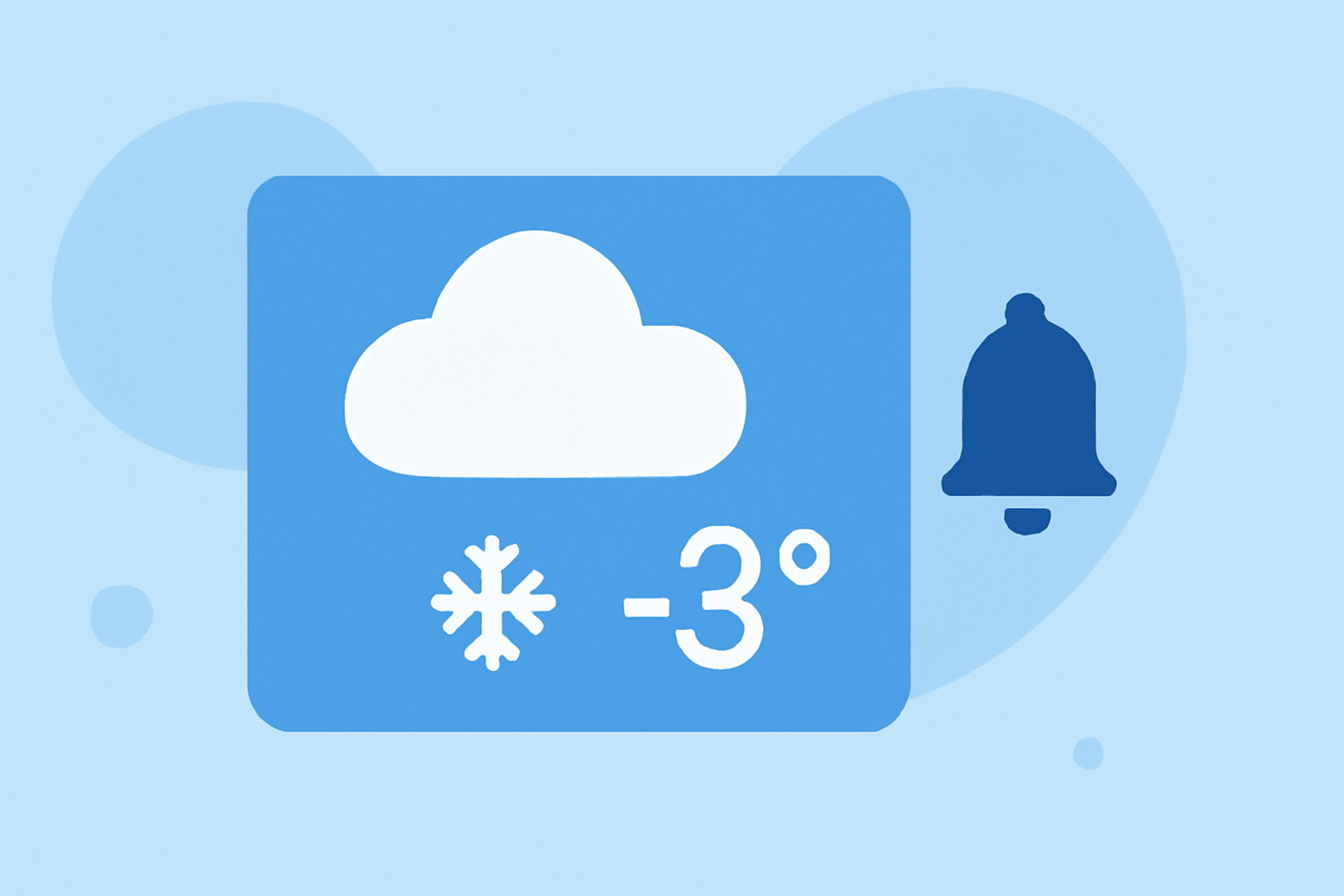
Winter storms can be both beautiful and hazardous, and having a weather widget that accurately reflects these conditions can enhance your preparedness and appreciation of the season. Customizing your weather widget's color themes to mirror winter storm conditions not only provides real-time information but also adds a visual appeal to your device.
Why Customize Your Weather Widget?
Customizing your weather widget allows you to:
- Enhance Visual Appeal: A widget that changes colors with the weather adds a dynamic element to your device.
- Improve Readability: Color-coded themes can make it easier to interpret weather conditions at a glance.
- Stay Prepared: Immediate visual cues about severe weather can prompt timely actions.
Choosing the Right Color Themes for Winter Storms
When selecting color themes for winter storms, consider the following:
- Cool Tones: Blues and grays can represent cold temperatures and snow.
- White Accents: White can symbolize snow and ice.
- Dark Backgrounds: Dark themes can indicate overcast skies and low visibility.
Customizing Your Weather Widget
Many weather apps offer customization options. For instance, some apps allow you to adjust colors to match weather illustrations based on current conditions. This feature enables your widget to dynamically change its appearance to reflect the weather, providing both aesthetic appeal and functional information.
Implementing Custom Themes
To implement custom themes:
- Access Widget Settings: Open your weather app and navigate to the widget settings.
- Select Theme Options: Choose from available themes or create a custom one.
- Adjust Colors: Set colors that represent winter storm conditions, such as cool tones and white accents.
- Apply Changes: Save and apply the new theme to your widget.
Benefits of Custom Themes During Winter Storms
- Immediate Visual Cues: Color changes provide instant recognition of severe weather.
- Enhanced Aesthetics: A well-designed widget can make your device more visually appealing.
- Improved Preparedness: Timely visual alerts can prompt necessary actions during winter storms.
By customizing your weather widget's color themes to reflect winter storm conditions, you can create a more engaging and informative experience on your device.