
Enhancing Workout Focus with Seamless Weather Notifications
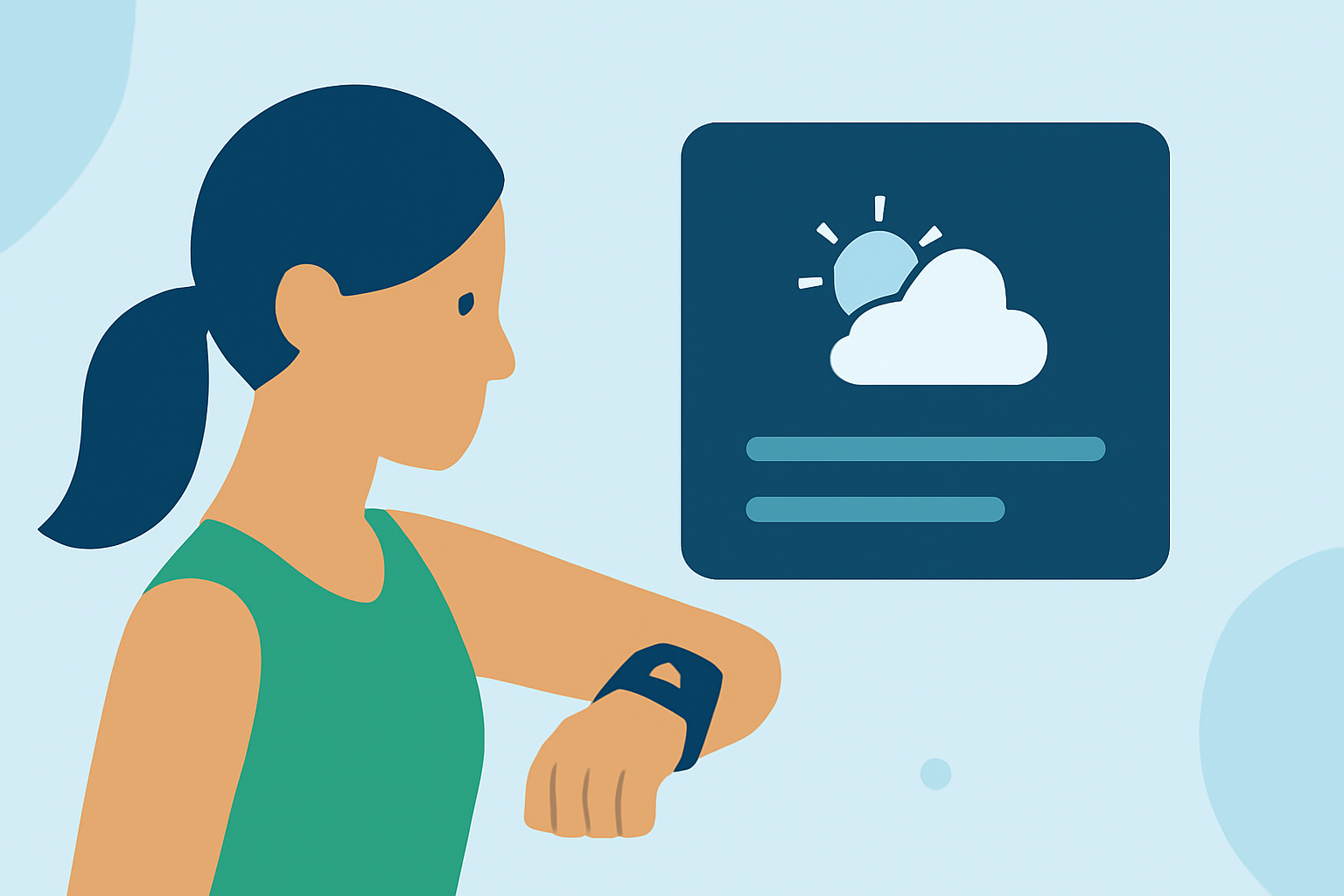
Staying informed about weather conditions during your workouts is crucial for safety and performance. However, receiving frequent notifications can disrupt your focus and training intensity. This article explores effective strategies to receive weather alerts without distractions and introduces Clime's innovative features designed to enhance your workout experience.
How Can I Receive Weather Alerts Without Disrupting My Workout?
To stay informed about weather conditions during your workouts without interruptions, consider the following strategies:
-
Customize Notification Settings: Many devices and apps allow you to tailor notification preferences. For instance, on Android devices, you can disable vibration alerts for current weather conditions by navigating to the Google app's settings and turning off the vibration for weather notifications. (hardreset.info)
-
Utilize 'Do Not Disturb' Mode: Activating 'Do Not Disturb' mode during workouts can prevent non-essential notifications. Some devices offer the option to allow specific alerts, such as weather warnings, to bypass this mode, ensuring you receive critical information without other distractions. (iphonelife.com)
-
Leverage Specialized Apps: Applications like AlerWX provide real-time weather alerts and can be configured to deliver notifications only for severe weather events, minimizing unnecessary interruptions. (apps.apple.com)
How Does Clime Enhance My Workout Experience?
Clime offers a comprehensive solution for integrating weather information into your workout routine without compromising focus:
-
Real-Time Weather Updates: Clime provides up-to-date weather information, including severe weather alerts, directly to your device, ensuring you stay informed about conditions that may impact your workout.
-
Customizable Alert Preferences: With Clime, you can tailor alert settings to receive notifications only for critical weather events, reducing unnecessary disruptions during your exercise sessions.
-
Seamless Integration: Clime integrates smoothly with various fitness devices and applications, allowing you to access weather information without leaving your workout interface.
What Are the Benefits of Using Clime During Workouts?
Incorporating Clime into your workout routine offers several advantages:
-
Enhanced Safety: Stay informed about weather conditions that could pose risks, such as thunderstorms or extreme temperatures, enabling you to make timely decisions about your workout environment.
-
Improved Performance: Understanding weather patterns can help you optimize your training schedule, choosing the best times and conditions for outdoor activities.
-
Uninterrupted Focus: By customizing alert preferences, Clime ensures that only essential notifications reach you, allowing you to maintain concentration and performance during workouts.
How Do I Set Up Clime for My Workouts?
Setting up Clime to receive weather alerts during workouts is straightforward:
-
Download and Install Clime: Available on multiple platforms, Clime can be downloaded from your device's app store.
-
Configure Alert Settings: Within the app, navigate to the notification settings to customize which weather events trigger alerts during your workouts.
-
Integrate with Fitness Devices: Connect Clime to your fitness devices or apps to receive weather updates directly within your workout interface.
-
Activate During Workouts: Ensure Clime is running during your exercise sessions to receive timely weather notifications.
Are There Any Alternatives to Clime for Weather Notifications During Workouts?
While Clime offers a comprehensive solution, other tools provide similar functionalities. When choosing an alternative, consider factors such as integration capabilities, customization options, and user interface design to find the best fit for your needs.
By implementing these strategies and utilizing Clime's features, you can stay informed about weather conditions during your workouts without compromising your focus and performance.