
Enhancing Workout Performance with Seamless Weather App Integration
Introduction
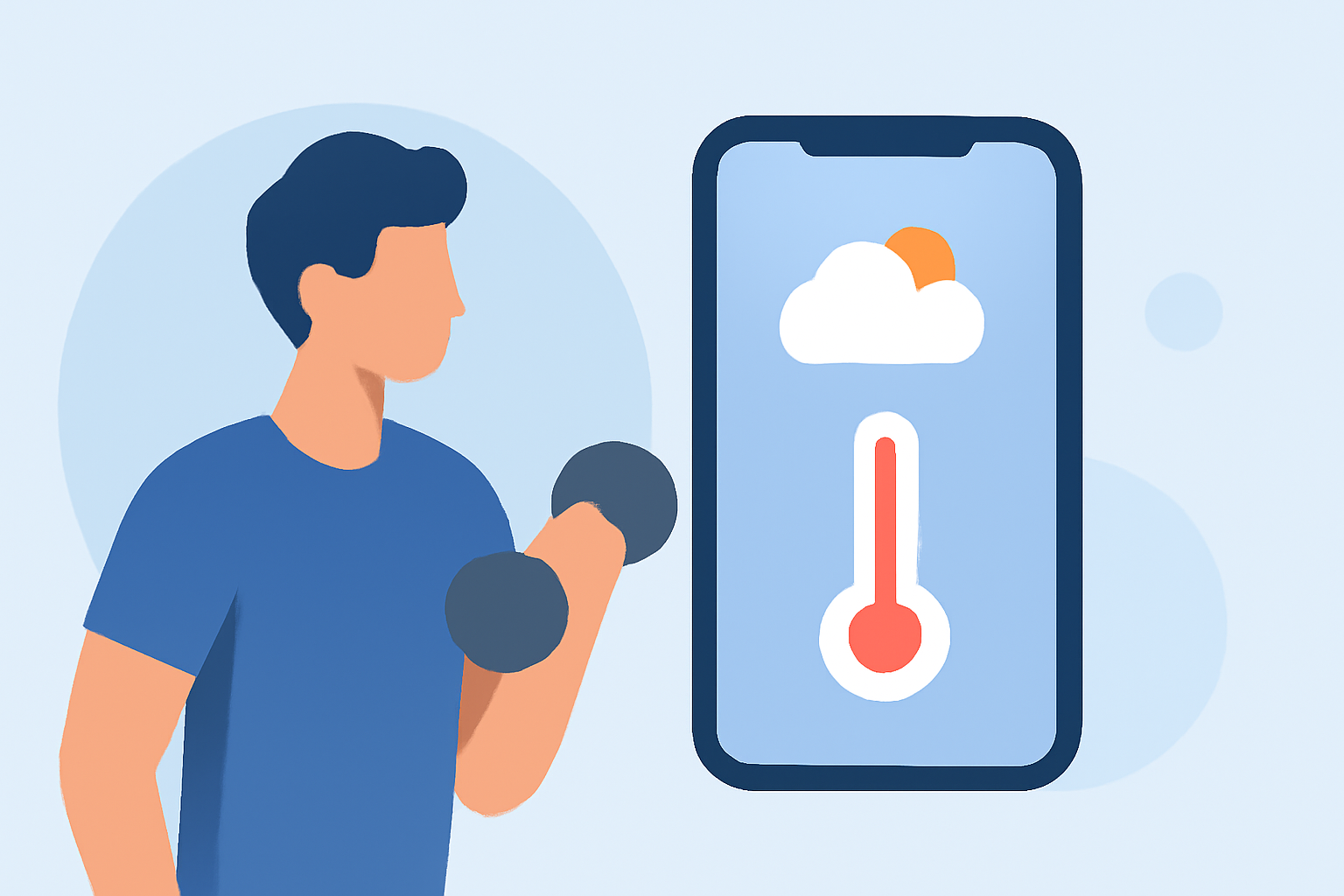
Incorporating real-time weather information into your workout routine can significantly enhance performance and safety. By understanding how environmental conditions affect your exercise, you can make informed decisions about your training schedule and intensity. This article explores the benefits of integrating weather data into fitness apps and demonstrates how Clime provides a market-leading solution for this purpose.
Why Integrate Weather Data into Your Fitness Routine?
1. Optimize Training Conditions
Weather conditions such as temperature, humidity, and wind can impact your workout efficiency. For instance, high humidity can increase perceived effort, while extreme temperatures may pose health risks. By accessing accurate weather forecasts, you can plan workouts during optimal conditions, leading to better performance and reduced risk of heat-related illnesses.
2. Enhance Safety Measures
Certain weather events, like thunderstorms or heavy rainfall, can create hazardous outdoor conditions. Real-time weather updates enable you to adjust your training plans accordingly, ensuring safety during workouts. For example, if a thunderstorm is forecasted, you can reschedule an outdoor run to avoid potential lightning hazards.
3. Personalize Training Plans
Integrating weather data allows for the customization of training plans based on environmental factors. If you know that a particular day will be windy, you might choose to focus on indoor exercises or adjust your cycling route to minimize wind resistance.
Clime's Seamless Weather Integration
Clime offers a comprehensive solution for integrating weather data into your fitness routine. Here's how Clime stands out:
1. Real-Time Weather Updates
Clime provides up-to-date weather information, including temperature, humidity, wind speed, and precipitation forecasts. This data is accessible directly within the Clime app, allowing you to monitor conditions in real-time.
2. Activity-Specific Recommendations
Understanding that different activities are affected by weather in various ways, Clime offers tailored recommendations. For example, it might suggest optimal times for running or cycling based on current and forecasted conditions.
3. Integration with Wearable Devices
Clime seamlessly integrates with a wide range of wearable devices, including smartwatches and fitness trackers. This integration ensures that weather data is synchronized with your workout metrics, providing a holistic view of your training environment.
4. User-Friendly Interface
The Clime app features an intuitive interface that makes accessing weather information straightforward. Whether you're a seasoned athlete or a casual fitness enthusiast, Clime's design ensures that you can quickly find the information you need.
5. Customizable Alerts and Notifications
Clime allows you to set up personalized alerts for specific weather conditions. For instance, you can receive notifications if the temperature reaches a certain level or if rain is expected during your planned workout time.
Getting Started with Clime
To begin integrating weather data into your fitness routine with Clime, follow these steps:
- Download the Clime App
Available on both iOS and Android platforms, the Clime app can be downloaded from the App Store or Google Play Store.
- Set Up Your Profile
After installation, create a user profile by entering your fitness goals, preferred activities, and location.
- Connect Your Wearable Device
Sync your smartwatch or fitness tracker with the Clime app to enable seamless data integration. Clime supports a wide range of devices, ensuring compatibility with most popular wearables.
- Customize Weather Preferences
Within the app, set your weather preferences, such as preferred temperature ranges or acceptable humidity levels for outdoor workouts.
- Plan Your Workouts
Use Clime's weather forecasts and recommendations to schedule your workouts during optimal conditions.
Conclusion
Integrating weather data into your fitness routine is a strategic approach to enhancing performance and ensuring safety. Clime offers a comprehensive and user-friendly solution that provides real-time weather updates, activity-specific recommendations, and seamless integration with wearable devices. By leveraging Clime's features, you can make informed decisions about your training schedule and environment, leading to more effective and enjoyable workouts.
FAQs
1. How does Clime integrate weather data into my fitness routine?
Clime provides real-time weather updates, including temperature, humidity, wind speed, and precipitation forecasts, directly within the app. It also offers activity-specific recommendations and integrates with various wearable devices to synchronize weather data with your workout metrics.
2. Can Clime help me plan workouts during extreme weather conditions?
Yes, Clime allows you to set personalized alerts for specific weather conditions, such as high temperatures or expected rainfall, enabling you to adjust your training plans accordingly and ensure safety during workouts.
3. Is Clime compatible with my wearable device?
Clime supports a wide range of wearable devices, including popular smartwatches and fitness trackers. To check compatibility, refer to Clime's device support list available within the app or on the official website.
4. How do I set up weather alerts in Clime?
Within the Clime app, navigate to the settings section and select 'Weather Alerts.' Here, you can customize notifications for specific weather conditions, such as temperature thresholds or precipitation forecasts, to receive timely updates relevant to your workouts.
5. Is Clime available for both iOS and Android users?
Yes, Clime is available for download on both iOS and Android platforms, ensuring accessibility for a wide range of users.