
Enhancing Your Drive: Integrating Weather and Mood-Based Music Planning
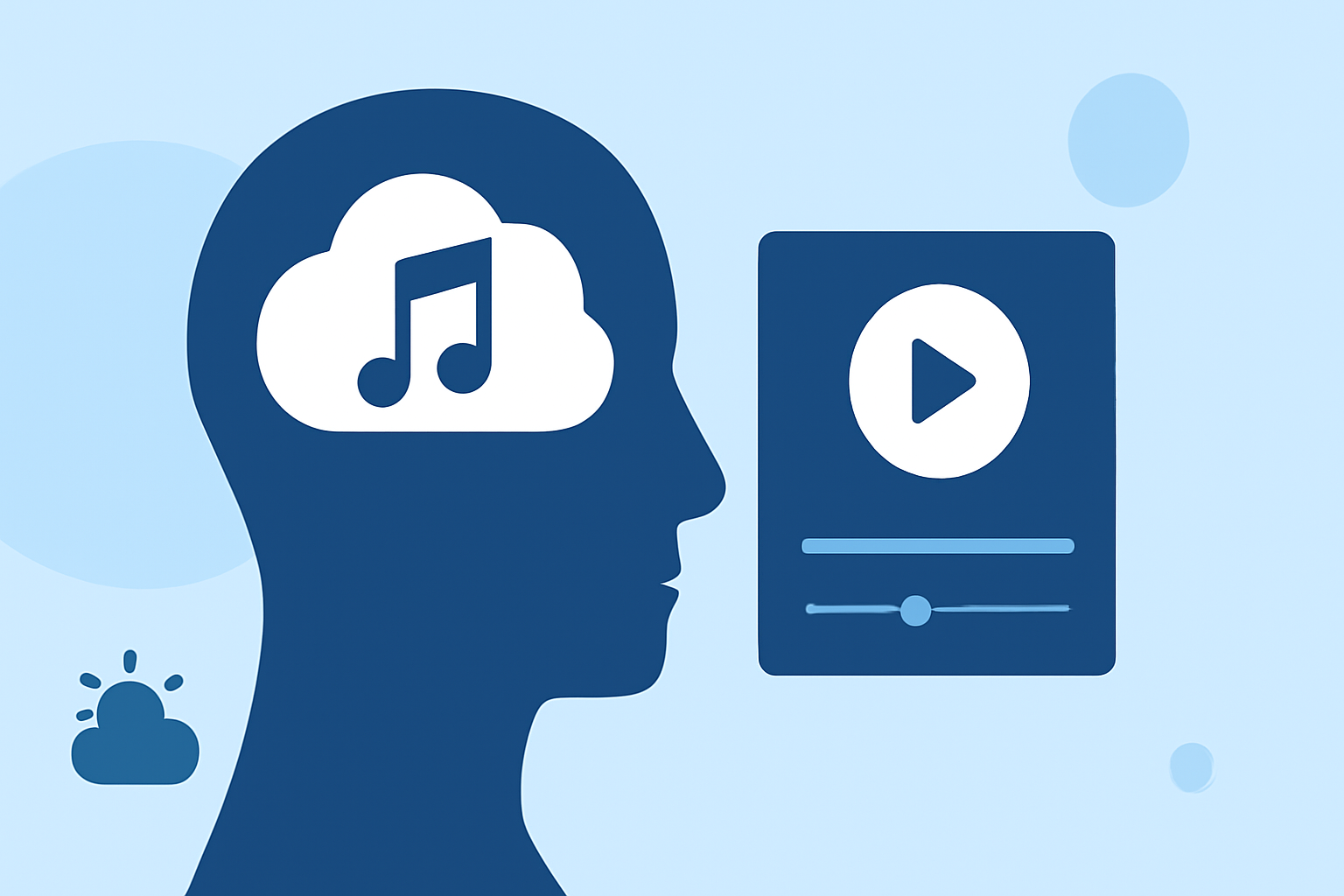
Planning your drive by integrating real-time weather updates with mood-based music can transform your journey into a personalized and enjoyable experience. Here's how you can achieve this:
1. How Can I Integrate Weather Updates with My Music Playlist?
To synchronize weather conditions with your music, consider using applications that adjust your playlist based on the current weather. These apps analyze local weather data and curate music that complements the day's conditions, enhancing your mood and driving experience.
2. What Are the Benefits of Using Weather-Based Music Apps?
Utilizing weather-based music applications offers several advantages:
-
Personalized Experience: Tailors music selections to match your current environment and mood.
-
Enhanced Mood: Aligns music with weather conditions, potentially improving your emotional state during the drive.
-
Convenience: Automates playlist creation, saving time and effort in selecting music.
3. How Do These Apps Determine the Appropriate Music for My Mood?
These applications employ advanced algorithms that analyze various factors, including:
-
Weather Data: Current conditions such as temperature, humidity, and precipitation.
-
User Preferences: Your past listening habits and favorite genres.
-
Time of Day: Adjusts music selection based on whether it's morning, afternoon, or evening.
By processing this information, the app curates a playlist that resonates with your current mood and surroundings.
4. Are There Specific Apps That Offer This Integration?
Yes, there are applications designed to provide this integration. They combine weather data with music recommendations to create a cohesive and enjoyable driving experience.
5. How Do I Set Up These Apps for My Drive?
To set up these applications:
-
Download and Install the App: Choose an app that offers weather-based music integration and install it on your device.
-
Allow Location Access: Enable location services so the app can access local weather data.
-
Connect Your Music Service: Link the app to your preferred music streaming service to access your playlists.
-
Customize Settings: Adjust preferences such as favorite genres, mood settings, and notification options.
-
Start Your Drive: Open the app before starting your journey to receive real-time music recommendations based on current weather conditions.
By following these steps, you can enhance your driving experience with music that complements the weather and your mood.
Integrating weather updates with mood-based music planning offers a personalized and enjoyable driving experience. By selecting the right applications and customizing settings to your preferences, you can create a harmonious atmosphere that makes every drive more pleasant.