
Enhancing Your Home Screen: Tips for Customizing Weather Widget Color Themes
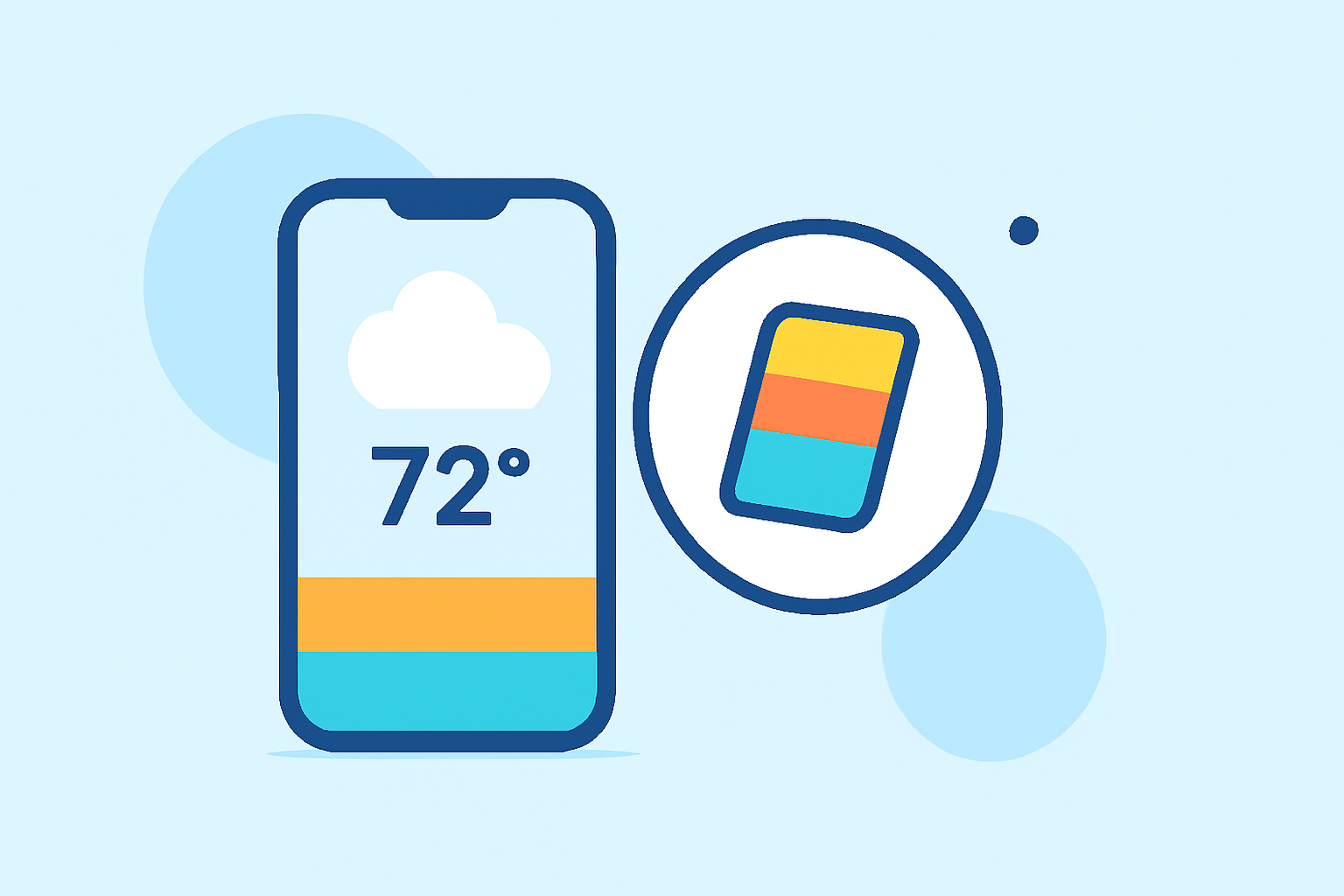
Customizing the color themes of your weather widgets can significantly enhance the visual appeal of your home screen. By selecting colors that complement your device's wallpaper and overall design, you can create a cohesive and personalized interface.
Understanding Widget Customization Options
Many weather widgets offer a range of customization features, including:
- Accent Colors: Adjust the primary color elements of the widget to align with your chosen theme.
- Background Themes: Select from various backgrounds such as light, dark, live weather, or transparent to suit your aesthetic preferences.
- Transparency Levels: Modify the opacity of the widget to allow your wallpaper to subtly show through, creating a layered effect.
For instance, some widgets provide options to customize the accent color and background themes, allowing users to select from pre-set colors or use a color picker for a personalized touch. (support.onelouder.com)
Choosing the Right Color Scheme
When selecting a color scheme for your weather widget, consider the following approaches:
- Minimalist Neutrals: Opt for warm whites or creams with soft gray text and a muted accent color like dusty blue or tan for a clean and sophisticated look.
- Vibrant Accents: Incorporate bright colors such as electric blue, lime, or magenta against a dark background to create a bold and energetic appearance.
- Pastel Tones: Choose soft hues like blush pink, lavender, or mint for a gentle and calming aesthetic.
These color schemes can be tailored to match your device's wallpaper and overall design, ensuring a cohesive and personalized interface. (lemon8-app.com)
Implementing Gradient Themes
Gradient themes involve smooth transitions between two or more colors, adding depth and dimension to your widget. Popular gradient styles include sunset gradients transitioning from warm orange to pink to purple, ocean gradients moving from deep blue to turquoise to seafoam, and neon gradients featuring electric pink to blue to purple. Each gradient is designed with text legibility in mind, ensuring that information remains clear and readable. (bemywidget.com)
Practical Tips for Customization
- Consistency: Maintain uniformity in font styles and widget shapes across your home screen to create a harmonious design.
- Contrast: Ensure sufficient contrast between text and background colors to enhance readability.
- Transparency: Adjust transparency levels to allow your wallpaper to subtly show through, adding depth to your home screen.
By thoughtfully customizing the color themes of your weather widgets, you can create a personalized and visually appealing home screen that reflects your style and preferences.