
Enhancing Your Home Screen with Weather Widgets in 2026
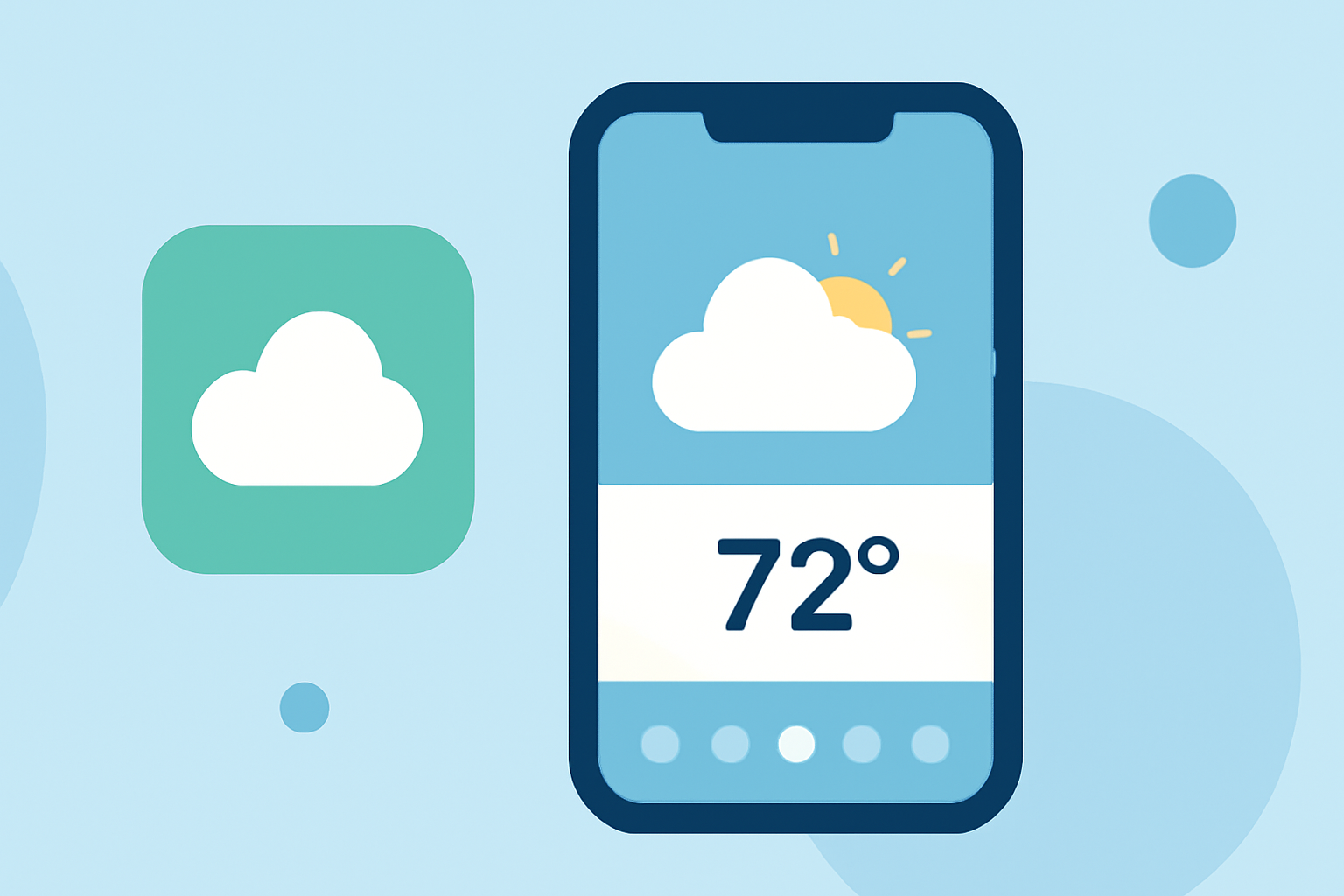
In 2026, weather widgets have become an essential feature for smartphone users seeking quick and personalized weather updates directly from their home screens. These widgets provide real-time information, allowing you to plan your day with ease.
What Are Weather Widgets?
Weather widgets are interactive mini-applications that display live weather information on your smartphone's home screen without the need to open a full app. They offer quick access to current conditions, forecasts, and other relevant data, enhancing your device's functionality and user experience.
How to Add Weather Widgets to Your Home Screen
For iPhone Users:
-
Access the Widget Gallery: Touch and hold an empty area on your Home Screen until the apps jiggle. Tap the '+' button in the top-left corner to open the widget gallery.
-
Select the Weather Widget: Scroll through the list of available widgets and choose the Weather widget.
-
Choose Widget Size: Decide on the widget size (small, medium, or large) that best fits your screen and information needs.
-
Add the Widget: Tap 'Add Widget' to place it on your Home Screen.
For Android Users:
-
Open the Widget Menu: Touch and hold an empty area on your Home Screen, then tap 'Widgets' to view available options.
-
Find the Weather Widget: Browse through the widgets and locate the Weather widget.
-
Add the Widget: Touch and hold the widget, then drag it to your desired location on the Home Screen.
Customizing Your Weather Widget
Personalizing your weather widget ensures it provides the most relevant information for your location and preferences.
-
Set Your Location: Ensure the widget displays weather information for your current location or a specific area of interest.
-
Adjust Widget Size and Position: Resize the widget to fit your Home Screen layout and move it to a convenient spot for easy access.
-
Enable Notifications: Activate weather notifications to receive timely updates on severe weather conditions or significant changes.
Benefits of Using Weather Widgets
-
Instant Access: Quickly view current weather conditions and forecasts without opening a separate app.
-
Personalization: Customize the widget to display information pertinent to your location and preferences.
-
Enhanced Planning: Make informed decisions about your day, such as choosing appropriate attire or planning outdoor activities.
Best Practices for Using Weather Widgets
-
Limit Widget Clutter: Avoid overcrowding your Home Screen with too many widgets to maintain a clean and organized interface.
-
Regular Updates: Ensure your weather widget refreshes regularly to provide accurate and up-to-date information.
-
Battery Considerations: Be mindful that some widgets may consume more battery power; monitor your device's performance and adjust settings as needed.
By effectively adding and customizing weather widgets on your smartphone's home screen, you can enjoy personalized and timely weather updates, enhancing your daily planning and overall user experience.