
Enhancing Your Morning Routine with Smart Displays
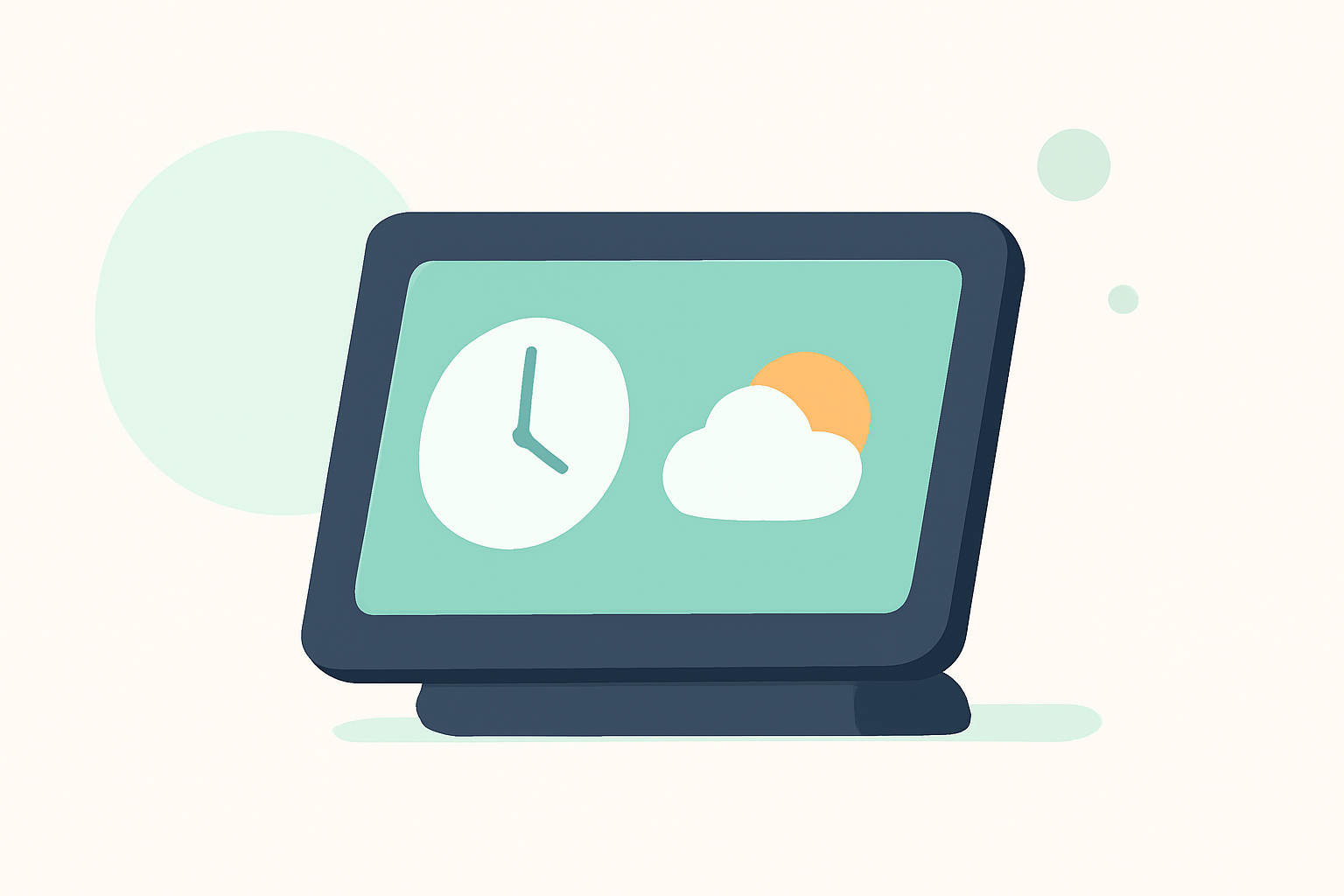
Starting your day with a personalized morning briefing on your smart display can set a positive tone and keep you informed. Here's how to make the most of this feature:
What Is a Morning Briefing on a Smart Display?
A morning briefing is a customized summary presented on your smart display, typically featuring:
- Weather Updates: Current conditions and forecasts for your area.
- News Highlights: Top stories to keep you informed.
- Calendar Events: Upcoming appointments or reminders.
How Can a Morning Briefing Benefit You?
Integrating a morning briefing into your routine offers several advantages:
- Time Efficiency: Access essential information at a glance without needing to check multiple devices.
- Personalization: Tailor the content to your preferences, ensuring relevance.
- Productivity Boost: Start your day with a clear overview, enhancing focus and organization.
How Do I Set Up a Morning Briefing?
Setting up a morning briefing varies depending on your smart display's platform:
-
Google Assistant: Say, "Hey Google, good morning," to receive a summary of your day. You can customize this briefing through the Google Home app by selecting "More settings" and then "My day." Here, you can choose the information you want included, such as weather, news, and calendar events. (howtogeek.com)
-
Amazon Alexa: Say, "Alexa, good morning," to hear your briefing. Customize it by opening the Alexa app, navigating to "Settings," then "Routines," and selecting "Good Morning." You can add or remove actions like weather updates, news, and traffic reports.
-
Samsung Smart Displays: Utilize the Daily Board feature, which displays useful information like weather, memos, and device statuses when the screen is off. Activate it by voice command or user detection. (samsung.com)
What Content Should Be Included in My Morning Briefing?
Customize your briefing to include:
- Weather Forecasts: Current conditions and upcoming forecasts for your location.
- News Updates: Top stories from reliable sources.
- Calendar Events: Upcoming meetings or appointments.
- Traffic Reports: Information on your commute to help plan your route.
How Can I Ensure My Briefing Is Accurate and Up-to-Date?
To maintain accuracy:
- Regular Updates: Ensure your smart display's software and apps are up to date.
- Location Settings: Verify that your device has access to your current location for precise weather and traffic information.
- Reliable Sources: Choose reputable news and weather services for your updates.
Can I Use My Smart Display for Other Morning Activities?
Absolutely. Beyond morning briefings, your smart display can assist with:
- Setting Alarms and Timers: Manage your schedule hands-free.
- Playing Music or Podcasts: Start your day with your favorite tunes or informative podcasts.
- Controlling Smart Home Devices: Adjust lighting, temperature, and more with voice commands.
By integrating a morning briefing into your smart display, you can streamline your mornings, stay informed, and enhance your daily productivity.