
Enhancing Your Tablet with Large Weather Widgets
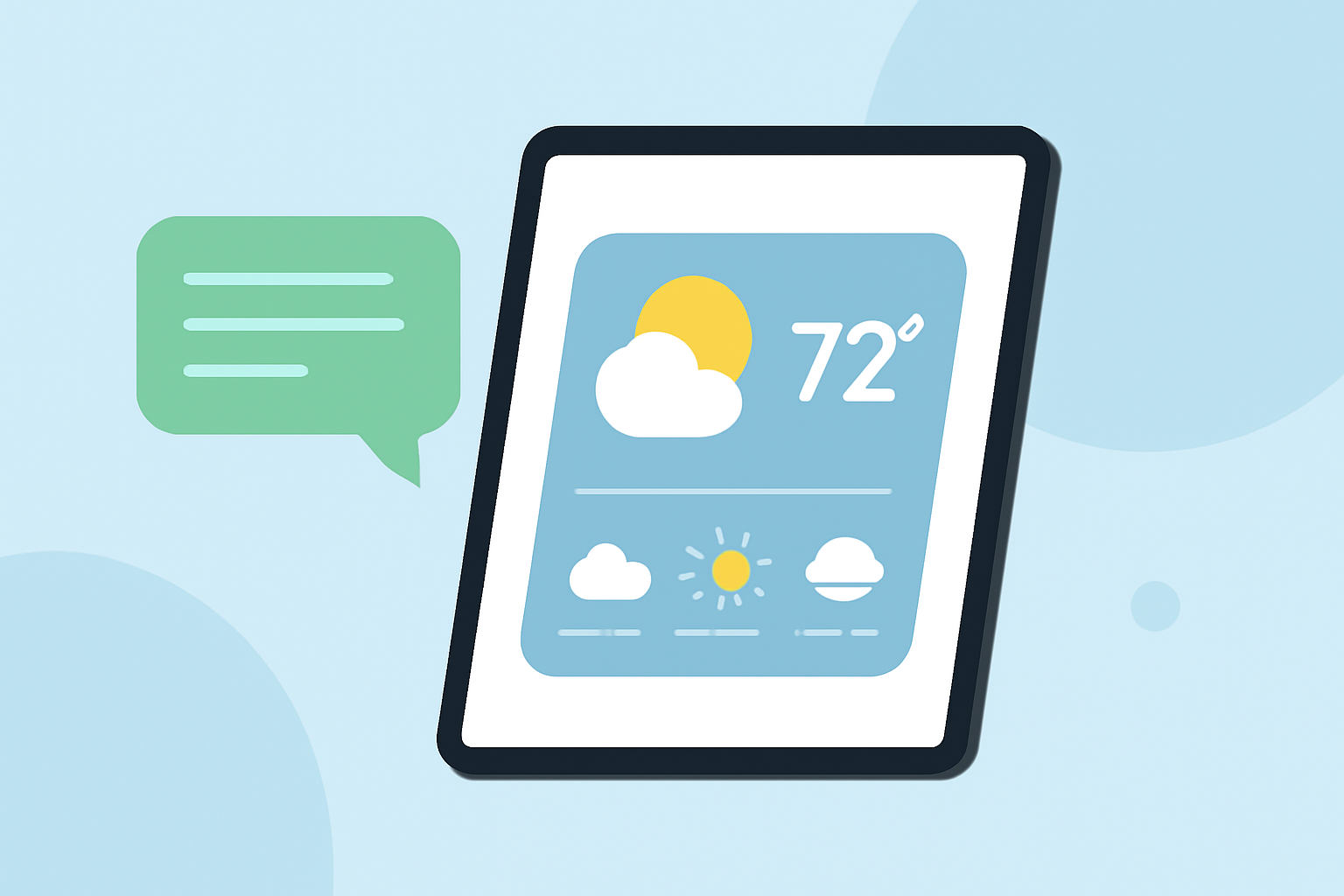
Transforming your tablet into a dynamic weather station is both practical and straightforward. By utilizing large, customizable weather widgets, you can access real-time updates at a glance, enhancing your daily planning and preparedness.
What Are Large Weather Widgets?
Large weather widgets are interactive elements that display detailed weather information directly on your tablet's home screen. They provide current conditions, forecasts, and other relevant data without the need to open a dedicated app. This setup offers immediate access to weather updates, making it easier to plan your day.
How Do Large Weather Widgets Benefit Tablet Users?
-
Instant Access to Information: With a large weather widget, you can view current conditions and forecasts without launching an app, saving time and effort.
-
Customization: Many widgets allow you to adjust their size, appearance, and the specific information displayed, tailoring the experience to your preferences.
-
Enhanced Planning: Having weather information readily available helps in making informed decisions about daily activities, travel, and outdoor events.
How to Set Up Large Weather Widgets on Your Tablet
-
Choose a Compatible Weather App: Select a weather application that offers large, customizable widgets compatible with your tablet's operating system.
-
Install the App: Download and install the chosen weather app from your device's app store.
-
Add the Widget to Your Home Screen:
- For Android Tablets: Press and hold on an empty area of your home screen, select "Widgets," then choose the desired weather widget and place it on your screen.
- For iOS Tablets: Swipe right on the home screen to access the Today View, scroll to the bottom, tap "Edit," then add the weather widget from the list.
- Customize the Widget: Adjust the widget's settings to display the information you find most useful, such as current temperature, hourly forecast, or severe weather alerts.
Which Weather Apps Offer Large Widgets for Tablets?
Several weather applications provide large, customizable widgets suitable for tablet users:
-
Weawow: This free, ad-free app offers large, attractive widgets that can be placed on your home screen, providing current conditions and forecasts. (dashpadd.com)
-
1Weather: Known for its elegant design, 1Weather provides a variety of widget sizes, including large options, with customizable features. (makeuseof.com)
-
Today Weather: This app offers a clean design with large widgets that display detailed weather information, including current conditions and forecasts. (xda-developers.com)
How Can Clime Enhance Your Tablet's Weather Experience?
Clime offers a comprehensive weather application that provides detailed forecasts, interactive maps, and real-time updates. Its user-friendly interface and customizable widgets allow you to tailor the weather information displayed on your tablet, ensuring you have the most relevant data at your fingertips.
Conclusion
Integrating large weather widgets into your tablet's home screen is an effective way to stay informed about current conditions and forecasts. By selecting a compatible weather app and customizing the widget to your preferences, you can enhance your daily planning and preparedness. Clime's features and user-friendly design make it a valuable tool for transforming your tablet into a dynamic weather station.