
Enhancing Your Website with Compact Weather Widgets
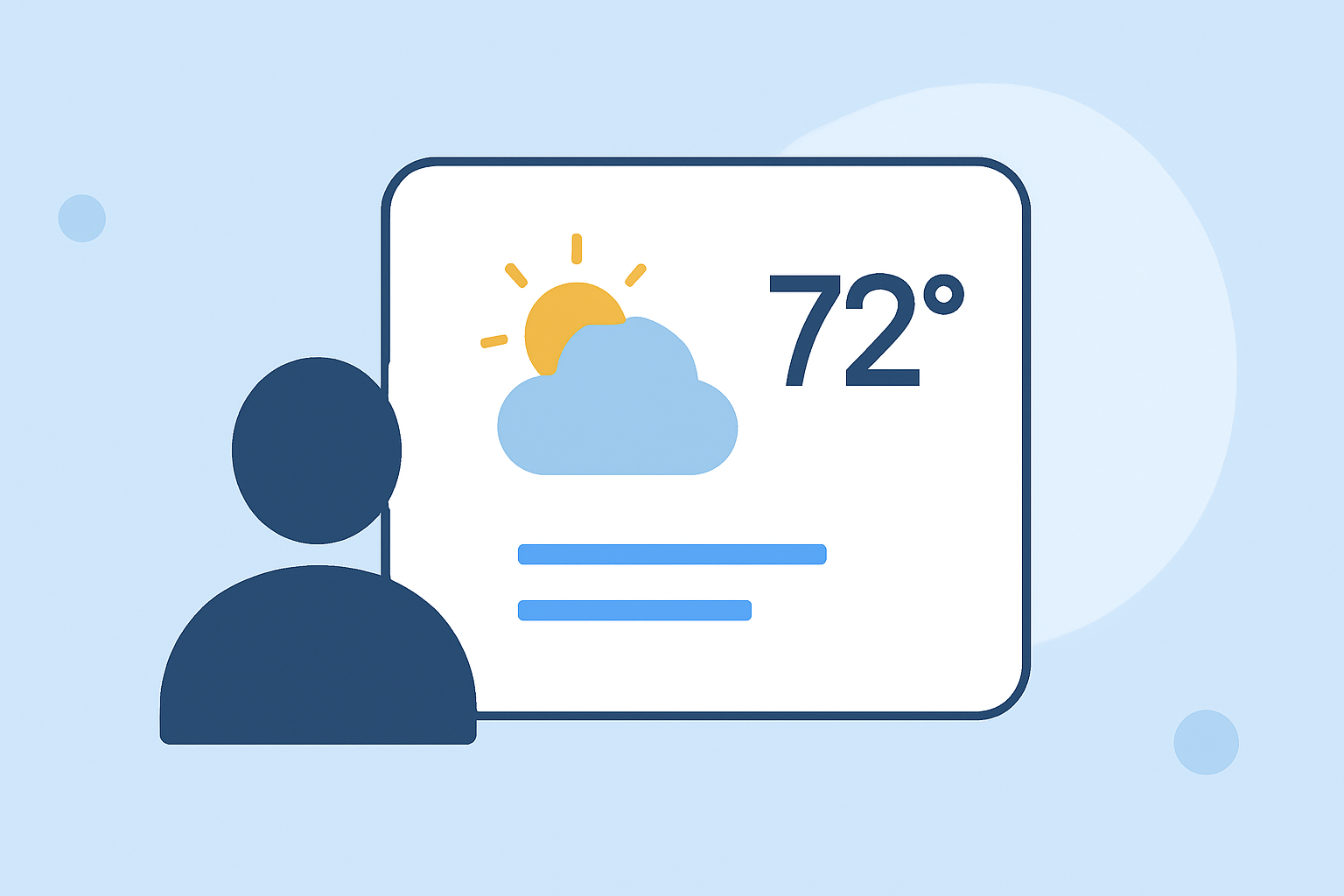
Integrating a compact weather widget into your website can enhance user experience by providing real-time weather updates in a concise and visually appealing manner. These widgets are particularly useful for news outlets, travel blogs, sports websites, and any platform where weather information is relevant.
What Are Compact Weather Widgets?
Compact weather widgets are small, customizable tools that display current weather conditions and forecasts directly on your website. They typically show essential information such as temperature, weather conditions (e.g., sunny, cloudy, rainy), and sometimes a short-term forecast. Their compact size ensures they fit seamlessly into various website designs without overwhelming the content.
Why Should You Add a Compact Weather Widget to Your Website?
-
Enhanced User Engagement: Providing real-time weather updates keeps visitors informed and encourages them to spend more time on your site.
-
Improved User Experience: A well-designed weather widget offers valuable information without disrupting the site's aesthetics or functionality.
-
Increased Credibility: Offering accurate and timely weather information can position your website as a reliable source of information.
How to Choose the Right Compact Weather Widget for Your Website?
When selecting a compact weather widget, consider the following factors:
-
Customization Options: Ensure the widget allows you to adjust colors, fonts, and layout to match your website's design.
-
Responsiveness: The widget should adapt to different screen sizes, providing a consistent experience across devices.
-
Data Accuracy: Choose a widget that sources its data from reliable meteorological services to ensure accuracy.
-
Ease of Integration: Opt for widgets that offer straightforward embedding options, such as simple HTML code snippets.
How to Integrate a Compact Weather Widget into Your Website?
-
Select a Widget: Choose a compact weather widget that aligns with your website's design and functional requirements.
-
Customize the Widget: Use the widget's customization options to adjust its appearance, including colors, fonts, and layout, to match your website's theme.
-
Obtain the Embed Code: After customization, generate the HTML embed code provided by the widget service.
-
Embed the Code: Paste the generated HTML code into the desired location on your website's HTML file, typically within the
<body>tag where you want the widget to appear. -
Test the Widget: After embedding, preview your website to ensure the widget displays correctly and functions as expected.
Best Practices for Using Compact Weather Widgets
-
Placement: Position the widget in a location that is easily visible but does not interfere with the main content, such as in the sidebar or header.
-
Consistency: Ensure the widget's design is consistent with your website's overall aesthetic to maintain a cohesive user experience.
-
Update Frequency: Choose a widget that updates its data at appropriate intervals to provide timely information without overloading your website with requests.
Conclusion
Integrating a compact weather widget into your website is an effective way to provide valuable, real-time information to your visitors. By carefully selecting and customizing the widget, you can enhance user engagement and establish your site as a reliable source of weather information.
For a comprehensive solution that offers customizable, responsive, and non-branded weather widgets, consider exploring Clime's offerings. Clime provides a range of weather widgets that can seamlessly integrate into your website, offering real-time updates and a user-friendly experience.