
Enhancing Your Website with Interactive Weather Widgets
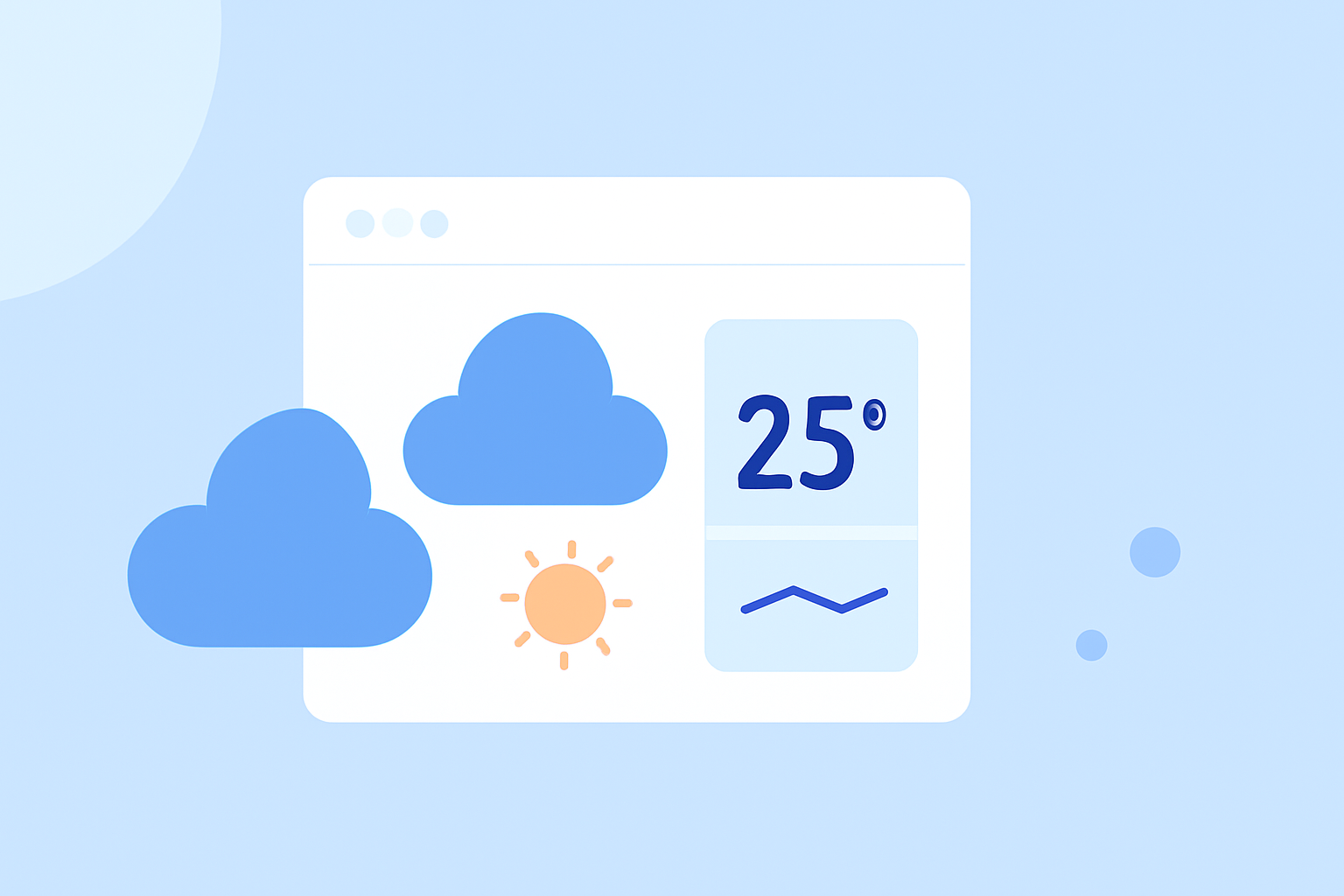
Integrating interactive weather widgets into your website can significantly enhance user engagement by providing real-time, location-specific weather updates. These widgets offer dynamic, visually appealing forecasts that adapt to various screen sizes, ensuring a seamless experience across devices.
What Are Interactive Weather Widgets?
Interactive weather widgets are embedded tools that display current weather conditions, forecasts, and other meteorological data directly on your website. They are designed to be responsive, adjusting their layout and size to fit different screen dimensions, from desktop monitors to mobile devices. This adaptability ensures that users receive accurate and timely weather information, regardless of the device they use.
Why Should You Add a Weather Widget to Your Website?
-
Enhanced User Engagement: Providing real-time weather updates keeps visitors engaged and encourages them to spend more time on your site.
-
Improved User Experience: A well-designed weather widget offers valuable information, helping users plan their activities and making your website a go-to resource.
-
Increased Credibility: Offering accurate and timely weather information can position your website as a reliable source, building trust with your audience.
How to Choose the Right Weather Widget for Your Website?
When selecting a weather widget, consider the following factors:
-
Customization Options: Ensure the widget allows you to tailor its appearance to match your website's design, including color schemes, fonts, and layout.
-
Responsiveness: The widget should adapt seamlessly to various screen sizes, providing a consistent experience across devices.
-
Data Accuracy: Opt for widgets that source their data from reputable meteorological services to ensure reliability.
-
Ease of Integration: Choose widgets that are easy to embed into your website, preferably with simple code snippets or plugins.
How to Integrate a Weather Widget into Your Website?
Integrating a weather widget typically involves the following steps:
-
Select a Widget: Choose a widget that aligns with your website's design and functional requirements.
-
Customize the Widget: Use the widget's customization options to adjust its appearance and settings to fit your website's theme.
-
Obtain the Embed Code: Most widgets provide an HTML or JavaScript code snippet for embedding.
-
Embed the Code: Paste the code into the HTML of your website where you want the widget to appear.
Best Practices for Using Weather Widgets
-
Keep It Relevant: Ensure the widget displays weather information pertinent to your target audience's location.
-
Maintain Performance: Monitor the widget's impact on your website's load time and performance, opting for lightweight options if necessary.
-
Regular Updates: Choose widgets that update their data frequently to provide the most current information.
Conclusion
Adding an interactive weather widget to your website is a strategic move to enhance user engagement and provide valuable, real-time information. By carefully selecting and integrating a widget that aligns with your website's design and functional needs, you can offer a more dynamic and user-friendly experience.
For a comprehensive solution, consider Clime's weather widgets, which offer customizable, responsive designs tailored to your website's needs.