
Enhancing Your Website with Large, Easy-to-Use Weather Widgets
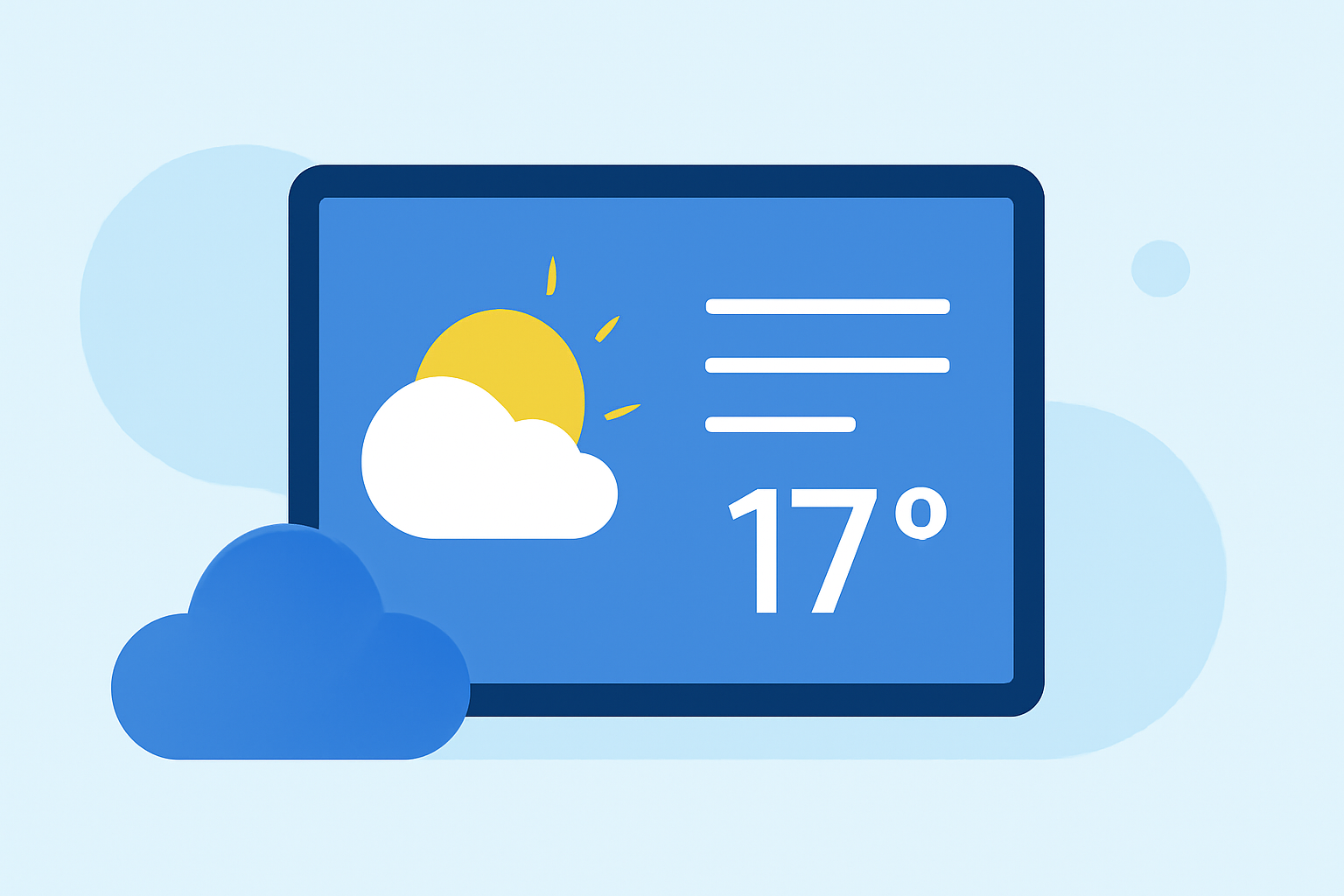
Integrating a large, easy-to-use weather widget into your website can significantly enhance user engagement by providing real-time, localized weather updates. Such widgets not only inform visitors but also contribute to a more dynamic and interactive user experience.
Why Add a Weather Widget to Your Website?
Incorporating a weather widget offers several benefits:
- Real-Time Information: Deliver up-to-date weather conditions and forecasts, keeping your audience informed.
- User Engagement: Interactive elements like weather widgets can increase time spent on your site.
- Local Relevance: Tailor content to specific geographic locations, enhancing the site's relevance to visitors.
Key Features to Look for in a Weather Widget
When selecting a weather widget, consider the following features:
- Customization Options: Ability to adjust colors, fonts, and layouts to match your website's design.
- Responsiveness: Ensures the widget adapts to various screen sizes, providing a seamless experience across devices.
- Forecast Duration: Options to display current conditions, hourly updates, or multi-day forecasts.
- Location Flexibility: Support for multiple locations, allowing visitors to view weather information relevant to them.
Integrating a Weather Widget into Your Website
Adding a weather widget is typically straightforward:
- Choose a Widget: Select a widget that aligns with your website's design and functional requirements.
- Customize Settings: Adjust the widget's appearance and settings to fit your site's aesthetic and content needs.
- Embed Code: Copy the provided HTML or JavaScript code snippet.
- Insert Code: Paste the code into the desired location within your website's HTML.
Best Practices for Using Weather Widgets
- Placement: Position the widget prominently to ensure visibility without disrupting the site's layout.
- Update Frequency: Ensure the widget refreshes regularly to provide accurate and timely information.
- Testing: Verify the widget's functionality across different browsers and devices to maintain a consistent user experience.
Conclusion
Incorporating a large, easy-to-use weather widget into your website can enhance user engagement by providing real-time, localized weather information. By selecting a customizable, responsive widget that aligns with your site's design, you can offer visitors valuable content that encourages them to return.