
Essential Gear for Building a Home Weather Station
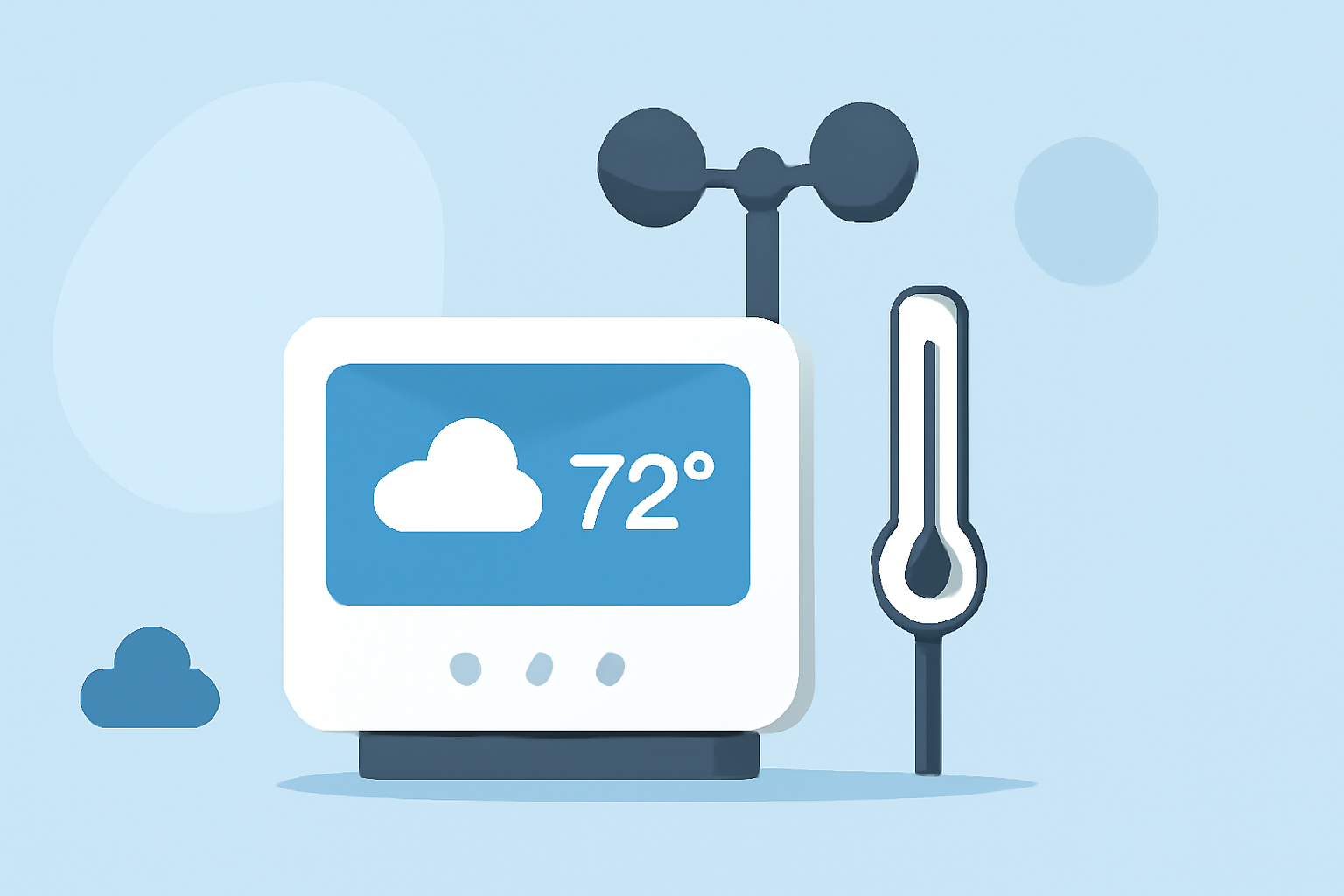
Building a home weather station allows you to monitor local atmospheric conditions in real-time, providing valuable insights for daily planning, gardening, or educational purposes. Here's a guide to help you select and set up the essential equipment for an accurate and reliable home weather station.
1. What Are the Key Components of a Home Weather Station?
A comprehensive home weather station typically includes the following components:
-
Outdoor Sensor Array: Measures temperature, humidity, wind speed and direction, rainfall, UV index, and solar radiation.
-
Indoor Display Console: Receives data from the outdoor sensors and displays it on a screen.
-
Connectivity Options: Wi-Fi or Bluetooth capabilities for data transmission to smartphones or computers.
-
Power Supply: Solar panels, batteries, or AC adapters to power the sensors and display.
2. How Do I Choose the Right Weather Station for My Needs?
When selecting a weather station, consider the following factors:
-
Data Accuracy: Ensure the sensors provide precise measurements for temperature, humidity, wind, and rainfall.
-
Connectivity: Opt for models with Wi-Fi or Bluetooth to access data remotely via apps or online platforms.
-
Ease of Installation: Look for user-friendly setups with clear instructions.
-
Durability: Choose weather-resistant materials suitable for your local climate conditions.
-
Budget: Determine your budget, as prices can vary significantly based on features and brand reputation.
3. What Are Some Recommended Home Weather Stations?
Based on expert reviews and user feedback, here are some top-rated home weather stations:
Ambient Weather Reviews | Customer Service Reviews of Ambient Weather | https://ambientweather.com/ Ambient Weather WS-2902C WiFi Home Weather Station Offers comprehensive data collection with Wi-Fi connectivity, allowing remote monitoring via smartphone apps. (consumerreports.org)
AcuRite Iris (5-in-1) Weather Station with Color Display for Indoor an AcuRite Iris 5-in-1 Weather Station Features a sleek design with a high-definition display, providing real-time weather updates and historical data tracking. (outdoorlife.com)
Wi-Fi Professional Weather Station | Color Forecast Stations | La Crosse Technology La Crosse Technology V42-PRO-INT Weather Center Known for its user-friendly interface and accurate measurements, this model includes a color display and multiple sensor options. (bobvila.com)
Tempest Weather Station Accuracy at Dorothy Bufkin blog WeatherFlow Tempest Weather System Utilizes advanced technology to provide hyper-local weather data with a focus on storm tracking and lightning detection. (outdoorlife.com)
SwitchBot Weather Station delivers daily weather reports and personal calendar alerts with smart home control - Notebookcheck News SwitchBot Weather Station Combines weather monitoring with smart home integration, featuring a built-in calendar and environmental sensors. (t3.com)
4. How Do I Set Up My Home Weather Station?
Follow these general steps to set up your weather station:
-
Select an Appropriate Location: Place the outdoor sensor array in an open area away from obstructions like trees or buildings to ensure accurate readings.
-
Mount the Sensors: Install the sensors at recommended heights, typically 4-6 feet above the ground, and ensure they are securely fastened.
-
Connect to Power: Set up the power supply, whether it's solar panels, batteries, or an AC adapter, ensuring continuous operation.
-
Link to Display Console: Follow the manufacturer's instructions to pair the outdoor sensors with the indoor display console.
-
Configure Connectivity: Connect the system to your Wi-Fi or Bluetooth network to enable remote monitoring and data access.
-
Calibrate and Test: Calibrate the sensors if necessary and test the system to ensure all components are functioning correctly.
5. How Do I Maintain My Home Weather Station?
Regular maintenance is essential for accurate data collection:
-
Clean Sensors Periodically: Remove debris and clean the sensors to prevent blockages and ensure accurate measurements.
-
Check for Obstructions: Ensure that the sensor array remains free from obstructions that could affect readings.
-
Monitor Battery Levels: If using battery-powered sensors, check and replace batteries as needed to maintain continuous operation.
-
Update Software: Keep any associated apps or software updated to benefit from the latest features and improvements.
By carefully selecting and properly setting up your home weather station, you can enjoy accurate, real-time weather data tailored to your specific location, enhancing your daily planning and activities.
Highlights:
- SwitchBot's new smart weather station is finally here - but it's the built-in calendar I'm most impressed by, Published on Wednesday, June 03
5 Best Home Weather Stations in 2026: Which One Is Most Accurate?