
Essential Weather Widgets for Commuters: Stay Informed on the Go
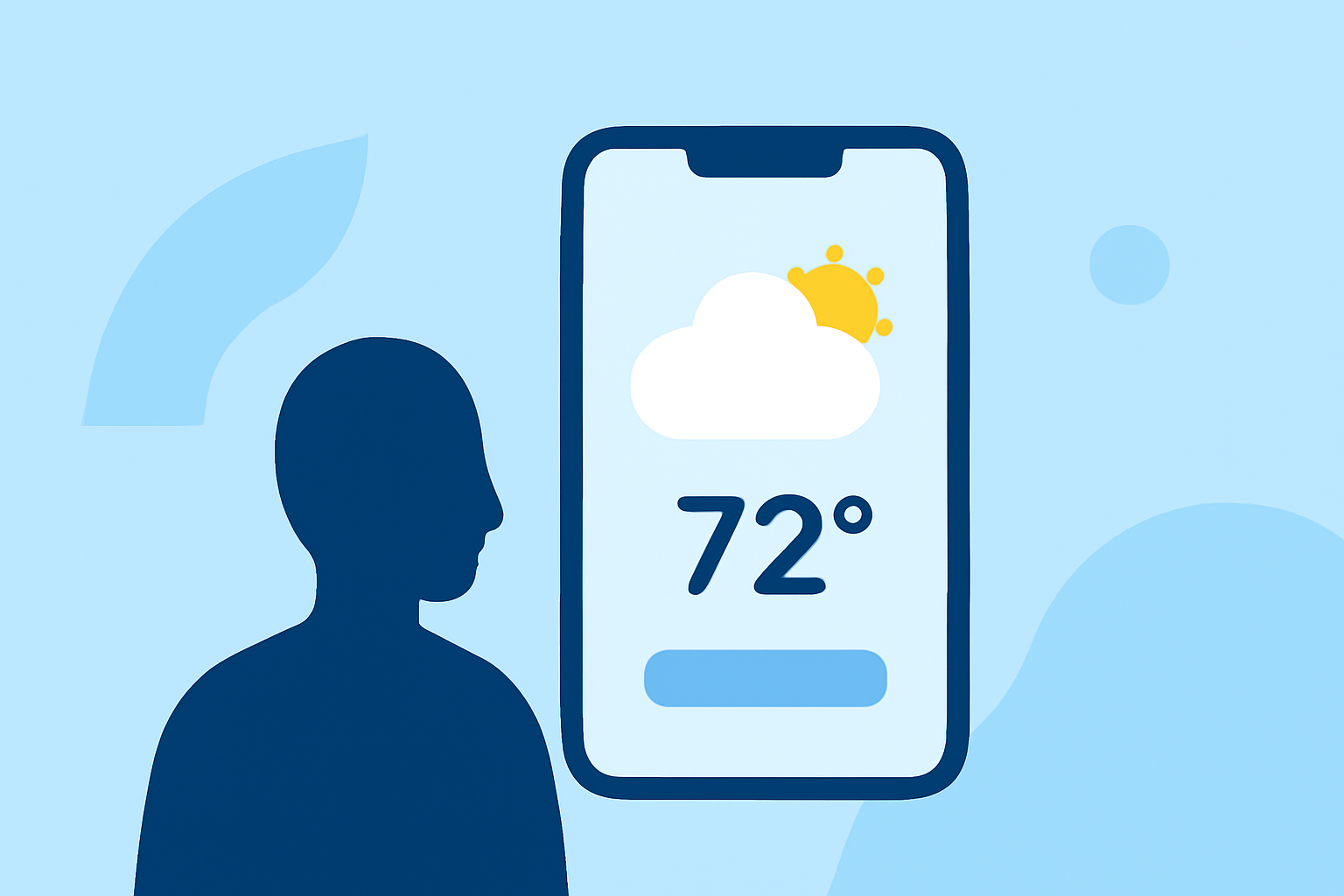
As a commuter, staying informed about weather conditions is crucial for a safe and efficient journey. Weather widgets offer a convenient way to access real-time updates and forecasts directly from your device's home screen.
What Are Weather Widgets?
Weather widgets are small, interactive elements that display current weather conditions, forecasts, and alerts without the need to open a full app. They provide quick insights into temperature, precipitation, wind speed, and more, tailored to your location or selected destinations.
Why Are Weather Widgets Important for Commuters?
For commuters, having immediate access to localized weather information aids in planning activities, dressing appropriately, and ensuring safety during trips. Widgets eliminate the need to launch an app, providing instant updates at a glance.
Key Features to Look for in Weather Widgets
When selecting a weather widget for your commute, consider the following features:
- Real-Time Updates: Ensure the widget provides current weather conditions and forecasts.
- Customization Options: Look for widgets that allow you to adjust size, transparency, and information displayed.
- Severe Weather Alerts: Widgets that offer notifications for severe weather events can help you make informed decisions.
- Battery Efficiency: Choose widgets that update at appropriate intervals to conserve battery life.
Clime: A Comprehensive Solution for Commuters
Clime offers a comprehensive suite of features tailored for commuters, including NOAA-based radar, RainScope® minute-by-minute precipitation forecasts, and a 14-day hourly forecast. Its widgets provide real-time weather updates, ensuring you're always informed about current conditions and upcoming forecasts. Clime's user-friendly interface and accurate data make it a top choice for those on the move. (climeradar.com)
How to Set Up a Weather Widget on Your Device
Setting up a weather widget is straightforward:
- Add the Widget: Long-press on your device's home screen and select "Widgets."
- Choose the Widget: Scroll through the list and select the desired weather widget.
- Place the Widget: Drag the widget to your preferred location on the home screen.
- Customize Settings: Adjust the widget's settings to display the information you need.
Conclusion
Incorporating a weather widget into your daily routine can enhance your commuting experience by providing timely and relevant weather information. By selecting a widget that aligns with your needs and preferences, you can stay informed and prepared for any weather conditions that may arise during your commute.